The new magic wand selection
-
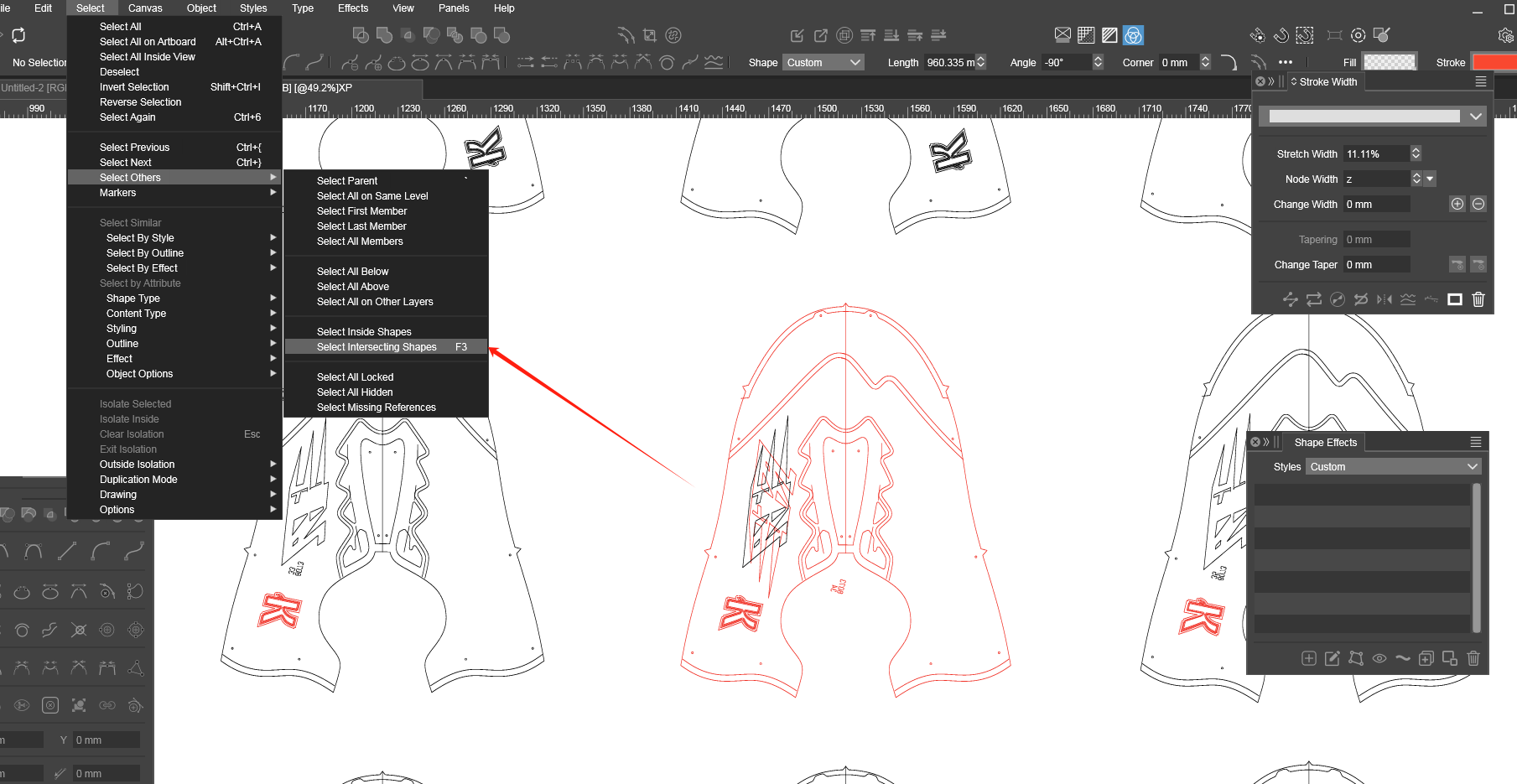
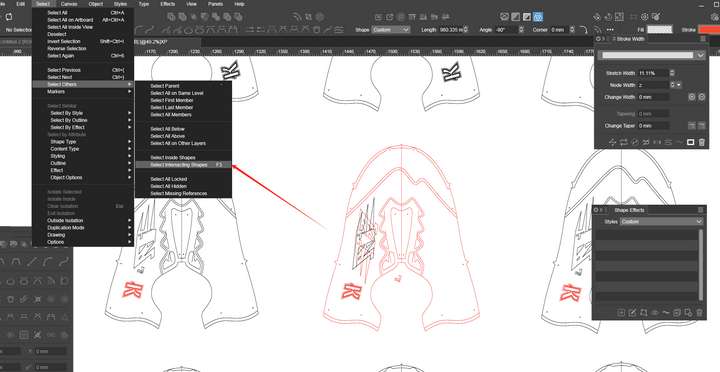 Can a selection method be added to the magic wand? The function is similar to the effect of my F3 (selecting the graphics within the path area), but the difference is that after the magic wand selects the outer - path, it can select all the inner - path graphics together (similar to a temporary group, so it will be more convenient and faster to select some graphics).
 -
@monsterfox The magic wand is used to select by style (the style mode and tolerance is set in the Magic Wand panel).
The magic wand can also be combined with the lasso tool. Is that what is needed here?
Or would this be some kind of "select intersecting shapes that also match some style"?
-
@VectorStyler This is just to provide a quick selection method for complex scenarios. I often encounter graphics provided by clients that are very messy here. The lasso tool is too complicated to operate in some scenarios. If the method I mentioned is added, only one click is required to select multiple graphics, and I think it will be better.
-
@monsterfox said in The new magic wand selection:
If the method I mentioned is added, only one click is required to select multiple graphics, and I think it will be better.
Would this select the shapes intersect a shape that has been clicked?
-
@VectorStyler They will intersect, just like a container. Click on the container and all the objects in the container can be selected, including the container itself. (Even if the container has a notch, it can still be selected.)
-
@monsterfox said in The new magic wand selection:
Click on the container and all the objects in the container can be selected,
I will try to add this.
-
@VectorStyler https://youtu.be/W7WcbZ_GkSA?feature=shared
0_1742136690746_3_2.vstyler
Today, I encountered an issue where after selecting the outlines of two shapes, some of the internal shapes were missed. I would appreciate it if you could look into this problem. Thank you. -
@monsterfox I opened a bug on this and will try to find a solution.
-
@VectorStyler The Magic Wand tool is working well overall, but there's a minor issue: occasionally, when selecting inner shapes, the outer contour also gets selected. Hope this can be fixed.
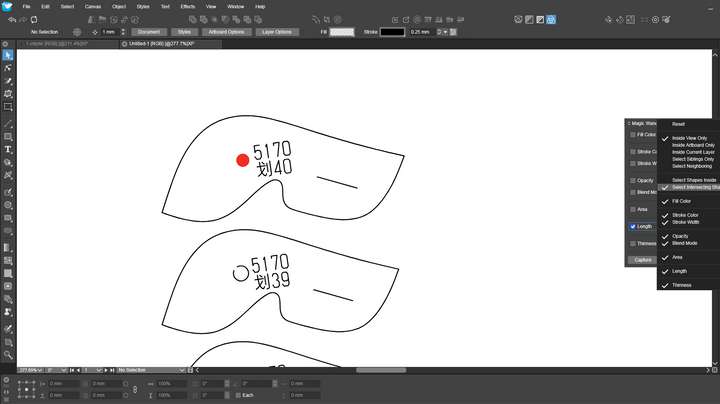 0_1745074828422_红点.vstyler
 -
@monsterfox said in The new magic wand selection:
I will try to replicate this.
-
@monsterfox said in The new magic wand selection:
when selecting inner shapes, the outer contour also gets selected
I could not replicate this.
-
@VectorStyler The following error is included in the file I provided. Selecting the red circle inside will result in the selection of the outer graphic.
