VectorStyler
    • Categories
    • Unread
    • Recent
    • Tags
    • Popular
    • Register
    • Login

    Adjustment layer halftone affects more than just the artboard
    Scheduled Pinned Locked Moved Questions and Support
    2 Posts 2 Posters 2.8k Views 1 Watching
    Loading More Posts
    • Oldest to Newest
    • Newest to Oldest
    • Most Votes
    Reply
    • Reply as topic
    Log in to reply
    This topic has been deleted. Only users with topic management privileges can see it.
    • BoldlineB Offline
      Boldline
      last edited by

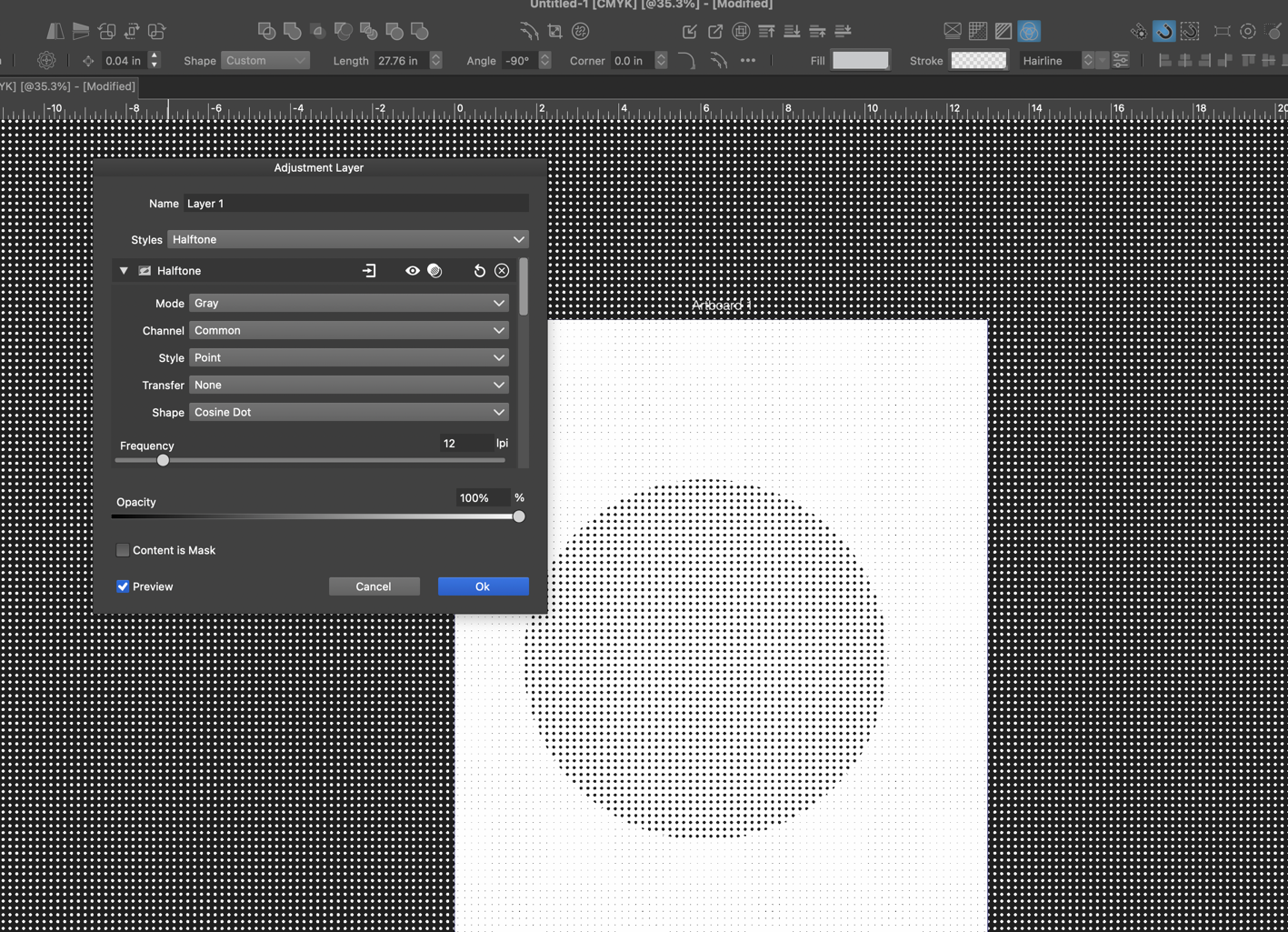
      Is it normal for the adjustment layer pixelate halftone option to render the canvas and artboard and vector object as a halftone? is there a setting i need to adjust?
      0_1722194476696_61e83633-7f41-4733-8d53-923a90000ba7-CleanShot 2024-07-28 at 15.20.54.png

      🍎 macOS Tahoe 26.2, Mac mini (M1, 2020), Chip Apple M1, Memory 16 GB
      Cintiq 27QHD Display and LG Ultra HD Display

      VectorStylerV 1 Reply Last reply Reply Quote 1
      • VectorStylerV Offline
        VectorStyler @Boldline
        last edited by

        @Boldline It will render the whole visible (or exported) area. This is basically the whole layer, the artboards are just guides for printing / exporting (Same goes with any other drawing).

        Adjustment effects can be restricted to an area or any shape, by drawing an object, adding the effect ti the object (as a regular image effect) and turning the object into an adjustment layer (in Object Options)


        1 Reply Last reply Reply Quote 0
        • First post
          Last post