VectorStyler
    • Categories
    • Unread
    • Recent
    • Tags
    • Popular
    • Register
    • Login

    Just a Pattern

    Scheduled Pinned Locked Moved Tutorials
    37 Posts 5 Posters 60.6k Views 5 Watching
    Loading More Posts
    • Oldest to Newest
    • Newest to Oldest
    • Most Votes
    Reply
    • Reply as topic
    Log in to reply
    This topic has been deleted. Only users with topic management privileges can see it.
    • S Offline
      Subpath
      last edited by Subpath

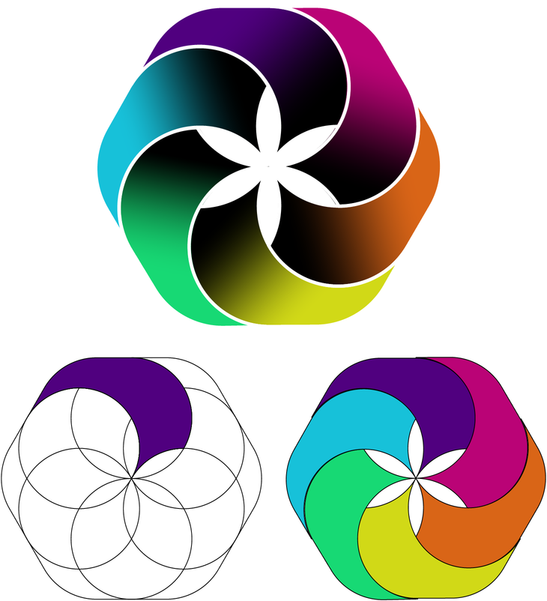
      made a variation, also all in VectorStyler
      0_1725734412156_poly-try-3.png

      Win 11
      CPU: AMD Ryzen 5 9600X, 6-core.
      GPU: Nvidia Geforce RTX 5070.

      1 Reply Last reply Reply Quote 4
      • S Offline
        Subpath
        last edited by Subpath

        some further variations of this design
        seems that i am not short on Ideas πŸ™‚

        will do a tutorial which tricks VectorStyler offers
        to get such results
        .
        .
        the first tutorial is online, you found it here:
        https://www.vectorstyler.com/forum/topic/4624/using-the-extend-path-tool-to-adjust-a-blend
        .
        .
        this second tutorial shows how to replace dashes of a stroke with another shape
        https://www.vectorstyler.com/forum/topic/4625/replace-dashed-line-strokes-with-another-shape

        .
        .
        0_1725966845263_recreated-design-3.png

        Win 11
        CPU: AMD Ryzen 5 9600X, 6-core.
        GPU: Nvidia Geforce RTX 5070.

        1 Reply Last reply Reply Quote 3
        • S Offline
          Subpath
          last edited by Subpath

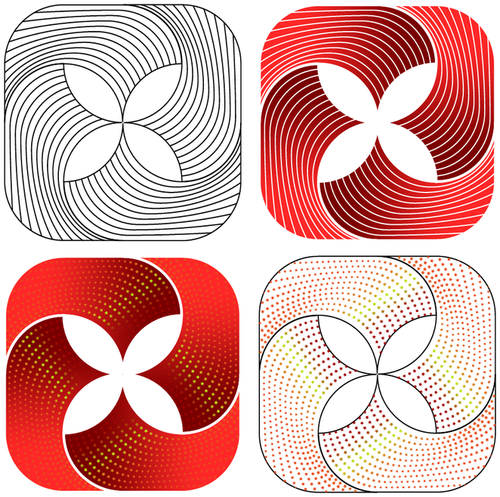
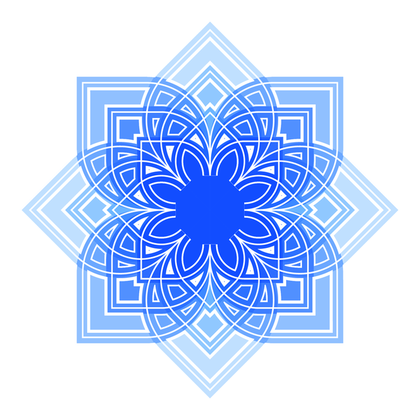
          Another pattern, created in Vectorstyler
          is an overlay of different patterns and
          experiments with combined stroke stripes
          .
          .
          0_1729290781137_flower.png

          Win 11
          CPU: AMD Ryzen 5 9600X, 6-core.
          GPU: Nvidia Geforce RTX 5070.

          IngolfI 1 Reply Last reply Reply Quote 6
          • S Offline
            Subpath
            last edited by Subpath

            0_1732559277198_Stripe-Pattern.png
            .
            .
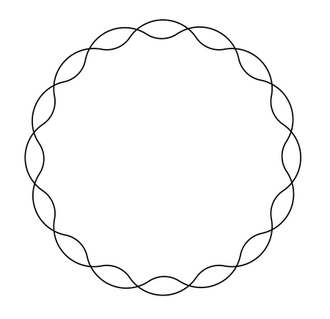
            I'm still experimenting with the possibilities Stroke Stripe offers
            for creating patterns.

            It started with that simple pattern below, I added an offset shape effect
            and used Stroke Stripe with Boolean Combine on it.
            The Colors were made with Colorize.

            To get such patterns from Stroke Stripe it should be closed shapes
            and then do a Boolean Combine with it.
            0_1732559120275_Base-Structure.png

            Win 11
            CPU: AMD Ryzen 5 9600X, 6-core.
            GPU: Nvidia Geforce RTX 5070.

            1 Reply Last reply Reply Quote 5
            • S Offline
              Subpath
              last edited by

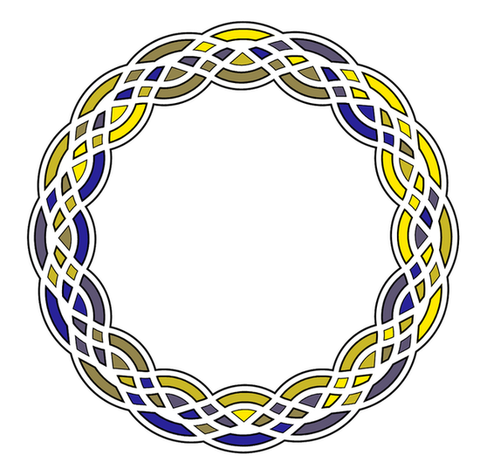
              Found some new ways for creating Pattern in VS.
              You could also take look at this link
              https://www.vectorstyler.com/forum/topic/4843/inverted-wave-zig-zag-with-the-outline-zigzag-shape-effect

              Here just one Result, but many many Variations
              are possible this way
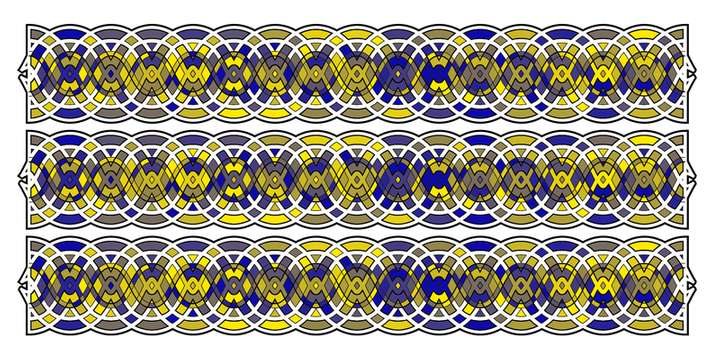
              0_1733829752859_Braid-Pattern-small-1.png

              Win 11
              CPU: AMD Ryzen 5 9600X, 6-core.
              GPU: Nvidia Geforce RTX 5070.

              1 Reply Last reply Reply Quote 3
              • S Offline
                Subpath
                last edited by Subpath

                created a, color-wise, somewhat structured version.
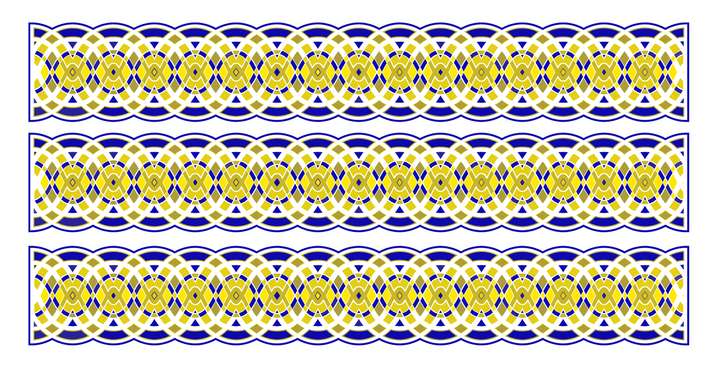
                0_1733928692073_circles-Pattern.png

                Win 11
                CPU: AMD Ryzen 5 9600X, 6-core.
                GPU: Nvidia Geforce RTX 5070.

                1 Reply Last reply Reply Quote 2
                • S Offline
                  Subpath
                  last edited by Subpath

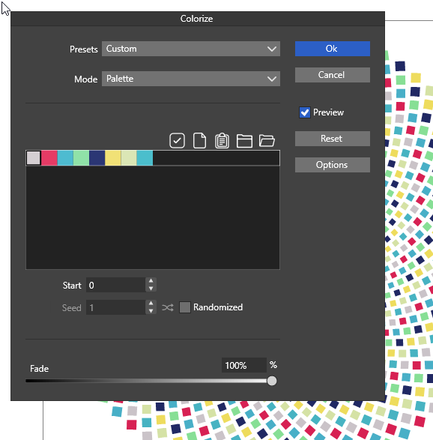
                  A fairly simple pattern, what made it special was
                  the use of β€œcolorize” with my own palette.
                  Menu > Effects > Replace colors > Colorize...
                  .
                  .

                  0_1737910789759_Mosaic-coloring.png
                  .
                  .

                  0_1737910866221_Colorize-Palette.png

                  Win 11
                  CPU: AMD Ryzen 5 9600X, 6-core.
                  GPU: Nvidia Geforce RTX 5070.

                  1 Reply Last reply Reply Quote 5
                  • S Offline
                    Subpath
                    last edited by Subpath

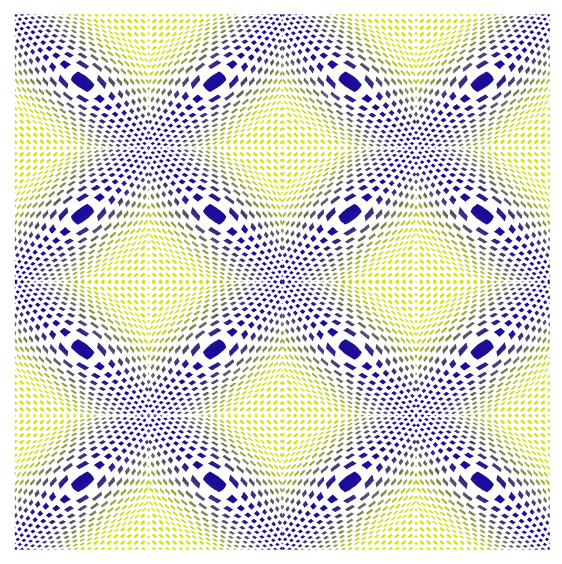
                    another one of my pattern experiments
                    also colored via colorize like the one above
                    .
                    .
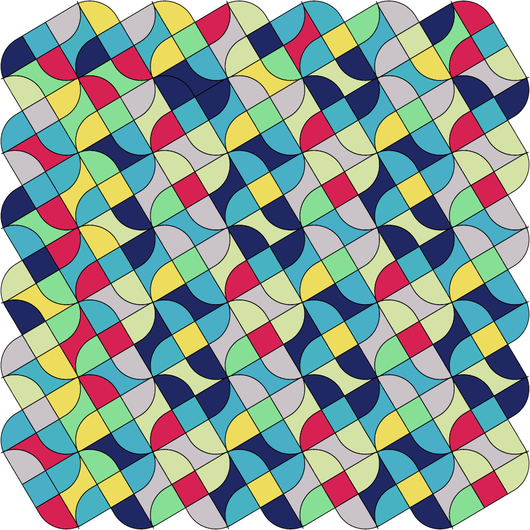
                    0_1738084782496_Points-3-colorize-1.png

                    Win 11
                    CPU: AMD Ryzen 5 9600X, 6-core.
                    GPU: Nvidia Geforce RTX 5070.

                    1 Reply Last reply Reply Quote 3
                    • S Offline
                      Subpath
                      last edited by Subpath

                      Working on a Mosaic Project, reusing an old pattern i made,
                      here a Result. Everything made in VectorStyler. To get slightly
                      different colors for each mosaic tile "Disturb Colors" was used.
                      Menu > Effects > Replace Colors > Disturb Colors
                      .
                      .
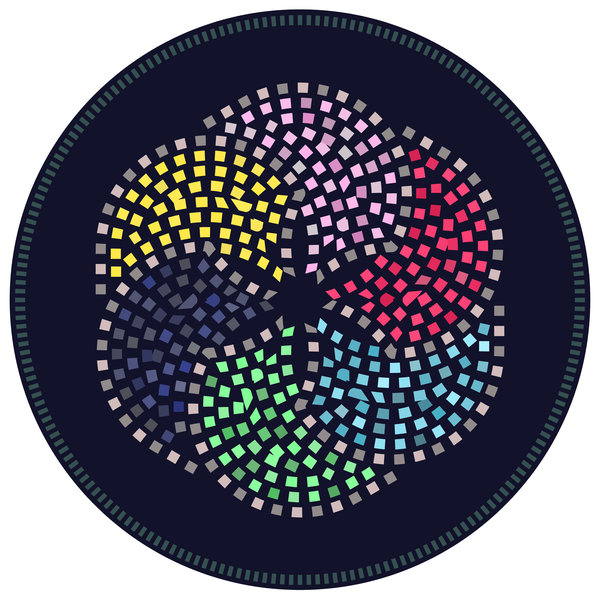
                      0_1739123772043_Hex-circles-4.png

                      Win 11
                      CPU: AMD Ryzen 5 9600X, 6-core.
                      GPU: Nvidia Geforce RTX 5070.

                      1 Reply Last reply Reply Quote 6
                      • S Offline
                        Subpath
                        last edited by Subpath

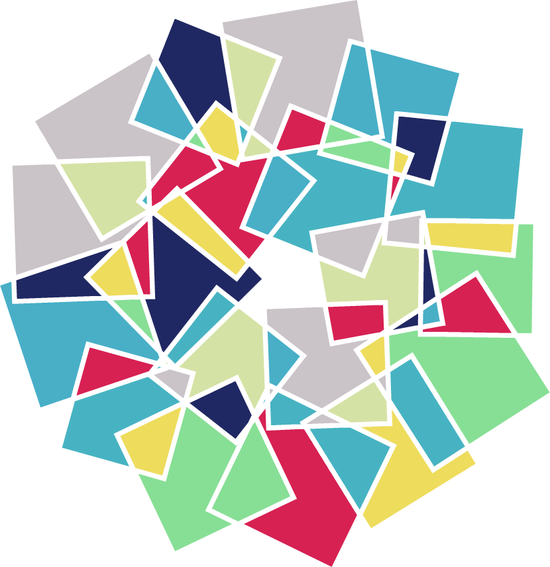
                        played with randomness

                        Was playing with randomize in the Repeater using just a quad.
                        Did a Boolean "Dividide" with the Result, then a "Offset Path" Shape Effect
                        " Inner Offset" and at least i use "Colorize" with a Color Palette i made.
                        .
                        .
                        0_1739551683975_Chaos-2.png

                        Win 11
                        CPU: AMD Ryzen 5 9600X, 6-core.
                        GPU: Nvidia Geforce RTX 5070.

                        1 Reply Last reply Reply Quote 2
                        • S Offline
                          Subpath
                          last edited by Subpath

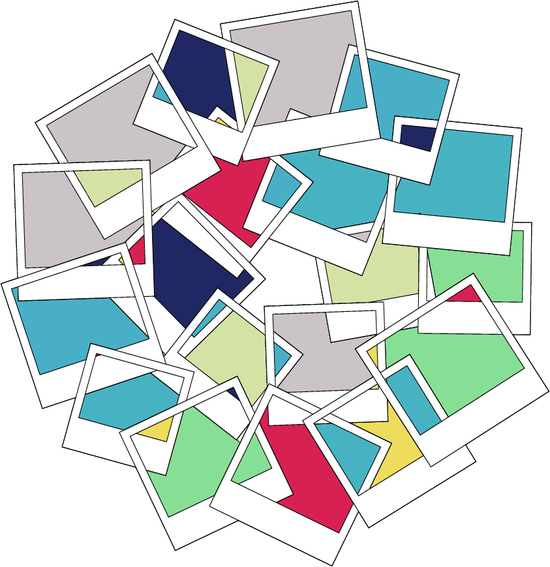
                          Someone said the previous picture looked like a collection
                          of Polaroid photos, so I made a version like that too.
                          This was made with the help of Actions (Vectorstyler Macros)
                          to get the Polaroid look.
                          0_1739694871073_Polaroid-Version-small.png

                          Win 11
                          CPU: AMD Ryzen 5 9600X, 6-core.
                          GPU: Nvidia Geforce RTX 5070.

                          1 Reply Last reply Reply Quote 2
                          • S Offline
                            Subpath
                            last edited by Subpath

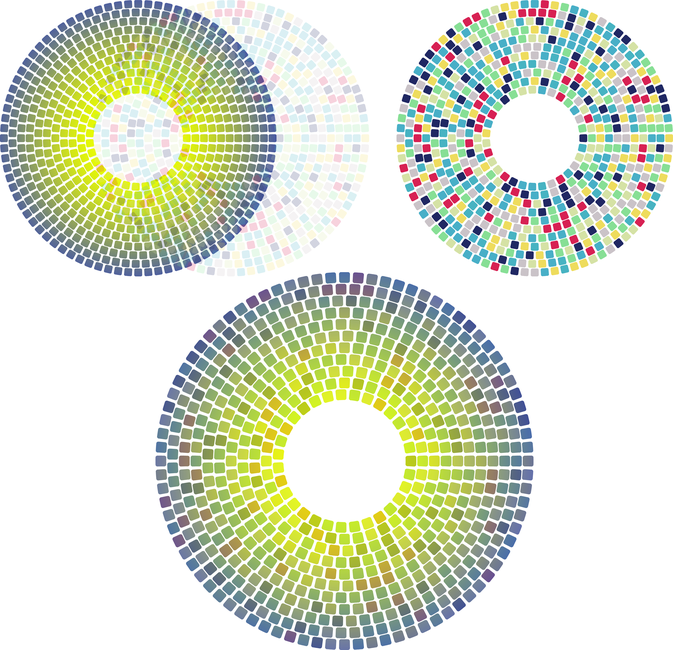
                            Continued a bit with my mosaic project.
                            I had the idea of ​​a kind of natural looking color gradient for mosaics.
                            The "Color Disturb" function was no help because of the gradient required.

                            Instead, I created a duplicate version, colored it using "Colorize"
                            using my palette and made it transparent (20%). I placed it over
                            the gradient, which creates nice, slightly differently colored tiles.
                            0_1740488686302_Mosaic-Gradient-with-Overlay-1.png

                            Win 11
                            CPU: AMD Ryzen 5 9600X, 6-core.
                            GPU: Nvidia Geforce RTX 5070.

                            1 Reply Last reply Reply Quote 6
                            • IngolfI Offline
                              Ingolf @Subpath
                              last edited by

                              @Subpath said in Just a Pattern:

                              Another pattern, created in Vectorstyler
                              is an overlay of different patterns and
                              experiments with combined stroke stripes
                              .
                              .
                              0_1729290781137_flower.png

                              This one looks truly elegant and aesthetically pleasing.

                              🍏 macOS Sequoia Apple Silicon

                              S 1 Reply Last reply Reply Quote 3
                              • S Offline
                                Subpath @Ingolf
                                last edited by

                                @Ingolf

                                thank you, i like that too.

                                Win 11
                                CPU: AMD Ryzen 5 9600X, 6-core.
                                GPU: Nvidia Geforce RTX 5070.

                                1 Reply Last reply Reply Quote 0
                                • S Offline
                                  Subpath
                                  last edited by

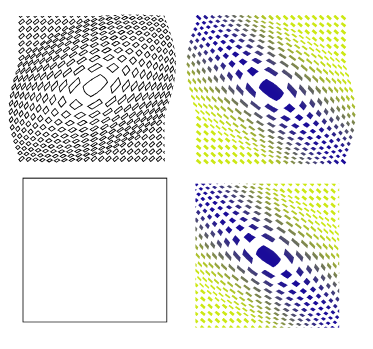
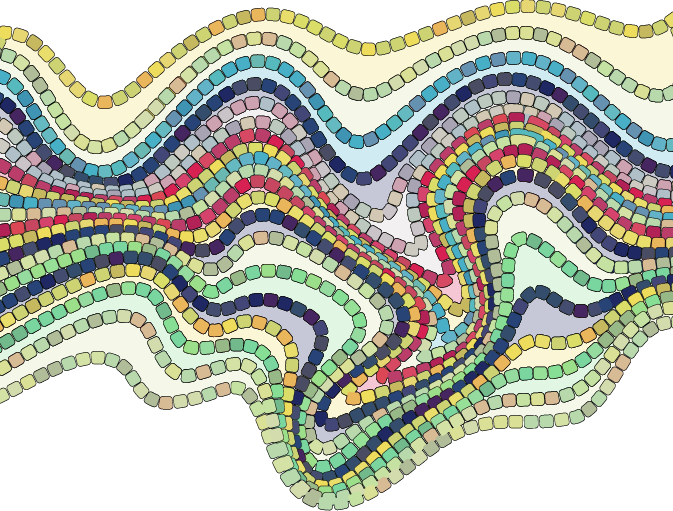
                                  Been playing around with some lines/paths
                                  and decided to try a mosaic with them.

                                  Made two paths and a blend between them
                                  the deformation was made in CorelDraw because
                                  they look better, but VectorStyler wants to improve
                                  the deformation tools

                                  The rest are made in VectorStyler.
                                  These are three times the same paths/shapes (layered)
                                  one for the fill, one for the mosaic and one for the transparent
                                  and randomly colored mosaic to give it a little more life
                                  0_1741626138242_twirl-2.png

                                  Win 11
                                  CPU: AMD Ryzen 5 9600X, 6-core.
                                  GPU: Nvidia Geforce RTX 5070.

                                  H 1 Reply Last reply Reply Quote 3
                                  • S Offline
                                    Subpath
                                    last edited by Subpath

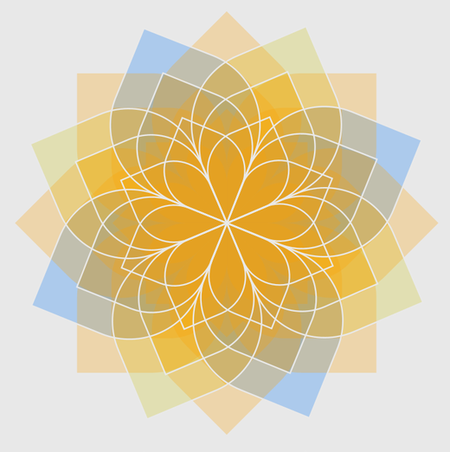
                                    While browsing through old things I've made, I found this
                                    variation of the blue floral pattern I posted above.
                                    0_1743760519071_color_variation2.png

                                    Win 11
                                    CPU: AMD Ryzen 5 9600X, 6-core.
                                    GPU: Nvidia Geforce RTX 5070.

                                    1 Reply Last reply Reply Quote 6
                                    • H Offline
                                      Harry @Subpath
                                      last edited by

                                      @Subpath said in Just a Pattern:

                                      Made two paths and a blend between them
                                      the deformation was made in CorelDraw because
                                      they look better, but VectorStyler wants to improve
                                      the deformation tools
                                      The rest are made in VectorStyler.
                                      These are three times the same paths/shapes (layered)
                                      one for the fill, one for the mosaic and one for the transparent
                                      and randomly colored mosaic to give it a little more life

                                      Interesting pattern - it reminds me of a cobbled pavement. In this case "the stones" shouldn't overlap πŸ™‚ - example

                                      Win 11, XP Pen Deco 01 V2 graphic tablet

                                      S 1 Reply Last reply Reply Quote 1
                                      • S Offline
                                        Subpath @Harry
                                        last edited by Subpath

                                        @Harry

                                        Thanks, you're actually on the right track πŸ™‚
                                        The pattern you mentioned is one of several experiments that
                                        should ultimately led to something like a cobblestone/mosaic.

                                        My goal was to figure out a way how to create something like
                                        that in Vectorstyler. I'm still experimenting a bit, but when
                                        everything will fall together, I'll post a tutorial.

                                        Win 11
                                        CPU: AMD Ryzen 5 9600X, 6-core.
                                        GPU: Nvidia Geforce RTX 5070.

                                        1 Reply Last reply Reply Quote 1
                                        • S Offline
                                          Subpath
                                          last edited by Subpath

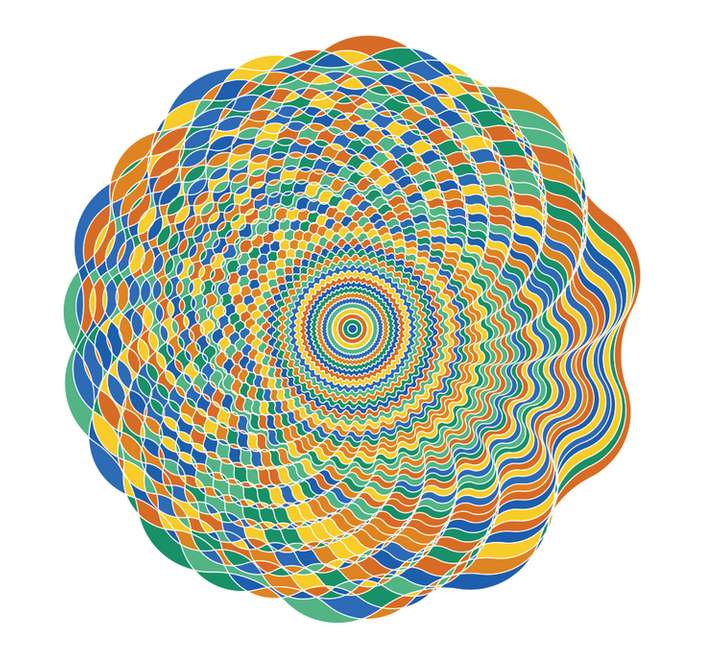
                                          @Li-Xiao created a few designs in this thread
                                          https://www.vectorstyler.com/forum/topic/5140/patterns-generated-with-node-bump-effect

                                          I couldn't resist taking one and trying out Colorize.
                                          0_1747912264229_Li Xiao Design.png
                                          .
                                          .
                                          Here the needed Steps

                                          Select the Design
                                          Expand Appearence
                                          Ungroup the Design

                                          Do a Boolean Divide

                                          Fill the Result, color doesnt matter
                                          (colorize work on filled objects only)

                                          Call Colorize

                                          Call Colorize Options
                                          deselect "Change Strokes"

                                          Choose a Palette/or some Colors
                                          ( you can create your own Palette
                                          or select some colors using the
                                          system palette )
                                          .
                                          .
                                          You could also color only the Strokes if you like.
                                          .
                                          .
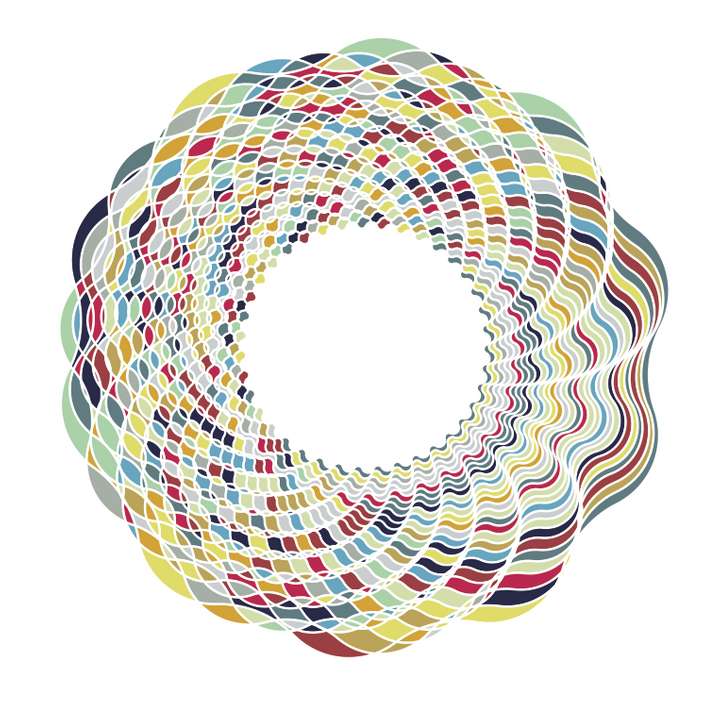
                                          Here another one
                                          0_1747912799338_Li Xiao-Design2.png

                                          Win 11
                                          CPU: AMD Ryzen 5 9600X, 6-core.
                                          GPU: Nvidia Geforce RTX 5070.

                                          L 1 Reply Last reply Reply Quote 3
                                          • L Offline
                                            Li Xiao @Subpath
                                            last edited by

                                            @Subpath Very beautiful πŸ‘ , I also really enjoy using Colorize.

                                            1 Reply Last reply Reply Quote 1
                                            • First post
                                              Last post