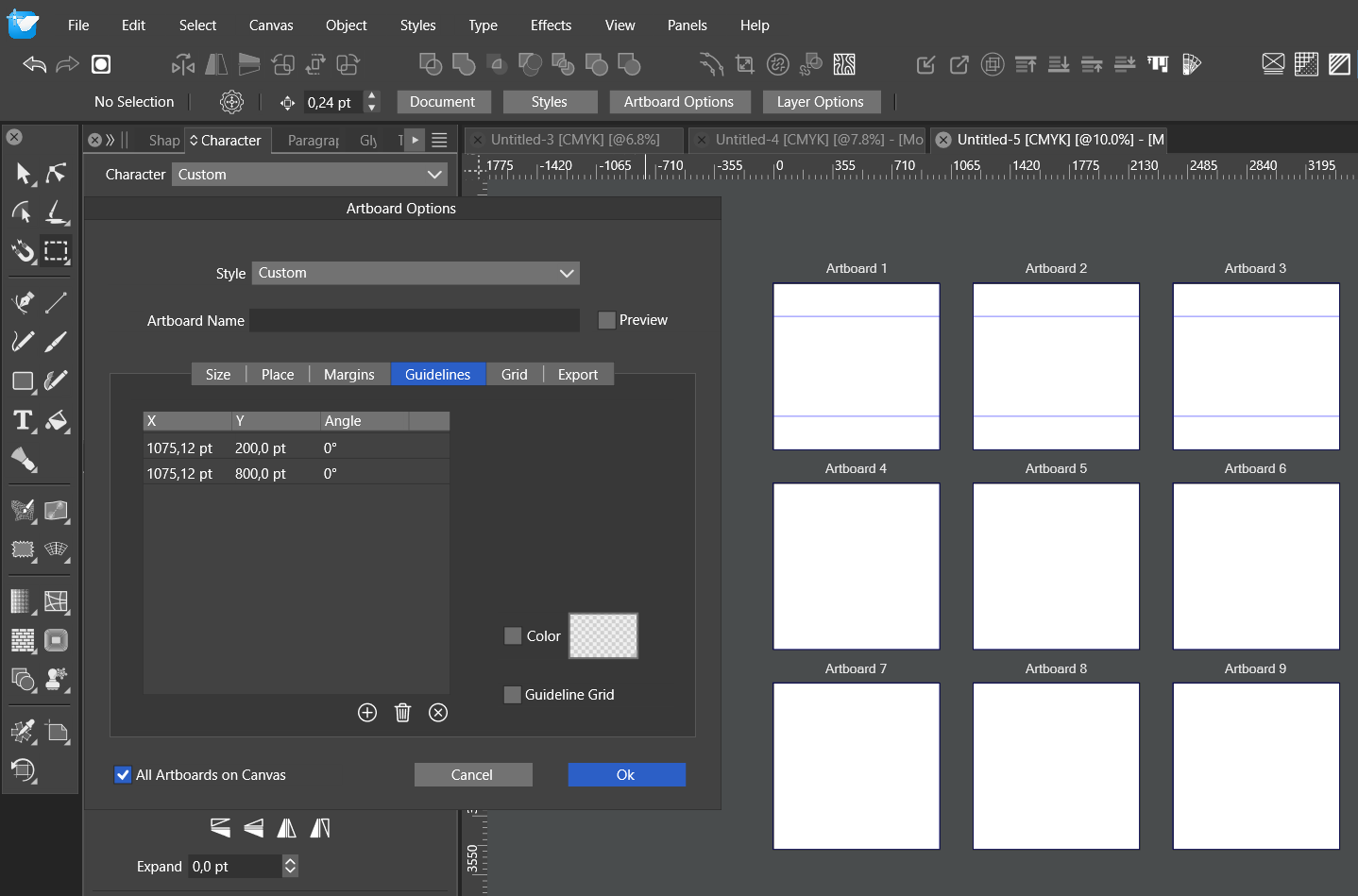
Artboard Guidelines only visible on first row artboards
-
Despite enabling "All Artboards on Canvas", there are guidelines visible only on horizontal artboards:
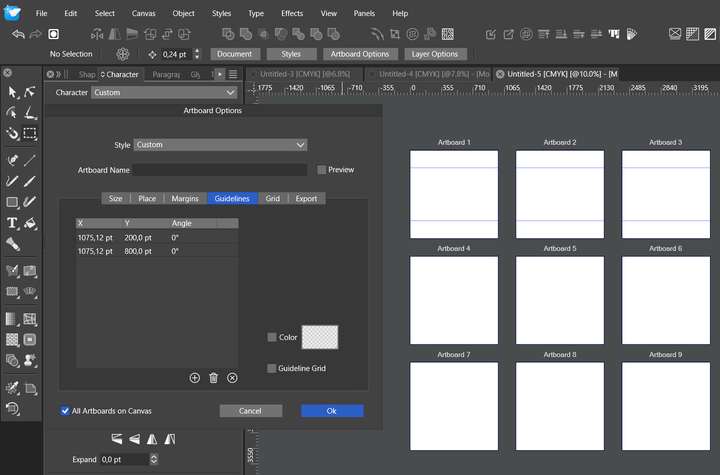
- How to enable guidelines on all artboards?
2 In Artboard Options / Guidelines and in Guidelines Panel - could we enable sorting guideines ascending / descending by clicking on X, Y or Angle grey field?
It would be useful when working with many guides.
- How to enable guidelines on all artboards?
-
@Harry The visibility seems to be a bug, send me the file with that grid of artboards where the guidelines are not visible.
I will add (2) in the backlog.
-
File sent by email.
@VectorStyler said in Artboard Guidelines only visible on first row artboards:
I will add (2) in the backlog.

-
@VectorStyler Apart from guideline sorting, it would be great if we could change their parameters in bulk at once.
For example:
- select a few guidelines at once (with Shift or Ctrl key) and change their X, Y or Angle
- select the whole X, Y or Angle column like in Excel and modify its value for all guidelines, etc.
-
@Harry said in Artboard Guidelines only visible on first row artboards:
change their parameters in bulk at once
Would this be in the Guidelines panel or on the Canvas?
select the whole X, Y or Angle column like in Excel and modify its value for all guidelines, etc
Not clear how this would work (except maybe for Angles). So if we have a bulk of vertical guidelines changing X pos would set the guidelines at the same position?
-
@Harry said in Artboard Guidelines only visible on first row artboards:
select a few guidelines at once (with Shift or Ctrl key) and change their X, Y or Angle
select the whole X, Y or Angle column like in Excel and modify its value for all guidelines, etc.Ok, this idea wasn't good

What I want to achieve is to set a few guidelines in Artboard options / Guidelines to have the ability to change guidelines quickly for all artboards at once (like 100 book pages etc.) So far I have managed to do it only if artboards are in one row.
Also, angled guidelines work differently than I expected. If one artboard is 1000x1000 pt, then every artboard should have the same guidelines in the same spot:
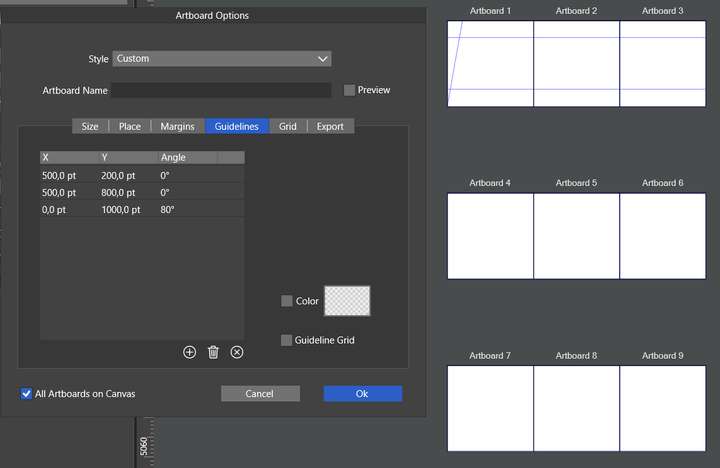
But it seems like those are canvas guidelines and not artboard guidelines:
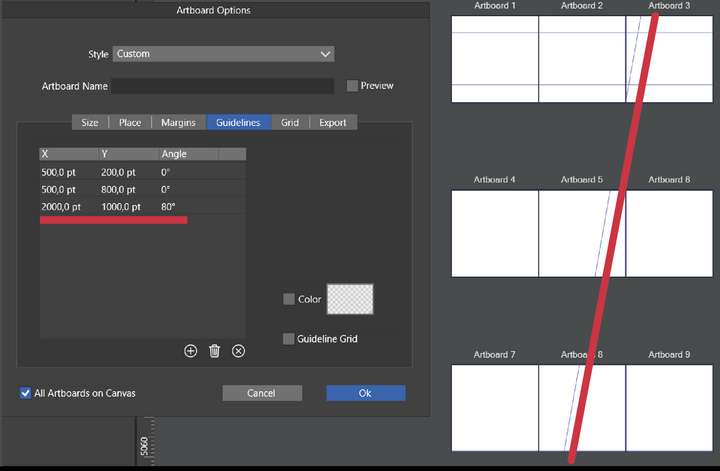
-
@Harry said in Artboard Guidelines only visible on first row artboards:
then every artboard should have the same guidelines in the same spot
A fix for this bug will be in the next build.
