How do I convert a text frame into a shape?
-
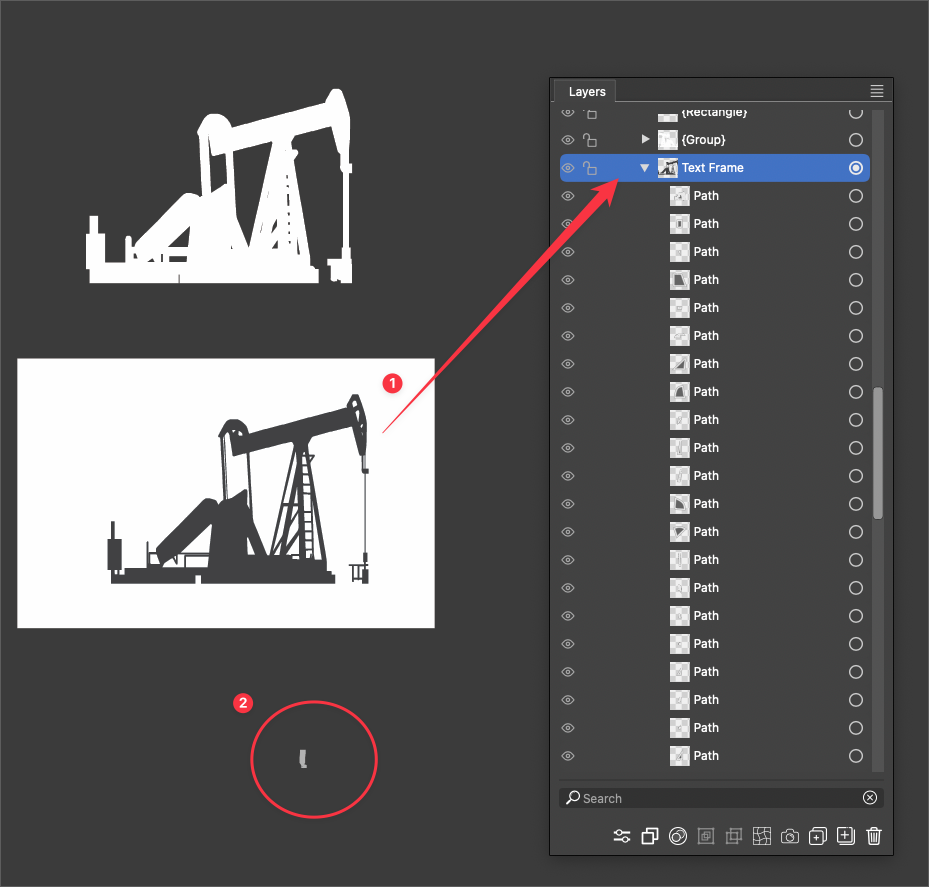
I have a shape that was somehow accidentally converted into a text frame. I saw numbers inside the shape and tried to remove them and when checking the layers panel, saw it was titled "text frame" (I assumed it would be a text shape?)
I've tried going in with the Deep Selector (before I realized it was a text frame) and that crashed VS
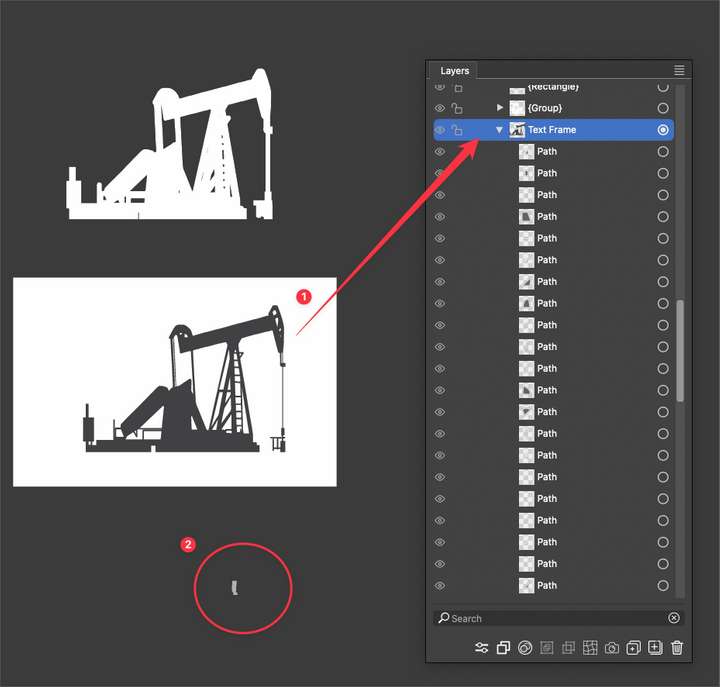
Then I went back in with some options in the "Text" dropdown menu to no effect before using break-apart. The break-apart managed to drop all the type out, but left them linked and the object in the layers menu is still titled the same, "text frame"
-
@Boldline In the Appearance panel, select the Text Frame item and delete it with the Appearance panel delete button.
In VS an object with a shape can contain various content types, these are Fill, Stroke, Adjustment Effects, but also Image content or Text Frame. These can be added to any object with a shape, even after it is created (example: flow some text in an existing shape).

