Repeater takes massive amount of resources to do small commands
-
I've really wanted to harness the use of the repeater tool but I've been dissuaded because it does not seem to work well for me in terms of time and resources. Has anyone been able to create repeater patterns and not have VS completely stop working in the process? I have an M1 Mac with 16GB of ram, and while it's not a ton, it seems like it should be sufficient. I certainly leave a lot of room for it being user error on my part
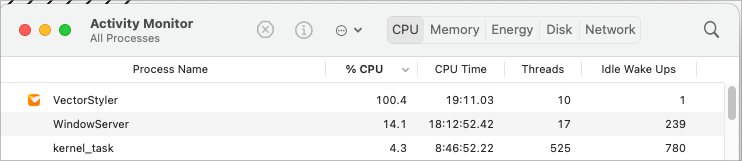
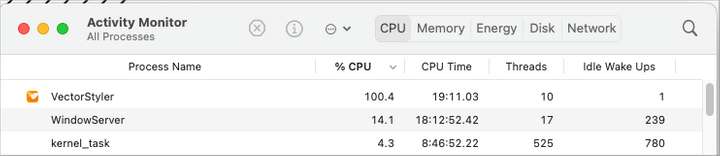
I created a gradient sketch and imported it into VS as a png file. I selected it and have been trying to move it around and then also expand it and edit it, but any arrow key nudge or attempt to expand takes all of the CPU power for extended periods of time. The png file is 1.1 MB in total.
It might be easier to just send the file to you @VectorStyler and see if you have the same issues I am dealing with with the repeating result. It's too big a file to post on the forum
I love the repeater tool and want to utilize it daily in my work, so as frustrated as it's made me today, I'm anxious to resolve the issue
🍎 macOS Tahoe 26.2, Mac mini (M1, 2020), Chip Apple M1, Memory 16 GB
Cintiq 27QHD Display and LG Ultra HD Display -
UPDATE: I restarted the computer and had moved the repeater result to a new file and saved it. It's 110MB!!! I have no idea how or why it's THAT large a file. I did expand the results prior, but I would not think it would be this large a result. is there something else I am missing? This would explain the crawling

-
@Boldline I will try to solve this ASAP. The repeater might result in a large number of objects.
-
@Boldline Tested with both files, and indeed it is slow here also.
-
Two things
first
I'm interested in how you got your result with Repeater.
How did you use the bitmap as a kind of mask?
It would be nice if you could explain the steps that are needed.second
As an alternative (because repeater is going on its knees) you could try
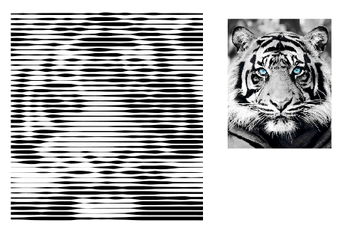
masking with the stroke width tool. Should work with a bitmap as well.
I made a tutorial on this a while back.
(Since the result should look similar in my opinion).The steps that are necessary for this are explained in this
tutorial section here, in case you dont remember:
https://www.vectorstyler.com/forum/topic/2307/attempts-of-a-kind-of-halftone-lines-in-vs/4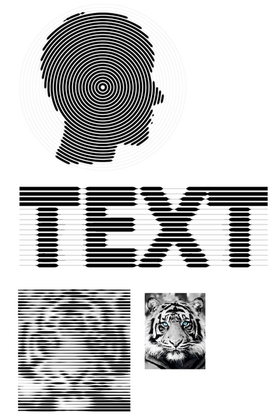
Win 11
CPU: AMD Ryzen 5 9600X, 6-core.
GPU: Nvidia Geforce RTX 5070. -
@Subpath said in Repeater takes massive amount of resources to do small commands:
first
I'm interested in how you got your result with Repeater.
How did you use the bitmap as a kind of mask?
It would be nice if you could explain the steps that are needed.I can certainly explain what steps I was taking and will elaborate more when I get the chance.
I had an american football helmet design that I wanted to add some basic shading to using halftones so it looks more interesting since there's not a logo that goes on the side of it in this case.
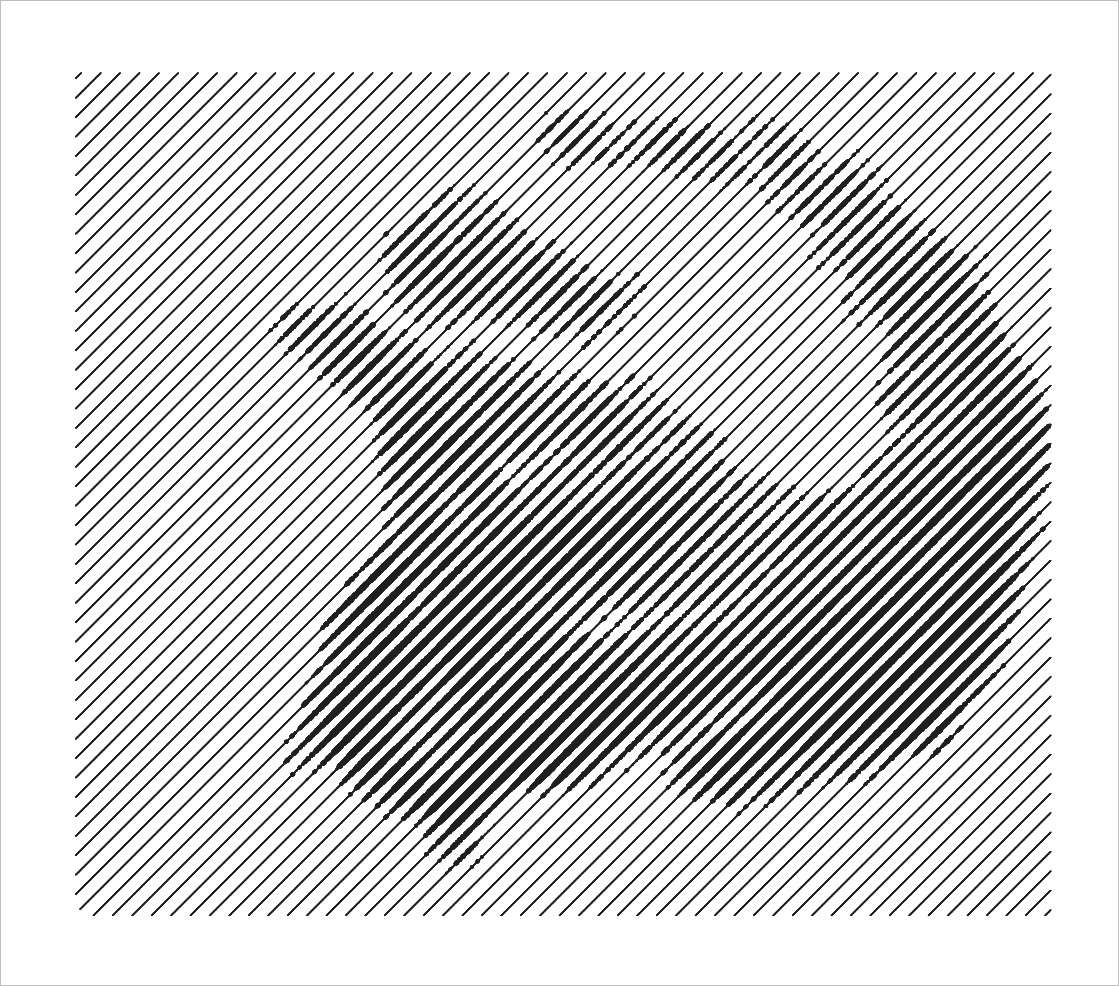
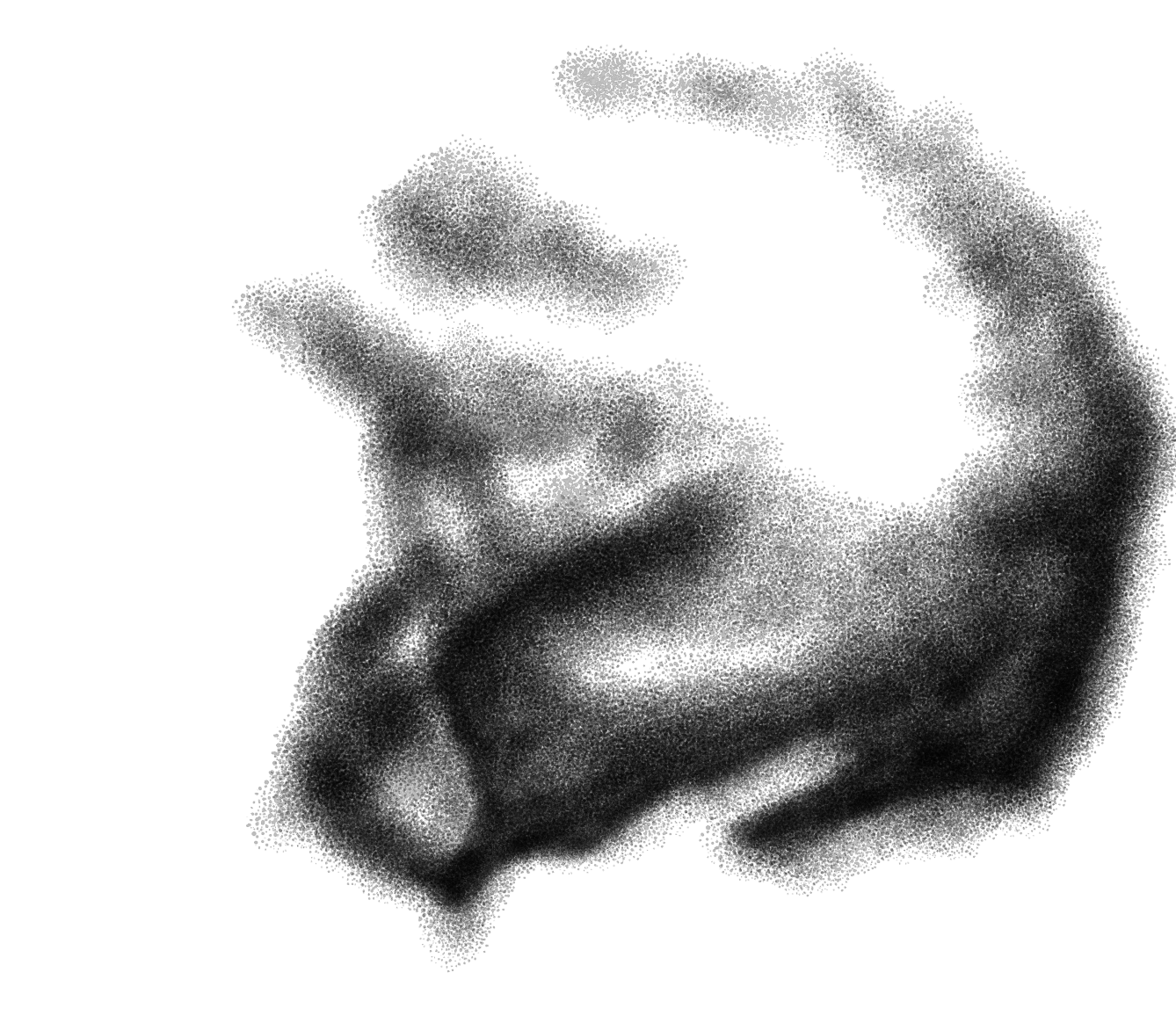
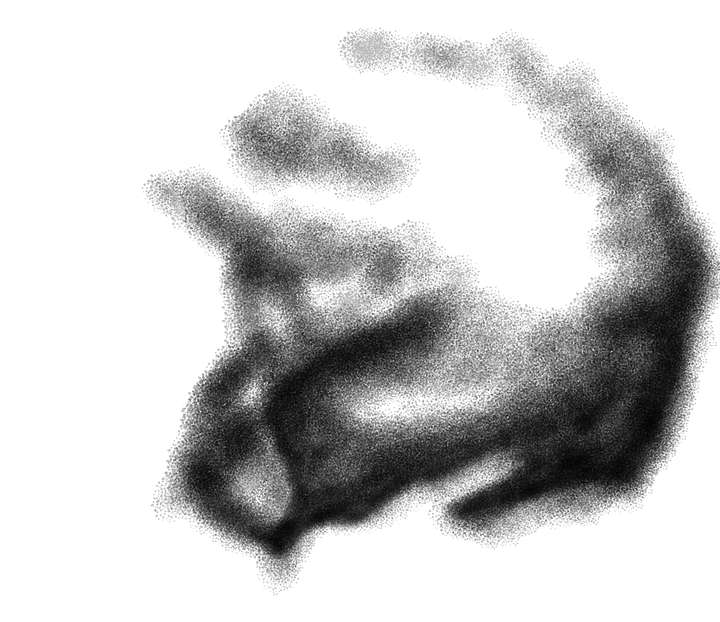
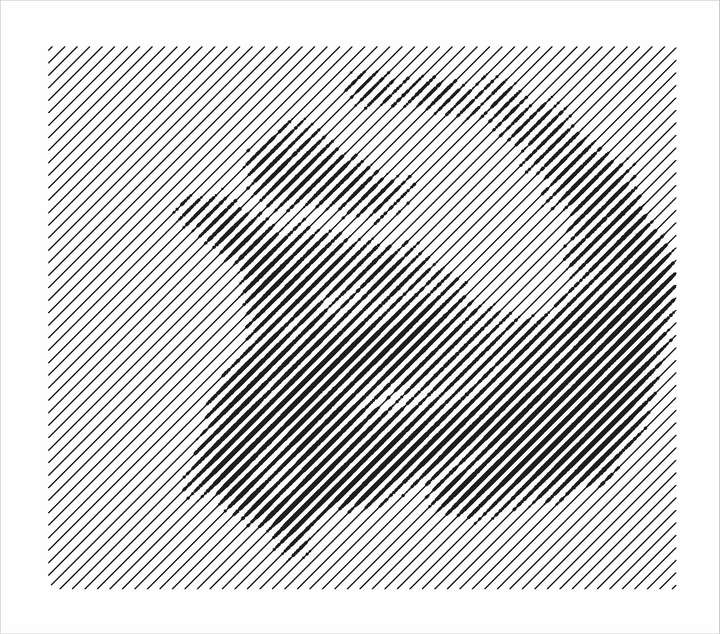
I took a screen shot of the plain helmet vector and then opened it in Affinity Photo (sometimes I use clip studio for this). I lower the opacity and lock the image and then on a layer above, I brush in the shading I wanted (see image in my earlier post in this thread) I didn't worry about being perfect because I was going to clip the resultI exported the results from Affinity photo as a png and then imported that shading image into VS and then while it was selected, chose a halftone option and then adjusted the settings to get the elongated lines at an angle. I was then trying to expand the result but it was bogging down the entire machine - (hence my post). To solve it for the time being, I zoomed in close and took a screen shot of the repeater result and then converted that to vector and clipped it in the helmet shape. I pasted a pic of the final result below:
Overall I'm happy with the results of my experimentation. I can see amazing uses for repeater in my own work. The major issue for me is the way to slows down the machine to a crawl/freeze and each little adjustment takes 10 seconds to complete, etc. I have full faith in @VectorStyler that it will keep improving and there's a whole section of the roadmap dedicated to further improvements to the repeater tool. Even with the issues, I can tell it's going to be one of my favorite tools going forward.

-
thank you for taking the time to explain it a bit
will also try it once...I can see amazing uses for repeater in my own work.....
indeed i also see a wide field to discover with the repeater
especially with all kinds of patterns and halftone patterns -
@Subpath I will do a tutorial on it when I get the chance. I was experimenting some and on a time crunch at that time so I did not document every step as I should.
Before using repeater to create halftones, I had a similar routine with photoshop. I would add a grayscale gradient of shading (by hand or at times using a standard automatic gradient depending on the need) to a volleyball or basketball for example, and then after turning off the source image and background, convert that gradient image to a png and then convert it to a bitmap halftone in Photoshop and import it back into a vector editing program. The bitmap halftone could be changed to any color and be printed alongside any vector object so it was a great solution for a long time. It still has some good uses in that it does not take up a lot of digital memory as compared to a halftone made completely of vector. It's also a great solution for a one color photo halftone for example...
I had asked @VectorStyler to add that bitmap halftone functionality to VS and he graciously did.
Even as it takes more space, I want to do much more with repeater going forward as it relates to halftones. Amazingly repeater offers so many uses - not just repeating a pattern! -
@Subpath said in Repeater takes massive amount of resources to do small commands:
The steps that are necessary for this are explained in this
tutorial section here, in case you dont remember:I appreciate you sharing all of that again. I will certainly check it out and see what else can be done!

