How do I regain the ability to move text on a path?
-
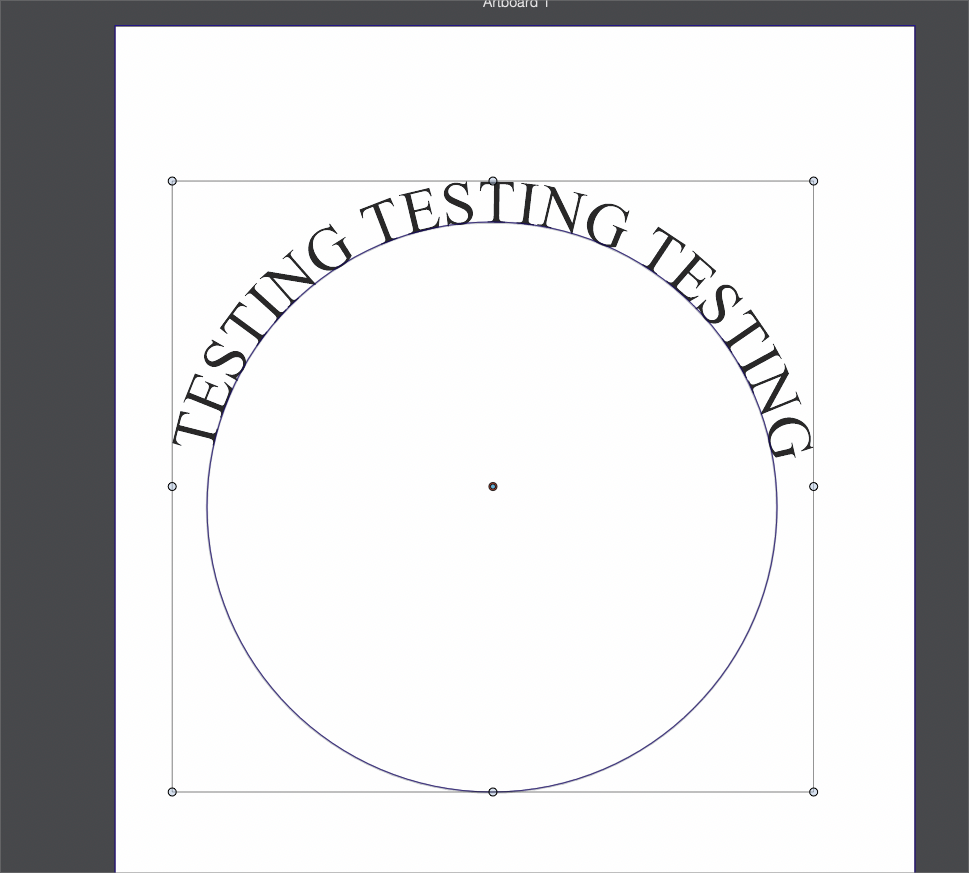
When I add text to a path - like in the example below and in this video, how do I re-select the tool to move the text along the path or to flip it to the other side?
I seem to be able to do it once - but not again after that.0_1668191744648_text on path issue.vstyler
-
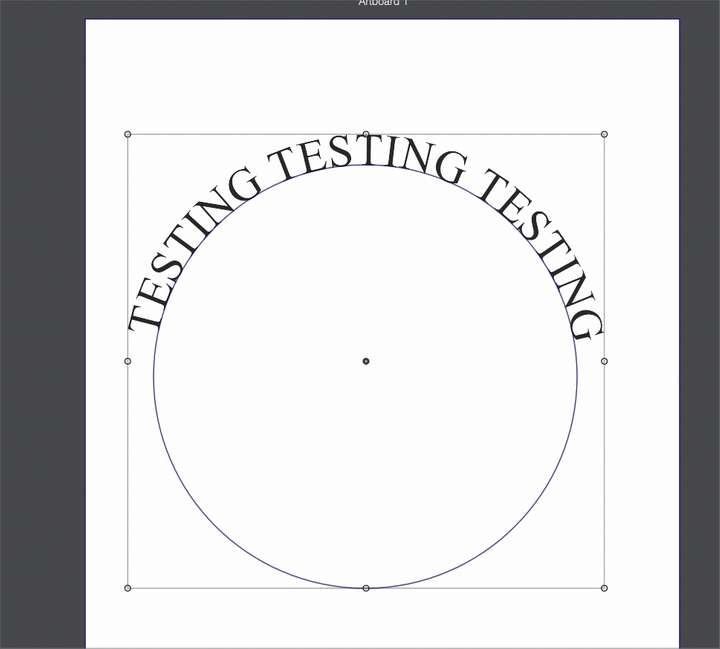
@Boldline Just use the transform tool to select the (only the next) and then it can be dragged along the path.
Press (and release) the Space key to flip sides. -
@VectorStyler said in How do I regain the ability to move text on a path?:
@Boldline Just use the transform tool to select the (only the next) and then it can be dragged along the path.
Press (and release) the Space key to flip sides.What am I missing? I am trying to select the text with the transform tool, but it selects the text and the circle. Here is a video of this
I know how it is supposed to work - I've moved text in the past with the transform tool and I can flip text with the spacebar - I can do it initially on this example, but after I click off the text and circle, I can't click back to allowing it
-
@Boldline In the Preferences -> Document Editor section disable the "Select Text on Path Anchor" option.
-
@VectorStyler said in How do I regain the ability to move text on a path?:
@Boldline In the Preferences -> Document Editor section disable the "Select Text on Path Anchor" option.
ok that was it! thank you. I had clicked that on thinking it would help because I didn't like that the text would just move independently of the path shape.
So my next question is - how could someone make use of both options? because the one option negates functionality with another task. Is the expectation that someone would turn that preference on if they never had to adjust text on a path or flip it? It's a great preference to have, but it seems hard to justify turning on when it keeps me from editing text on that path
-
@Boldline said in How do I regain the ability to move text on a path?:
Is the expectation that someone would turn that preference on if they never had to adjust text on a path or flip it?
I think the text on path tool should not select the anchor (shape) if this is on. But it could be a bug here.

