VectorStyler
    • Categories
    • Unread
    • Recent
    • Tags
    • Popular
    • Register
    • Login

    Is there an option to not have the stroke width not change automatically when using the stroke width tool?
    Scheduled Pinned Locked Moved Questions and Support
    4 Posts 2 Posters 5.3k Views 1 Watching
    Loading More Posts
    • Oldest to Newest
    • Newest to Oldest
    • Most Votes
    Reply
    • Reply as topic
    Log in to reply
    This topic has been deleted. Only users with topic management privileges can see it.
    • BoldlineB Offline
      Boldline
      last edited by

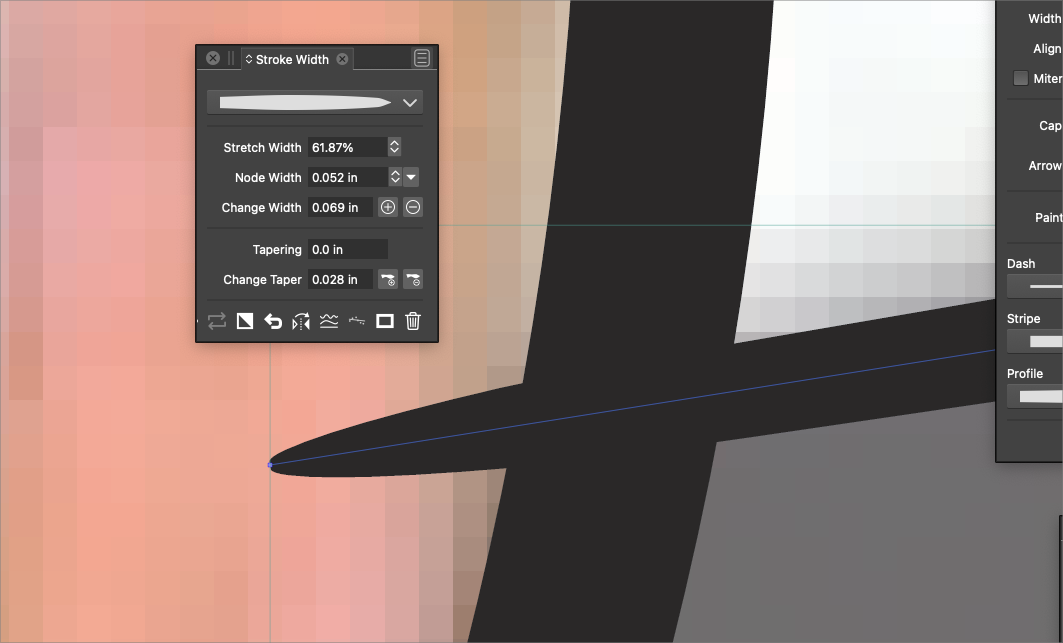
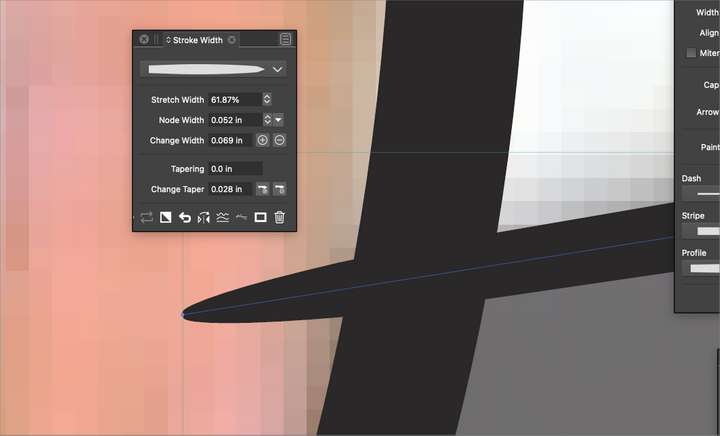
      I do like the way VS auto-updates the stroke profile as I edit an existing path with the path width tool. It's an awesome way to get exactly the kind of width profile shape you want for future lines made - I don't want to see that taken away by any means.
      However, there are many times I just want to edit a specific line with the path width tool, but not have those specific edits affect all future lines made with the pen tool. Yes, I can go back in and re-set the stroke width profile, but that seems like a lot of extra work. I'd love a toggle where I can set it to NOT update the width profile every time I edit a path and just affect the one line I am working with and then when I deselect that edited line and go back to the pen tool, it retains the profile from before.
      0_1667858052354_7af6d428-7aaf-45c4-8888-7579f428f336-BLD 2022-11-07 at 16.52.36.png

      🍎 macOS Tahoe 26.2, Mac mini (M1, 2020), Chip Apple M1, Memory 16 GB
      Cintiq 27QHD Display and LG Ultra HD Display

      b77B 1 Reply Last reply Reply Quote 0
      • b77B Offline
        b77 @Boldline
        last edited by b77

        @Boldline If I understand correctly, you need to disable 'Width Profile in New Objects' in Preferences > Changing Options.

        MacBook Pro (Intel) running Monterey 12.6.4

        BoldlineB 1 Reply Last reply Reply Quote 2
        • BoldlineB Offline
          Boldline @b77
          last edited by

          @b77 yes! that's it. thanks! That's an option I feel like could easily be in the Stroke Width panel for easy switching - reducing the number of preferences in the back section. Just a thought

          🍎 macOS Tahoe 26.2, Mac mini (M1, 2020), Chip Apple M1, Memory 16 GB
          Cintiq 27QHD Display and LG Ultra HD Display

          b77B 1 Reply Last reply Reply Quote 0
          • b77B Offline
            b77 @Boldline
            last edited by

            @Boldline A possibly fast solution is to just select an object that has an uniform width stroke, then drawing with the Pen tool after that should revert to that width (or to 1 pt width if the previous object has no stroke).

            MacBook Pro (Intel) running Monterey 12.6.4

            1 Reply Last reply Reply Quote 1
            • First post
              Last post