Can the red dot in a vector object/group be used to align with?
-
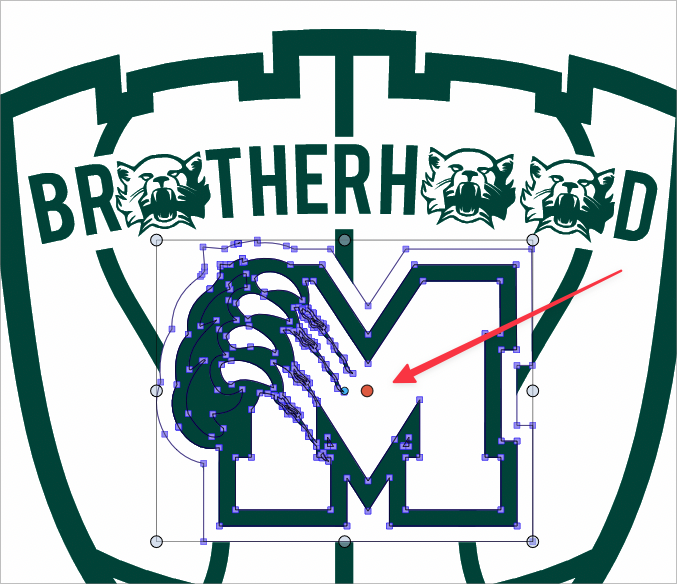
I was thinking about this as I was trying to align the school logo withe the vertical rectangle behind it. I want the center of the "M" to align and not let it align to include the paw on the left side. I thought if I moved the red dot over to where I preferred it override and call "center", it would align to the red dot... but it did not work.
Could this be an option in the future? or something like this?
🍎 macOS Tahoe 26.2, Mac mini (M1, 2020), Chip Apple M1, Memory 16 GB
Cintiq 27QHD Display and LG Ultra HD Display -
@Boldline The problem will be with adding this to the alignment panel UI. There are too many options already.
Have to figure out something for this.
Otherwise is just another location to align to. -
@Boldline An alternative:
If you select all the nodes of the M shape (Cmd-A when in Shape Editing mode), you can grab it by one of the nodes in the middle and snap it to the middle of the other shape.
-
@b77 said in Can the red dot in a vector object/group be used to align with?:
@Boldline An alternative:
If you select all the nodes of the M shape (Cmd-A when in Shape Editing mode), you can grab it by one of the nodes in the middle and snap it to the middle of the other shape.
Yes that could work as a temporary solution - but you'd still have to be sure there was a node directly in the place you feel is centered


