Drag Tools into Keyboard Shortcut list
-
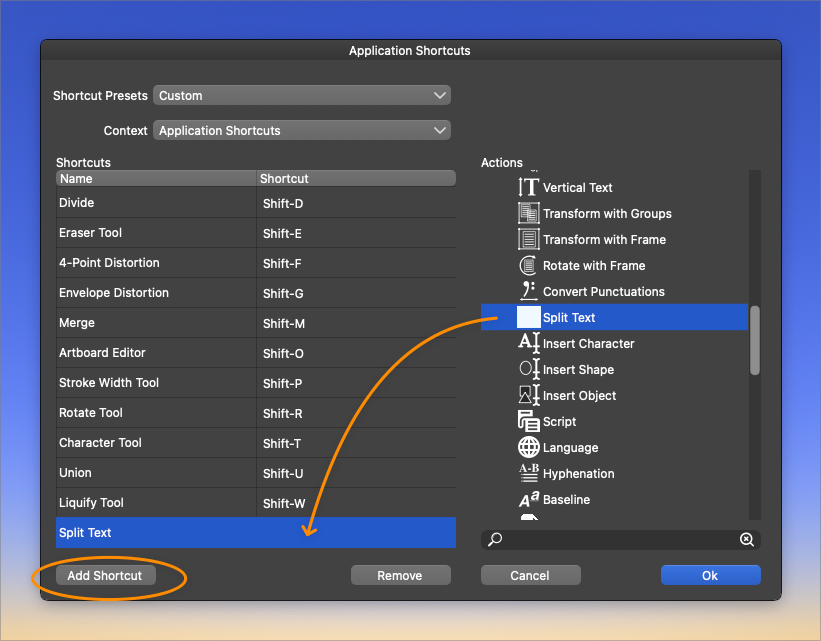
Using the Keyboard Shortcut panel today, it was not overly obvious the method to add new shortcuts to the master list. I naturally tried to drag in this example, the split text from the list on the right to the list on the left without success. I had also tried hitting the "ok" button but that just closed out the keyboard shortcut pref panel entirely. The "add shortcut" button was not the first thing I noticed, I think because it was on the far left and I was dealing with things on the far right - it did not feel like it belonged with the list on the right....
I'm not necessarily saying it al needs to be different - just that it was not abundantly clear for me getting used to it. Maybe others have a similar experience?
If dragging a tool from the right list into the list on the left can be done, I think that would help as dragging things has become a common UI expectation.
I would change the "ok" button title because it's unclear what it actually means. Maybe have it say "confirm and close"? (that's kind of long) or just "confirm"?
Maybe if the four bottom buttons were together centered in the middle, it would be clear they all belong together?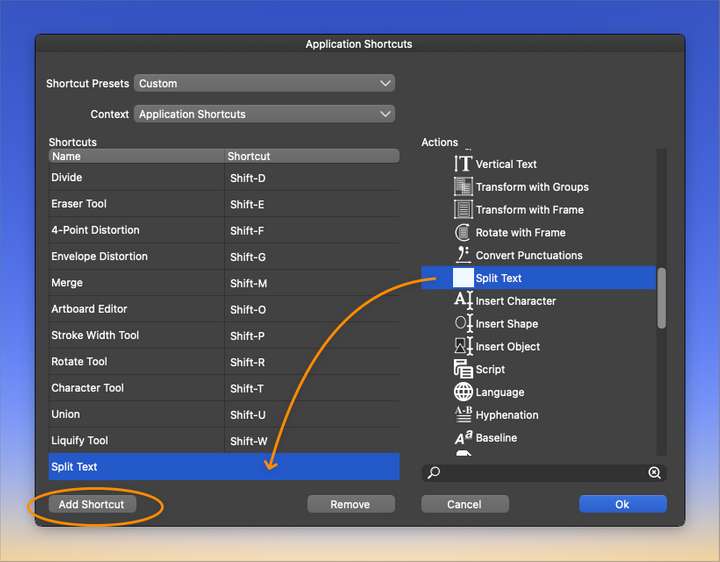
-
@Boldline Added this to the backlog.

