VectorStyler
    • Categories
    • Unread
    • Recent
    • Tags
    • Popular
    • Register
    • Login

    Measuring a Warp amount from the toolbar warp tool
    Scheduled Pinned Locked Moved Questions and Support
    3 Posts 2 Posters 4.4k Views 1 Watching
    Loading More Posts
    • Oldest to Newest
    • Newest to Oldest
    • Most Votes
    Reply
    • Reply as topic
    Log in to reply
    This topic has been deleted. Only users with topic management privileges can see it.
    • BoldlineB Offline
      Boldline
      last edited by Boldline

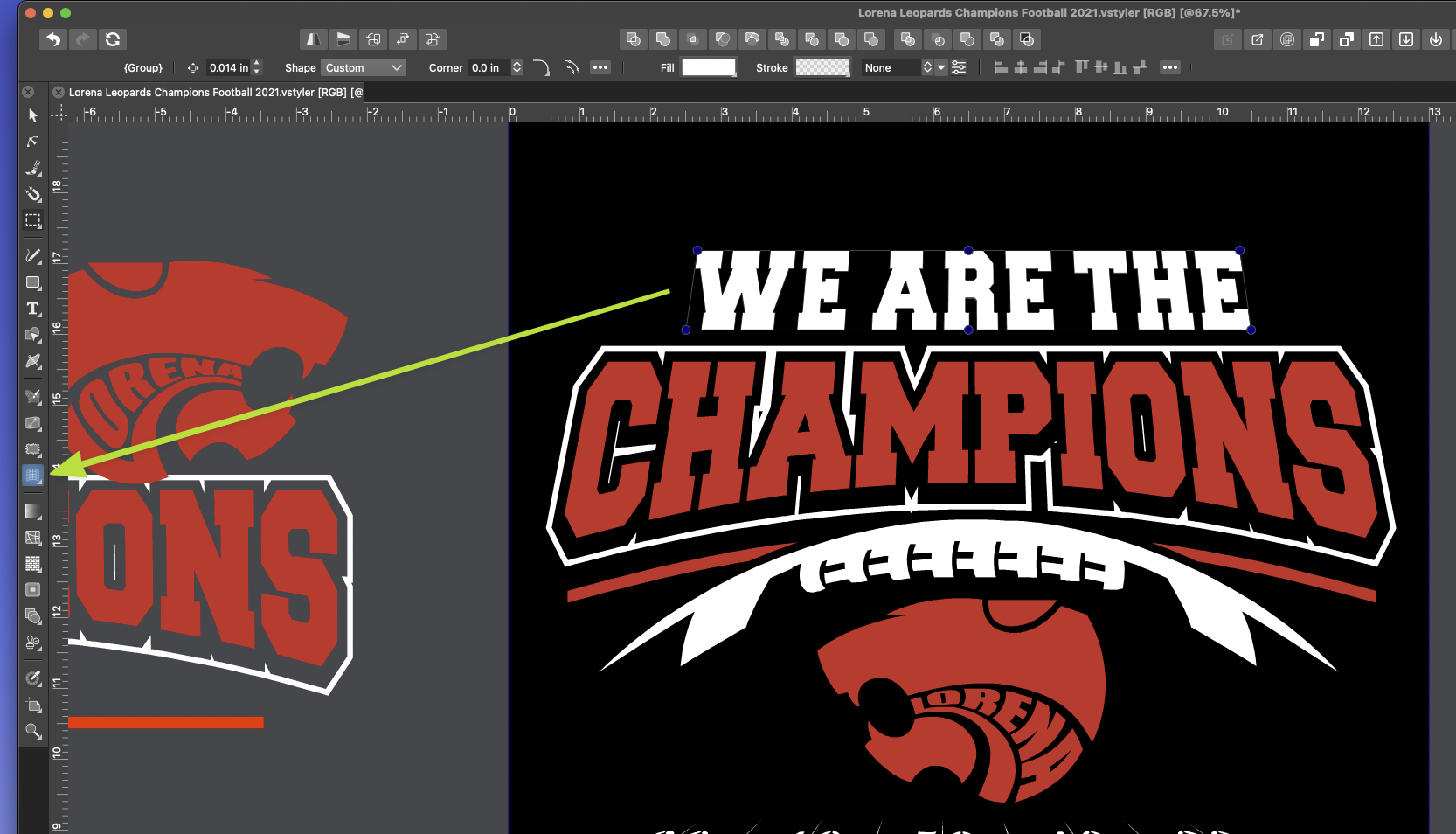
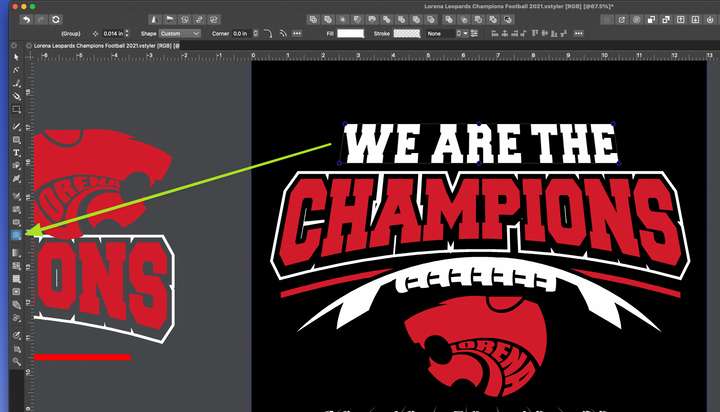
      Is it possible to add a unit of measurement to the warps created in the tool bar?
      or a way to add a panel by double clicking the warp icon so a set amount of warp can be quantified? Or maybe a little pop up number next to the cursor as you drag the warp?
      Sometimes I want to warp text above and below an object and for that warp to be identical in nature. Things like that this would be useful for
      0_1639679551749_2ccb2dde-d701-4e63-8230-cec38169fd7a-BLD 2021-12-16 at 13.28.32.png

      🍎 macOS Tahoe 26.2, Mac mini (M1, 2020), Chip Apple M1, Memory 16 GB
      Cintiq 27QHD Display and LG Ultra HD Display

      VectorStylerV 1 Reply Last reply Reply Quote 0
      • VectorStylerV Offline
        VectorStyler @Boldline
        last edited by

        @Boldline The way to change (or create) Warp using numeric values is to use the Shape Effects panel (Panels -> Effects-> Shape Effects).
        If an object with Warp effect is selected, the panel shows the effect in the list.
        Click on the arrow to open the effect parameters.

        BoldlineB 1 Reply Last reply Reply Quote 1
        • BoldlineB Offline
          Boldline @VectorStyler
          last edited by

          @vectoradmin ok I'll try that. I figured there was a panel for that already but I was trying to find it in image effects - but now that you mentioned shape effects, that makes total sense!


          🍎 macOS Tahoe 26.2, Mac mini (M1, 2020), Chip Apple M1, Memory 16 GB
          Cintiq 27QHD Display and LG Ultra HD Display

          1 Reply Last reply Reply Quote 0
          • First post
            Last post