How do I select further inside a grouped object than the top part?
-
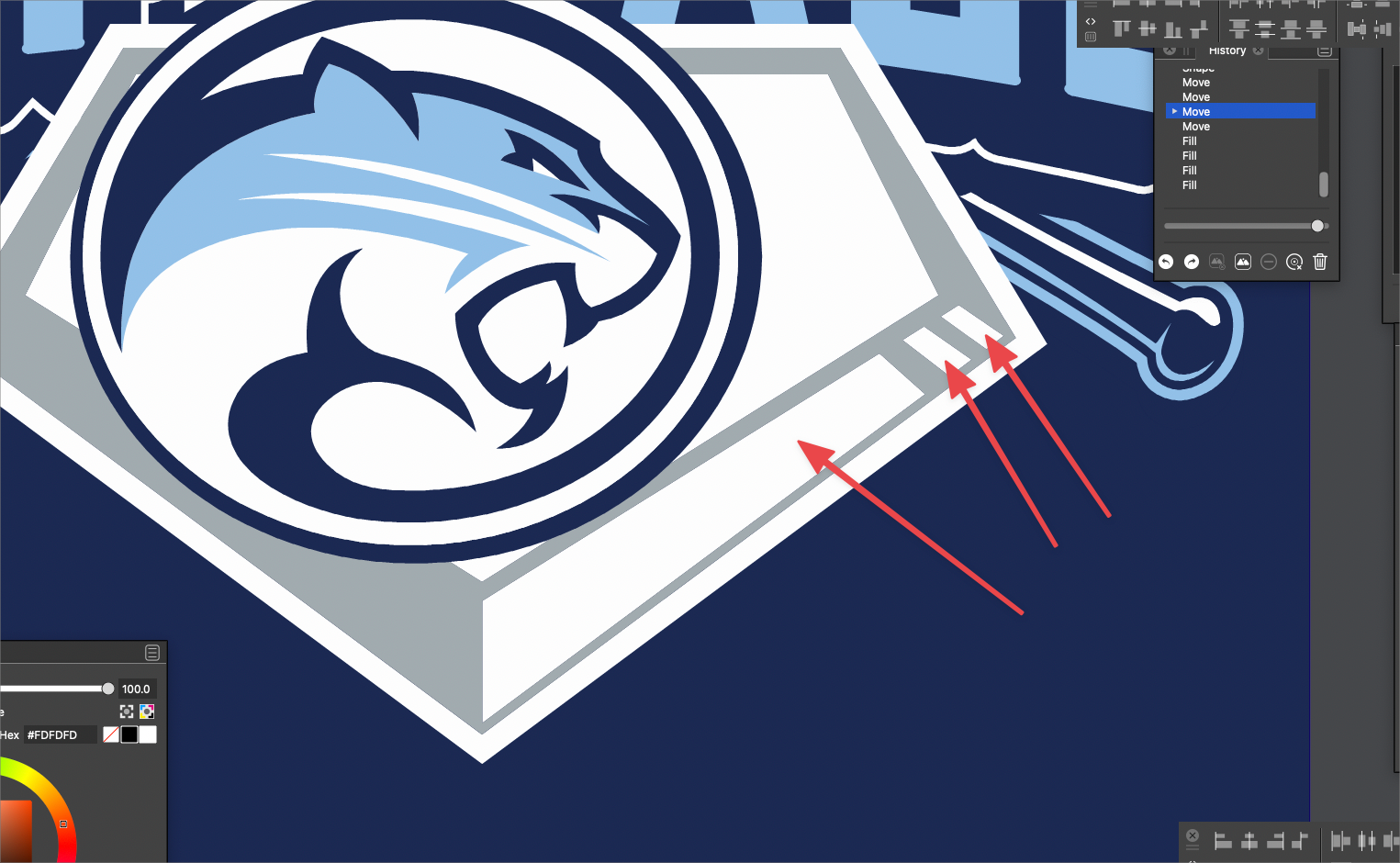
In this example, I have a home plate that I want to change the color of the rectangle shapes inside the gray on the right side. I can't seem to find an easy way to access them without ungrouping the entire shape. I'd love to be able to double click to go into isolation mode, then use the shape editor tool to click on them shapes and alter them, in this case, change their fill color. Let me know if I am missing a step in the process! thanks
🍎 macOS Tahoe 26.2, Mac mini (M1, 2020), Chip Apple M1, Memory 16 GB
Cintiq 27QHD Display and LG Ultra HD Display -
@Boldline One approach: when the Transform tool is active, the context panel has 4 icons used to set what is selected.
The first (arrow) is the regular selection mode.
The second will select inside groups.Another approach: double click on the group to isolate the group. But this will allow selections inside that group only.
-
@Boldline said in How do I select further inside a grouped object than the top part?:
In this example, I have a home plate that I want to change the color of the rectangle shapes inside the gray on the right side. I can't seem to find an easy way to access them without ungrouping the entire shape. I'd love to be able to double click to go into isolation mode, then use the shape editor tool to click on them shapes and alter them, in this case, change their fill color. Let me know if I am missing a step in the process! thanks
@Boldline On Windows I use Control + Transform tool to select from inside a group.
I also incorporate the Control + Alt keys to dig under a selection.
Is it possible that you do have the equivalent key combination on Mac?
-
@William-Kansepa I will play around with that and see if I can get further - thanks!

