VectorStyler
    • Categories
    • Unread
    • Recent
    • Tags
    • Popular
    • Register
    • Login

    XY position of object
    Scheduled Pinned Locked Moved Questions and Support
    14 Posts 5 Posters 12.2k Views 4 Watching
    Loading More Posts
    • Oldest to Newest
    • Newest to Oldest
    • Most Votes
    Reply
    • Reply as topic
    Log in to reply
    This topic has been deleted. Only users with topic management privileges can see it.
    • BoldlineB Online
      Boldline @b77
      last edited by

      @b77 thanks for correcting me on that - I had thought I had done that successfully before, but maybe not.

      🍎 macOS Tahoe 26.2, Mac mini (M1, 2020), Chip Apple M1, Memory 16 GB
      Cintiq 27QHD Display and LG Ultra HD Display

      1 Reply Last reply Reply Quote 0
      • VectorStylerV Offline
        VectorStyler @Jayanta Das
        last edited by

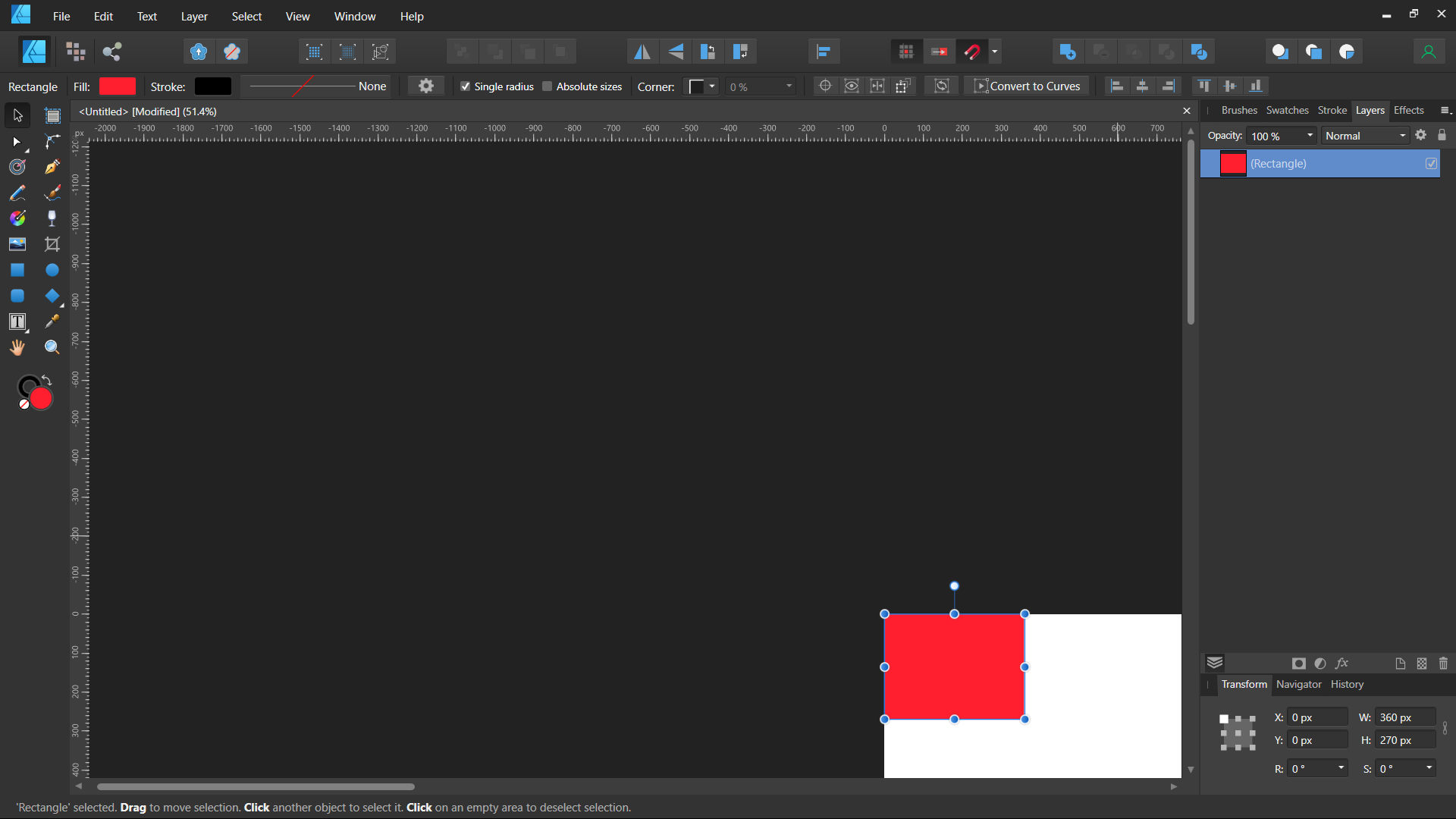
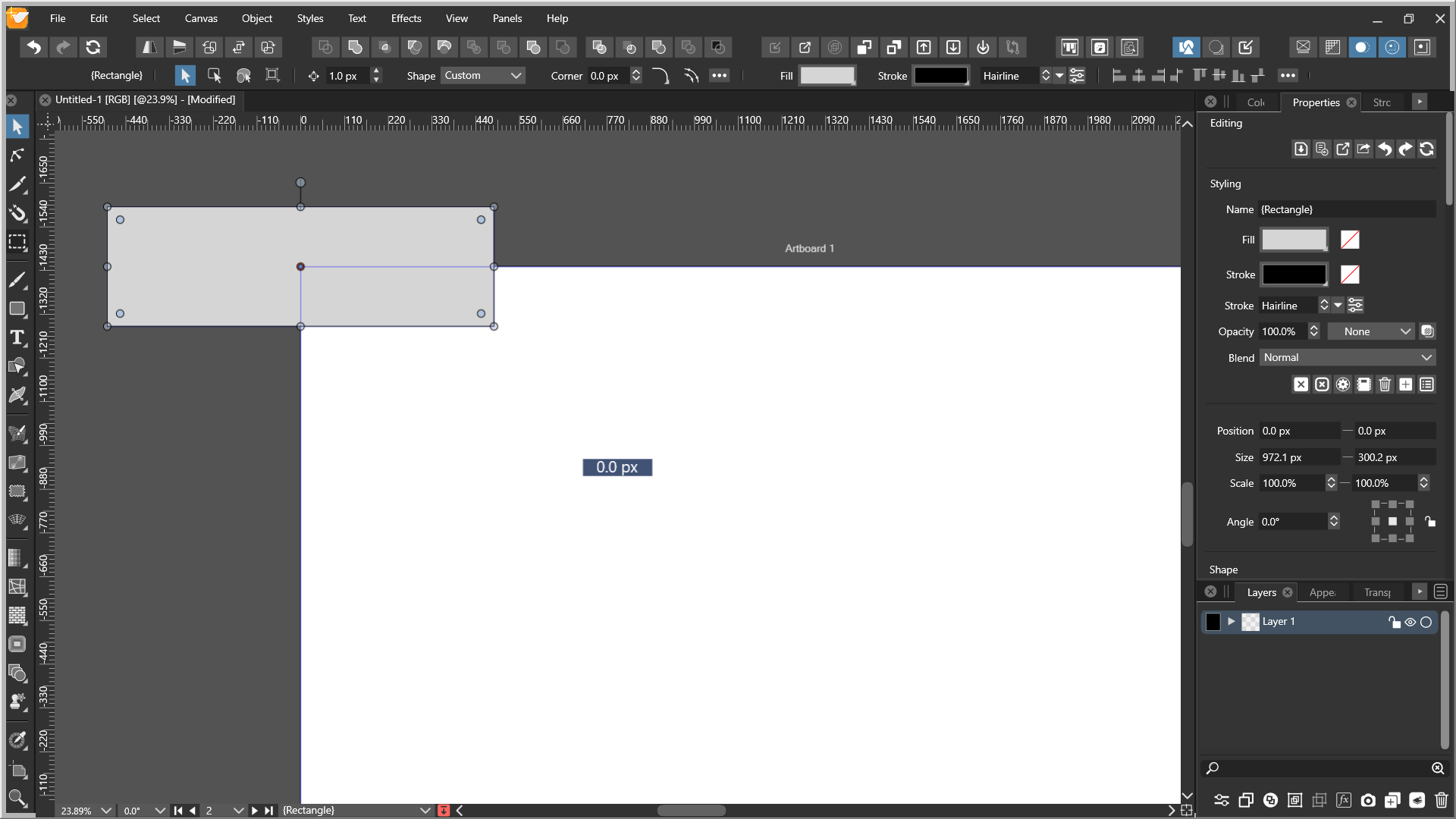
        @Jayanta-Das The Properties and Transform panels have a knob for selecting the reference point of the object (just like in AD).

        b77B J 3 Replies Last reply Reply Quote 1
        • b77B Offline
          b77 @VectorStyler
          last edited by b77

          @vectoradmin It is too big and we didn't notice it. 🤦
          🙂

          MacBook Pro (Intel) running Monterey 12.6.4

          1 Reply Last reply Reply Quote 0
          • J Offline
            Jayanta Das @VectorStyler
            last edited by Jayanta Das

            @vectoradmin said in XY position of object:

            @Jayanta-Das The Properties and Transform panels have a knob for selecting the reference point of the object (just like in AD).

            Really I am blind.

            Mac Mini M4 Pro | 24Gb
            WIndows 11 | Intel i5 11Gen
            Wacom Intuos Pro

            1 Reply Last reply Reply Quote 0
            • b77B Offline
              b77 @VectorStyler
              last edited by b77

              @vectoradmin Oh, btw…

              It would be nice if the rotation pivot would display some orange crosshairs as visual confirmation when it snaps to any of the corners and sides of the bounding box, and if you move it back to the center.

              MacBook Pro (Intel) running Monterey 12.6.4

              J 1 Reply Last reply Reply Quote 0
              • J Offline
                Jayanta Das @b77
                last edited by

                @b77 With the current most of the issues I encounter is resolved. The only improvement I would love to see in the next build is snapping.

                Mac Mini M4 Pro | 24Gb
                WIndows 11 | Intel i5 11Gen
                Wacom Intuos Pro

                b77B 1 Reply Last reply Reply Quote 0
                • b77B Offline
                  b77 @Jayanta Das
                  last edited by

                  @Jayanta-Das Better snapping in what way?

                  MacBook Pro (Intel) running Monterey 12.6.4

                  J 1 Reply Last reply Reply Quote 0
                  • J Offline
                    Jayanta Das @b77
                    last edited by Jayanta Das

                    @b77 Most of the time I find it's hard to snap to shape like when it is set to snap to shape. Sometime it doesn't indicate.

                    Mac Mini M4 Pro | 24Gb
                    WIndows 11 | Intel i5 11Gen
                    Wacom Intuos Pro

                    J 1 Reply Last reply Reply Quote 0
                    • J Offline
                      Jayanta Das @Jayanta Das
                      last edited by

                      @Jayanta-Das said in XY position of object:

                      @b77 Most of the time I find it's hard to snap to shape like when it is set to snap to shape. Sometime it doesn't indicate.

                      Or may be I am missing something in the setting.

                      Mac Mini M4 Pro | 24Gb
                      WIndows 11 | Intel i5 11Gen
                      Wacom Intuos Pro

                      b77B 1 Reply Last reply Reply Quote 0
                      • b77B Offline
                        b77 @Jayanta Das
                        last edited by

                        @Jayanta-Das Record the screen to explain exactly what the issue is and send it and the test file to the developer by email.

                        MacBook Pro (Intel) running Monterey 12.6.4

                        1 Reply Last reply Reply Quote 0
                        • J Offline
                          Jono
                          last edited by

                          Just to add something in relation to the original post, you can change the ‘top-down coordinates (to match the second screenshot) in the document setup options.

                          0_1645573545096_BFB2FD9A-7B7E-42E4-A280-583E9AE140B3.jpeg

                          Mac mini (M1, 2020) | Tahoe 26.1 | Wacom Cintiq 16 (1920 x 1080 px)

                          1 Reply Last reply Reply Quote 0
                          • First post
                            Last post
