Saving Font information in the document
-
One of the biggest annoyances in going back to an old design you made is when you did not save the font information and have to guess what fonts you used. One thing I do is try to save a copy of the fonts off to the side of the art board to reference later.
What if there was an option that recorded names of the fonts used in the design. It would auto-list them in the document level save and it would be accessible and editable... so if I went through say, 4 different fonts before picking a final to use, I could remove those fonts that were ultimately tested but not used if I wanted.
Little things like that could come in handy -
@Boldline This could be done in the future. Added to the feature request list.
-
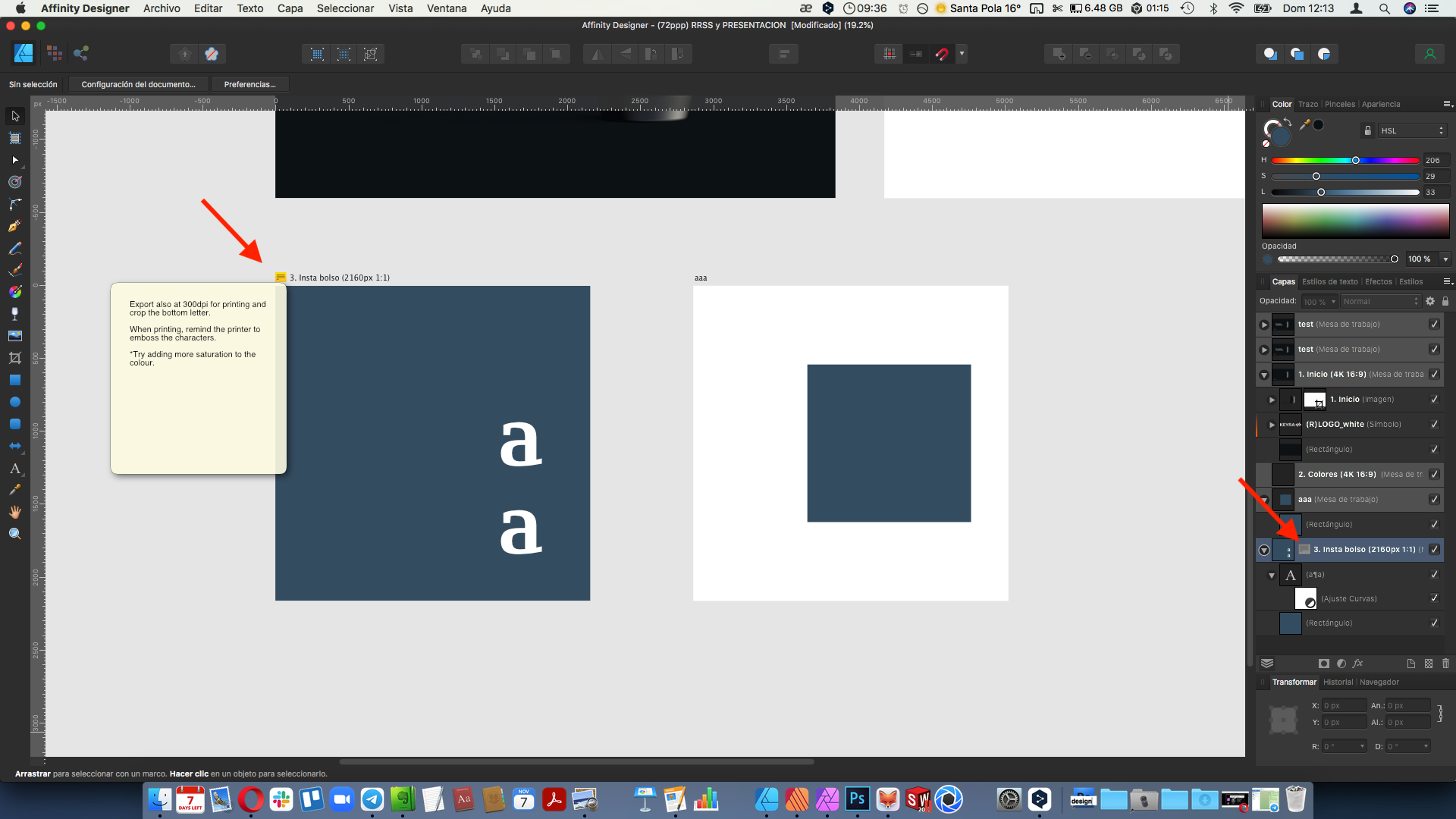
@vectoradmin saw this on the affinity forum in the suggestions. This might be a way to do it when the time is right
 https://forum.affinity.serif.com/uploads/monthly_2021_11/sugerencia.png.7919e4a3f6d0584032803a24d1caae61.png
 -
@Boldline These are more like notes left in the document.
But about fonts: there is also the favorite font group (and the star icon next to a font to place it in favorite).
This is global and it is not linked to any object or document. -
@Boldline great that you brought up this topic. I understand you perfectly because I am struggling with this problem. Currently, I spend a lot of time creating cake toppers. Mostly text-based. If you use a lot of fonts, even a favorites list won't do the trick. My current habit is to write the font name at the end of each project.
In my opinion, it would be a good idea to have a suffix at the end of the name when converting the text into an object.
While saving the entire project, I would see a tag cloud in the export window. Some could be added in the settings, but the names of the fonts used in the project could also appear there.They would appear as a suffix at the end.

-
@encart Maybe some cases of these can be handled with batch export, or object export? (using the Object Export panel)