VectorStyler
    • Categories
    • Unread
    • Recent
    • Tags
    • Popular
    • Register
    • Login

    Trying to make a dotted line but shape is stretched in brush pattern panel
    Scheduled Pinned Locked Moved Questions and Support
    2 Posts 2 Posters 3.4k Views
    Loading More Posts
    • Oldest to Newest
    • Newest to Oldest
    • Most Votes
    Reply
    • Reply as topic
    Log in to reply
    This topic has been deleted. Only users with topic management privileges can see it.
    • BoldlineB Online
      Boldline
      last edited by

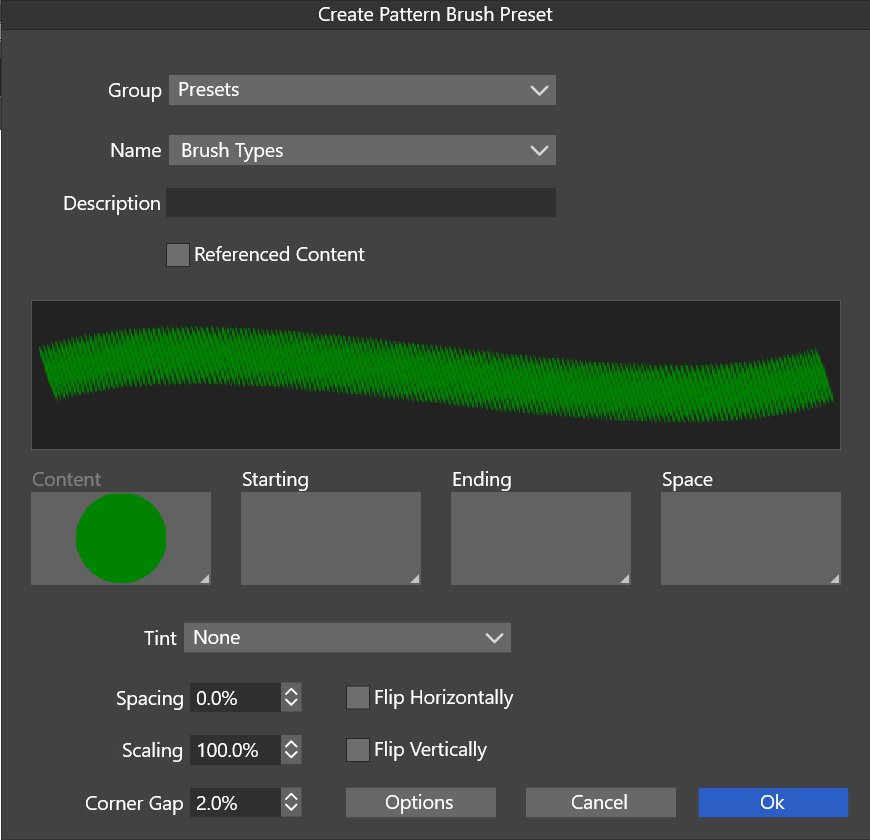
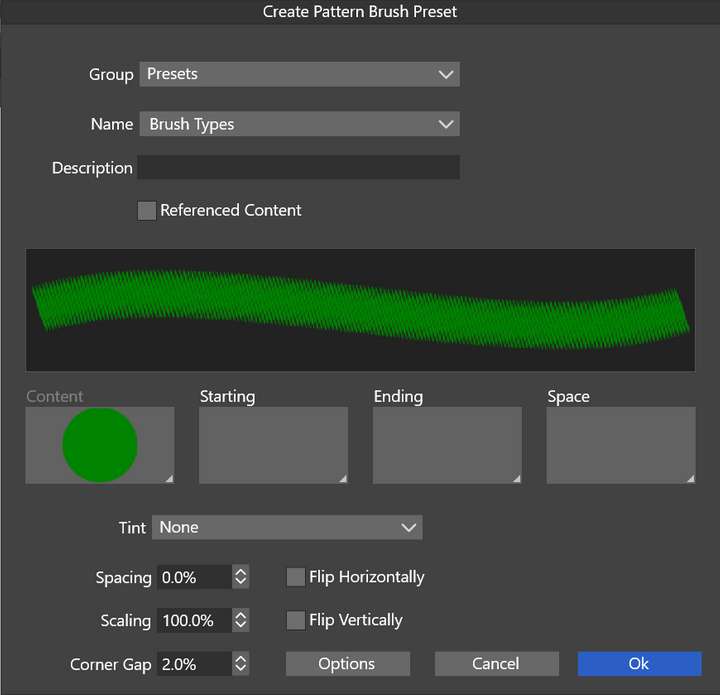
      I'm trying to make a simple dotted line pattern brush. You can see the green circle I made and used for it. Why is it stretching out vertically? What am I missing?
      0_1628982883012_925cc7b0-044d-4484-bebc-9442a6eb7b12-image.png

      🍎 macOS Tahoe 26.2, Mac mini (M1, 2020), Chip Apple M1, Memory 16 GB
      Cintiq 27QHD Display and LG Ultra HD Display

      VectorStylerV 1 Reply Last reply Reply Quote 0
      • VectorStylerV Offline
        VectorStyler @Boldline
        last edited by

        @Boldline The size of that dot (circle) is also important. By default the pattern brush is stretched to the width of the brush, while the advance along the brush is determined by the size of the content (in this case a dot).

        Create the patter brush with the settings above, and when it is used on a shape, check the Proportional option in the brush panel. This will stretch the content (dots) proportionally.


        1 Reply Last reply Reply Quote 0
        • First post
          Last post