VectorStyler
    • Categories
    • Unread
    • Recent
    • Tags
    • Popular
    • Register
    • Login

    Detail optimizations for version 1.4
    Scheduled Pinned Locked Moved Features and Ideas
    14 Posts 2 Posters 83 Views 2 Watching
    Loading More Posts
    • Oldest to Newest
    • Newest to Oldest
    • Most Votes
    Reply
    • Reply as topic
    Log in to reply
    This topic has been deleted. Only users with topic management privileges can see it.
    • VectorStylerV Offline
      VectorStyler @monsterfox
      last edited by

      @monsterfox said in Detail optimizations for version 1.4:

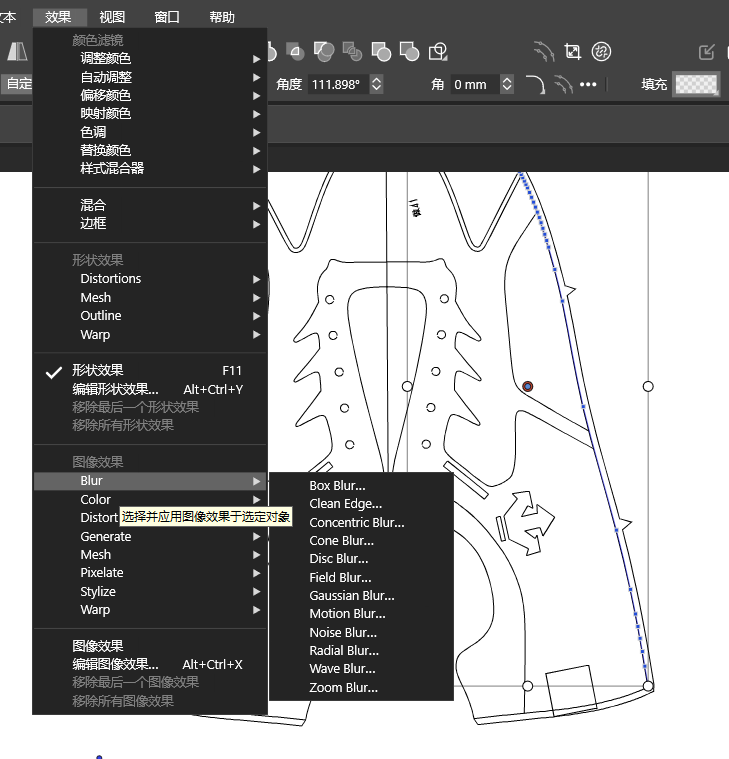
      Can we just reuse the translation texts from 1.3 directly?

      This is a build error, will be fixed soon

      M 1 Reply Last reply Reply Quote 0
      • M Offline
        monsterfox @VectorStyler
        last edited by monsterfox

        @VectorStyler
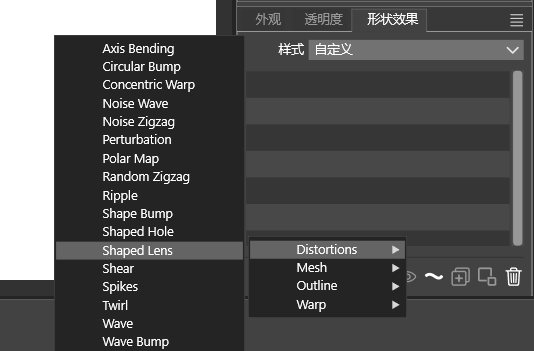
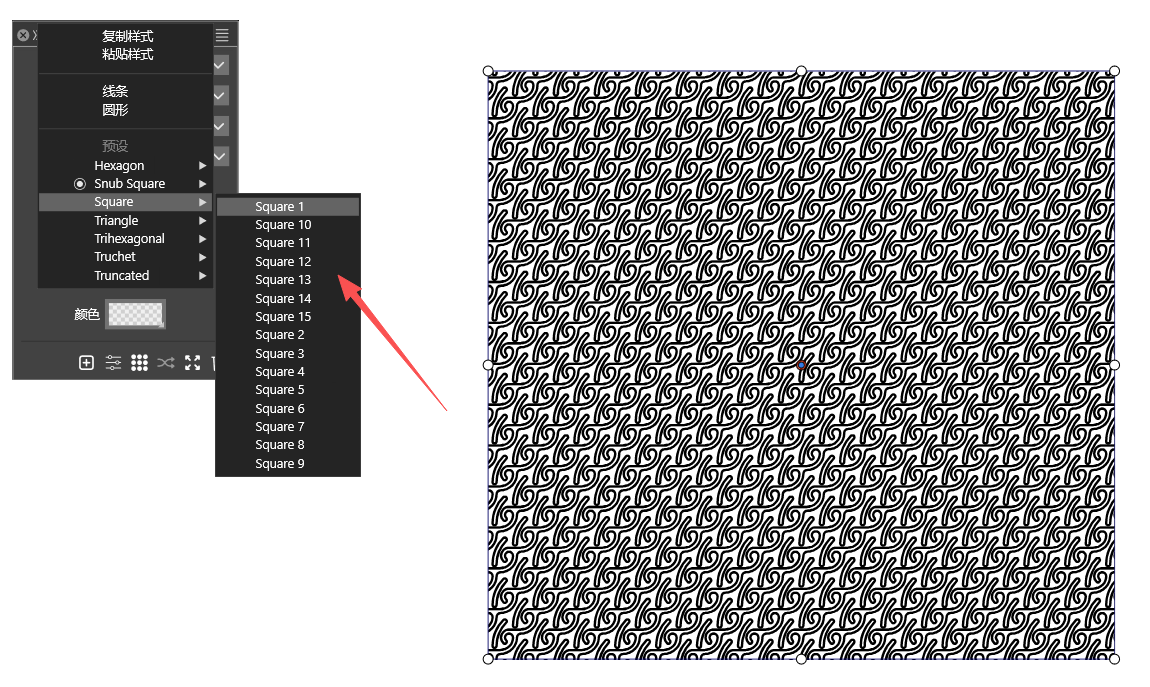
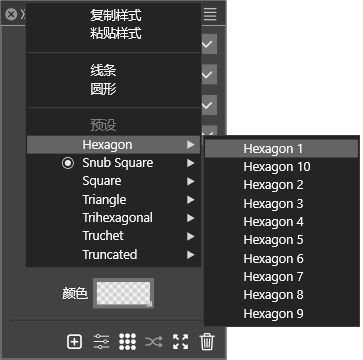
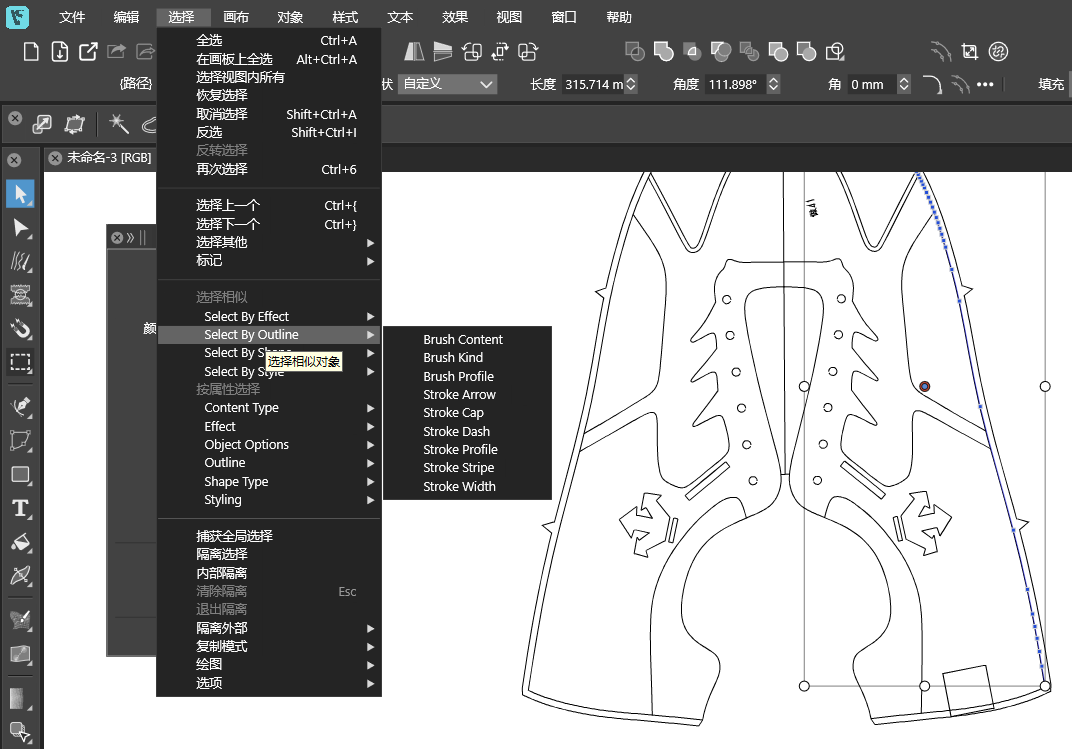
        fcfa3c44-6354-43e9-a19d-5294ab1d36fb-image.png
        Halftone Panel
        "Hexagon " — "六边形"
        "Snub Square " — "扭棱正方形"
        "Square " — "正方形"
        "Triangle " — "三角形"
        "Trihexagonal " — "三角六边形"
        "Truchet " — "特鲁谢"
        "Truncated " — "截角形"
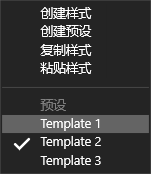
        b2abdcd7-4487-4412-a612-5b4ea6e8e248-image.png
        Repeater Panel
        "Template 1" — "模板 1"
        "Template 2" — "模板 2"
        "Template 3" — "模板 3"

        VectorStylerV 1 Reply Last reply Reply Quote 1
        • VectorStylerV Offline
          VectorStyler @monsterfox
          last edited by

          @monsterfox These resource names are not translated for now.

          M 1 Reply Last reply Reply Quote 0
          • M Offline
            monsterfox @VectorStyler
            last edited by

            @VectorStyler https://youtu.be/RUzexgDw_Kc
            The red shape below is a group. I want one of its nodes to align, while keeping the group intact, to a node on the black shape above. I can’t get this to work no matter what I try. Could you add support for this operation?

            VectorStylerV 1 Reply Last reply Reply Quote 1
            • VectorStylerV Offline
              VectorStyler @monsterfox
              last edited by

              @monsterfox said in Detail optimizations for version 1.4:

              @VectorStyler https://youtu.be/RUzexgDw_Kc
              The red shape below is a group. I want one of its nodes to align, while keeping the group intact, to a node on the black shape above. I can’t get this to work no matter what I try. Could you add support for this operation?

              I will try to improve this

              M 4 Replies Last reply Reply Quote 0
              • M Offline
                monsterfox @VectorStyler
                last edited by

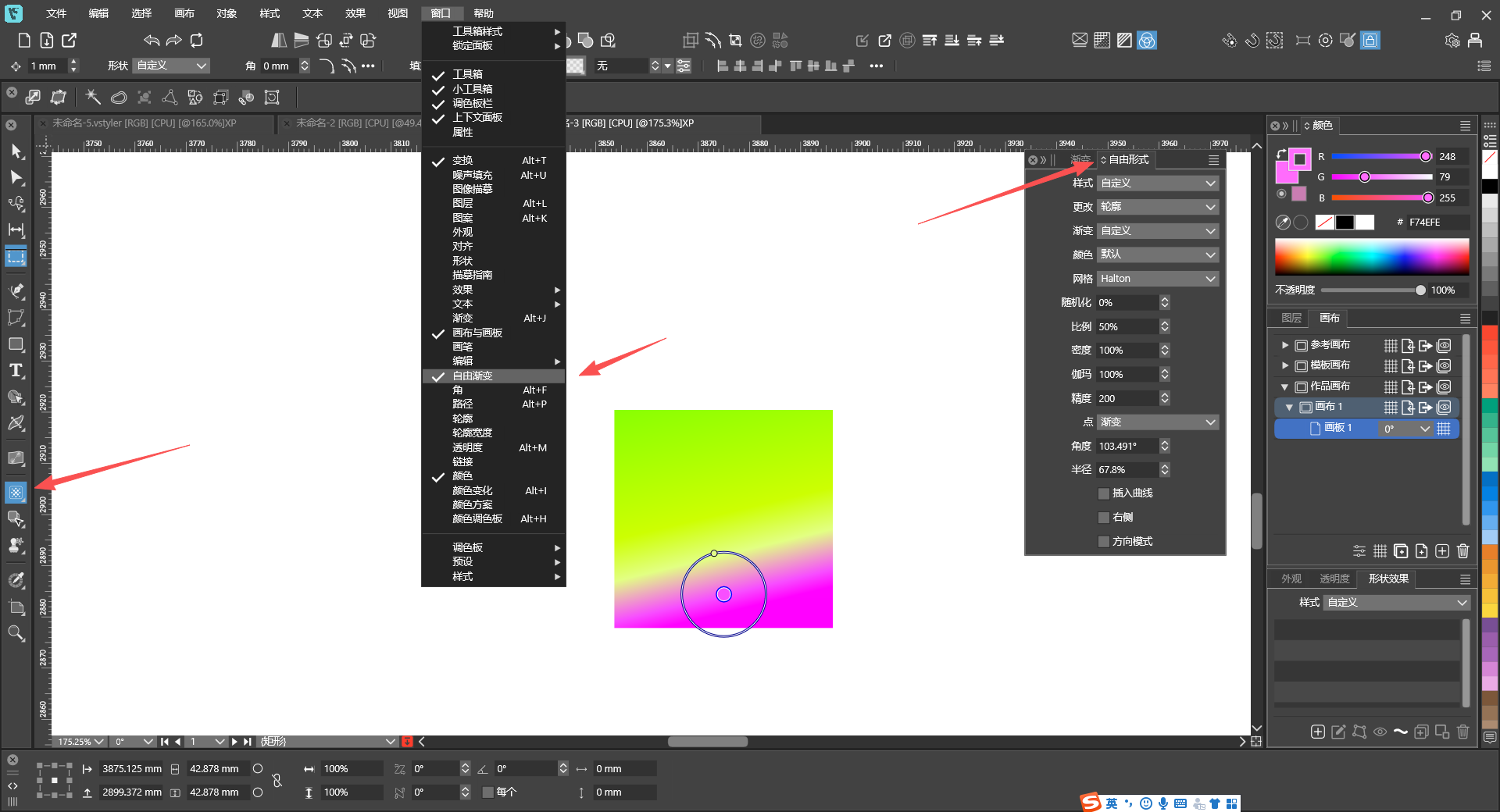
                @VectorStyler 473400ec-f932-45b4-abf1-8b0490248cc3-image.png
                The panel translation for this tool is incorrect. It should match the menu: 自由渐变

                1 Reply Last reply Reply Quote 1
                • M Offline
                  monsterfox @VectorStyler
                  last edited by

                  @VectorStyler https://youtu.be/wgPDmHoGeks ff41e68b-82bc-4c4c-bd4a-931afc5680fc-image.png
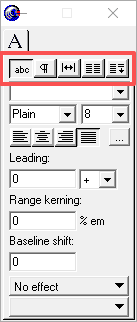
                  ere are too many separate panels related to fonts. Could the frequently used ones be grouped together, similar to FreeHand’s panel sets? At minimum, combine these four (Font, Character, Glyph, Paragraph) into a single panel for easier access.

                  1 Reply Last reply Reply Quote 1
                  • M Offline
                    monsterfox @VectorStyler
                    last edited by

                    @VectorStyler https://youtu.be/ED0mRNJZFMQ
                    While drawing anchor points or dragging handles with the Pen Tool, you can hold Ctrl to move the current anchor point as long as the mouse button is not released. This feature needs to be added.

                    1 Reply Last reply Reply Quote 2
                    • M Offline
                      monsterfox @VectorStyler
                      last edited by

                      @VectorStyler
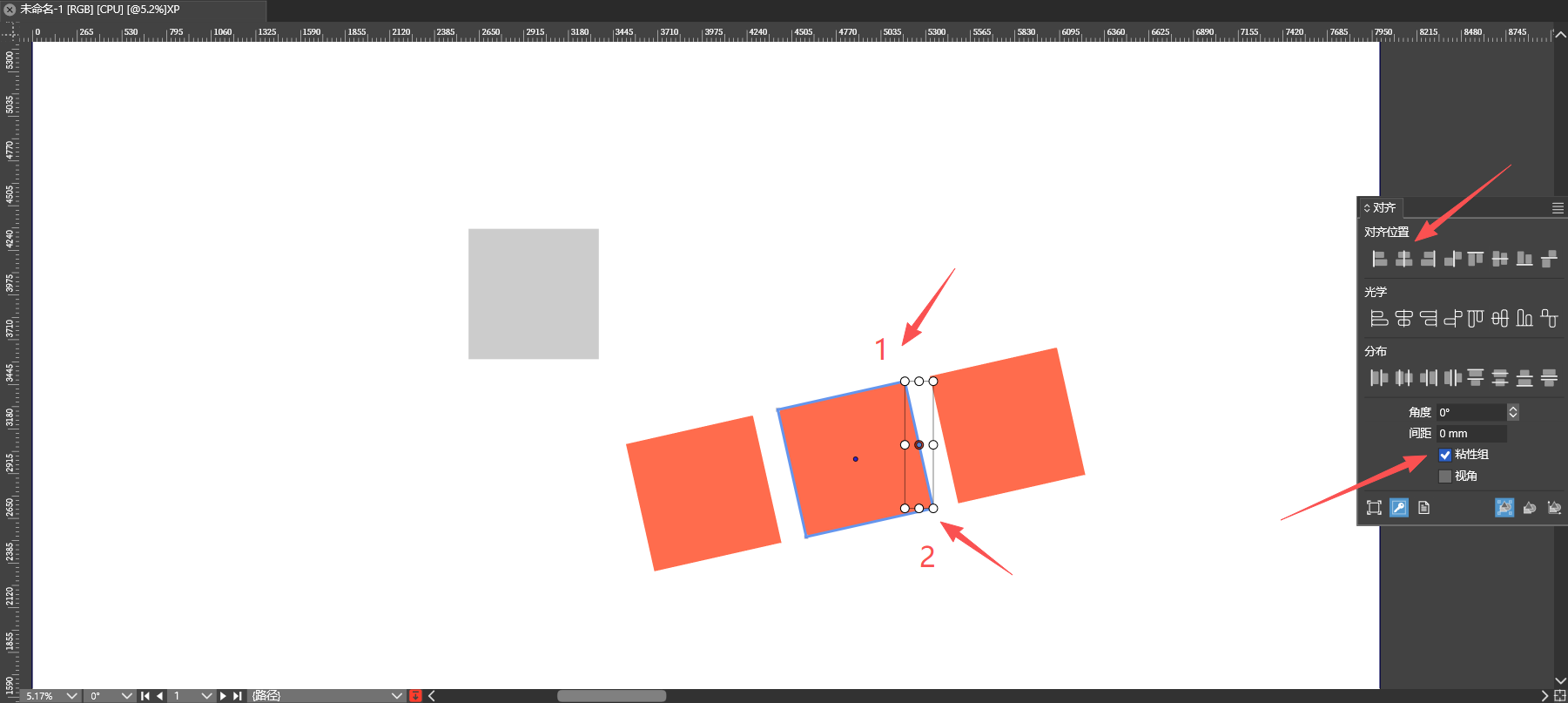
                      The node alignment feature with the "Sticky Groups" option works wonderfully after the fix. Just wondering if this operation can also be used for my case below. The three red squares are grouped. I select node 1 and then node 2 as the key objects. Would it be possible for the group to align relative to these two points when I click align? If this can be supported, it would be perfect. It would remove the limitation where I can only align compound paths from the Path panel.
                      a1eac1f9-3f6f-45be-a430-f11def2b6a55-image.png

                      VectorStylerV 1 Reply Last reply Reply Quote 1
                      • VectorStylerV Offline
                        VectorStyler @monsterfox
                        last edited by

                        @monsterfox When these two nodes are selected, what is the key object for alignment (to what are these aligned to)?

                        M 1 Reply Last reply Reply Quote 0
                        • M Offline
                          monsterfox @VectorStyler
                          last edited by

                          @VectorStyler What I mean is to set the second point as the reference, and align the first node to it. My purpose is to make this group horizontal or vertical (using this like a rotate tool). I feel this should theoretically be supported.

                          1 Reply Last reply Reply Quote 0
                          • First post
                            Last post