5- VectorStyler | Blending | Closed Shapes| Blending Introduction (Part 2) | Align Blend Shape Axis
-
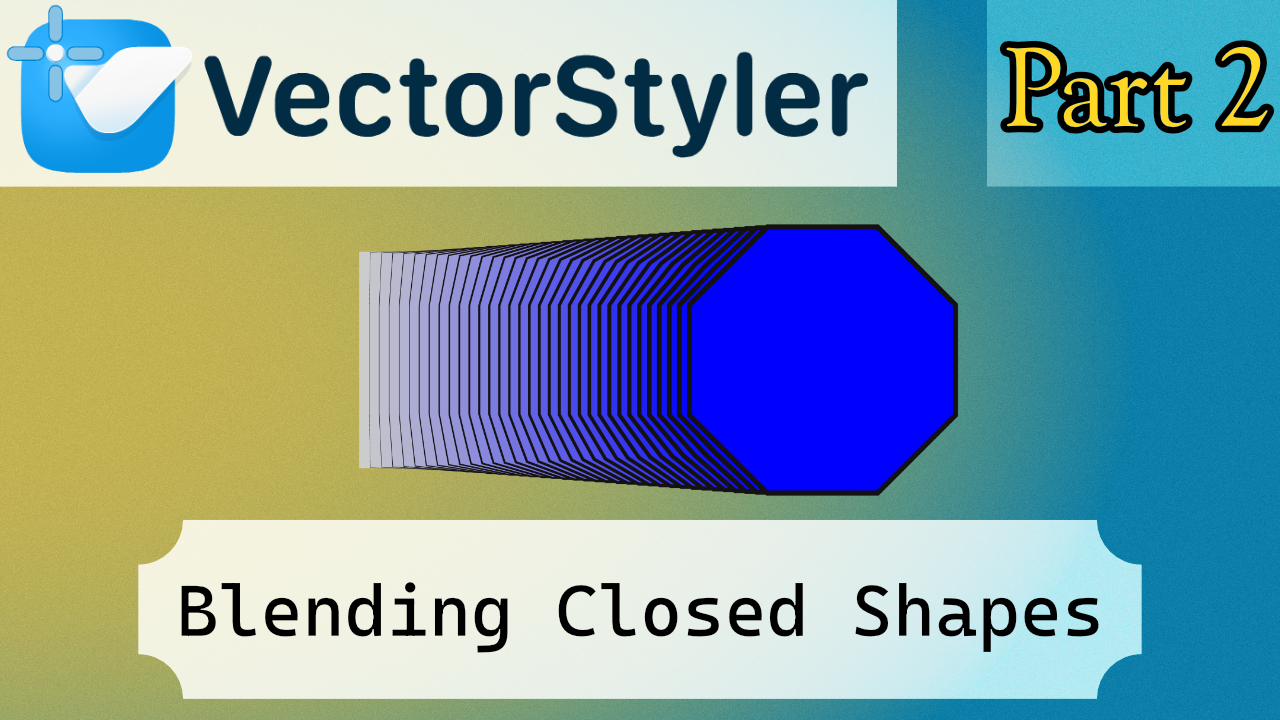
Buenas :v
This is another tutorial. It’s fairly simple, since it mainly shows how closed shapes work, which isn’t particularly complicated. Still, I tried to include a slightly more challenging case. In this example, you need to align the lines of the polygon so the perspective reads correctly, because the normal blending basically performs a rotation during the transition.
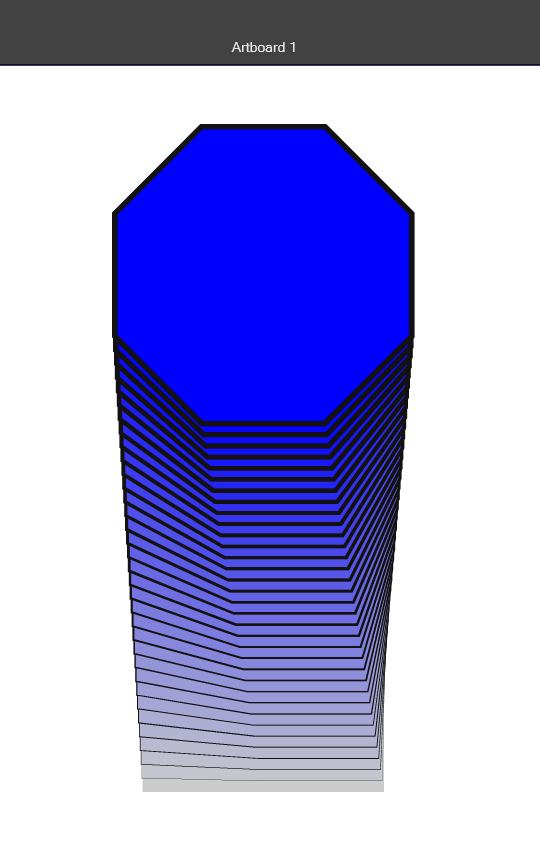
At first, I thought it might be possible to modify the blending point using some kind of transform, since in many 3D programs you usually have more controls for that. But in this case there aren’t that many commands available, and the actual solution turns out to be quite simple.
To add a little extra, there’s also a part showing how to swap one shape with another by copy-pasting a shape on top of the other.
Then I also added a quick example of what the Align option can do. It may or may not produce noticeable changes depending on the case, but it’s there so you can see how it behaves if you’re interested. Honestly, I don’t see a particularly strong use for it in this context, but it’s included so you can try it out.
