VectorStyler
    • Categories
    • Unread
    • Recent
    • Tags
    • Popular
    • Register
    • Login

    How do I avoid extreme extra nodes when merging objects with boolean?
    Scheduled Pinned Locked Moved Questions and Support
    6 Posts 2 Posters 4.1k Views 1 Watching
    Loading More Posts
    • Oldest to Newest
    • Newest to Oldest
    • Most Votes
    Reply
    • Reply as topic
    Log in to reply
    This topic has been deleted. Only users with topic management privileges can see it.
    • BoldlineB Online
      Boldline
      last edited by

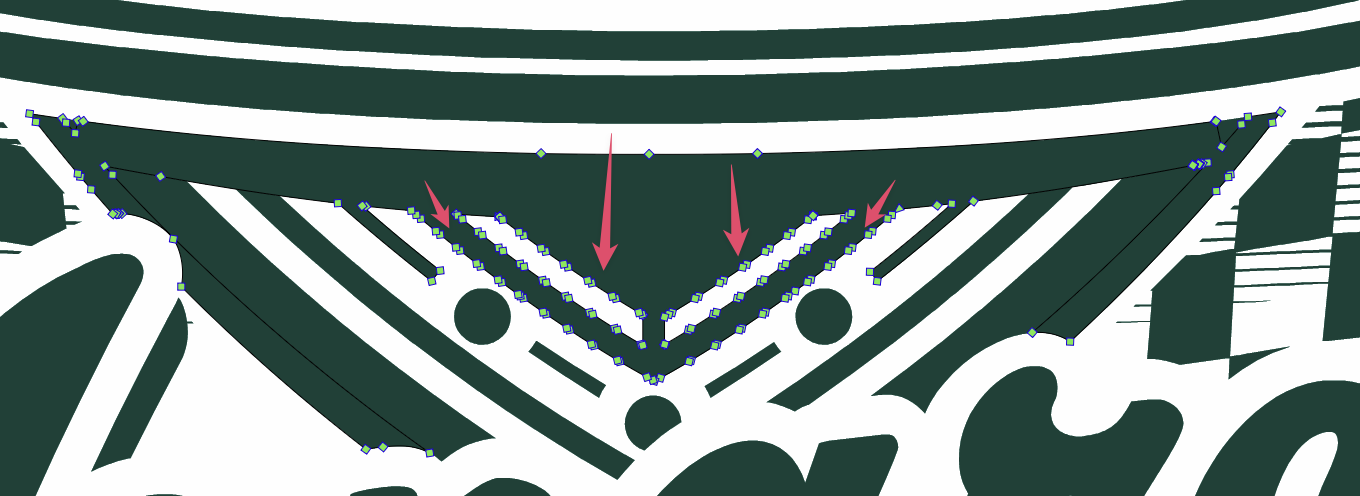
      Is there something I need to be doing to avoid getting so many extra nodes added to the VS art when I merge things down? I know I could use the "simplify path" tool, but in using it I don't seem to be able to control it
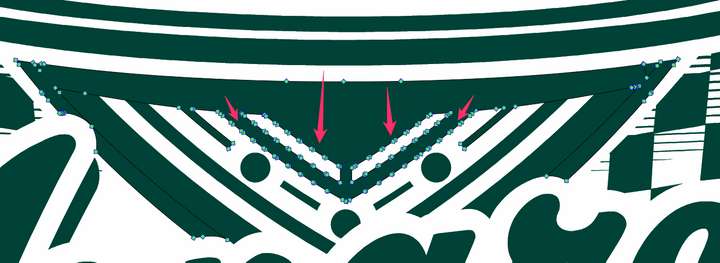
      0_1756871010939_af0ceb5f-8933-4730-90a0-142fafb8fcf5-CleanShot 2025-09-02 at 23.41.53.png

      🍎 macOS Tahoe 26.2, Mac mini (M1, 2020), Chip Apple M1, Memory 16 GB
      Cintiq 27QHD Display and LG Ultra HD Display

      VectorStylerV 1 Reply Last reply Reply Quote 0
      • VectorStylerV Offline
        VectorStyler @Boldline
        last edited by

        @Boldline These intersections occur when the shapes are not completely overlapping.

        One way to deal with these after intersection is to select with the node tool and delete. If possible the node tool will try to fit the curve the best it can when deleting nodes.

        BoldlineB 1 Reply Last reply Reply Quote 0
        • BoldlineB Online
          Boldline @VectorStyler
          last edited by

          @VectorStyler said in How do I avoid extreme extra nodes when merging objects with boolean?:

          These intersections occur when the shapes are not completely overlapping.

          Can you elaborate more on this? What defines not completely overlapping vs proper overlapping? For example, I had two rectangles and they were not perfectly overlapping - but when I merged them, no extra nodes appeared. Do more nodes factor in when cures are used?

          🍎 macOS Tahoe 26.2, Mac mini (M1, 2020), Chip Apple M1, Memory 16 GB
          Cintiq 27QHD Display and LG Ultra HD Display

          VectorStylerV 1 Reply Last reply Reply Quote 0
          • VectorStylerV Offline
            VectorStyler @Boldline
            last edited by

            @Boldline said in How do I avoid extreme extra nodes when merging objects with boolean?:

            What defines not completely overlapping vs proper overlapping?

            In outline view mode, zoom in on the original (before merging) version, into that region where the extra points would show up you should see that the two curves are a bit different.

            If you send the original (before merging) file, I can check that.

            BoldlineB 1 Reply Last reply Reply Quote 1
            • BoldlineB Online
              Boldline @VectorStyler
              last edited by

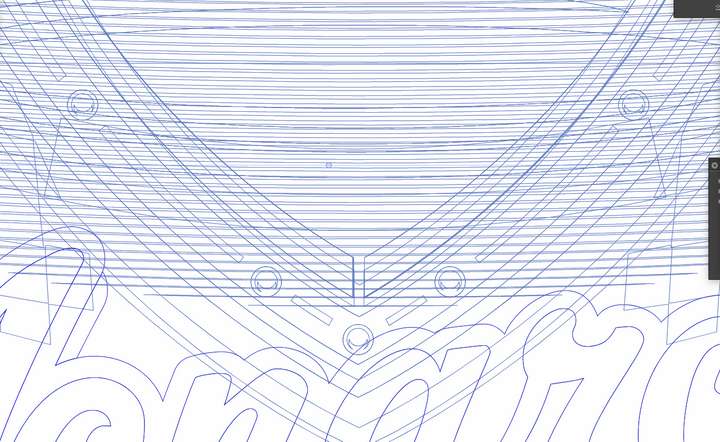
              I certainly have a ton of stop overlapping when I merged down. Perhaps I need to merge in sections as I go
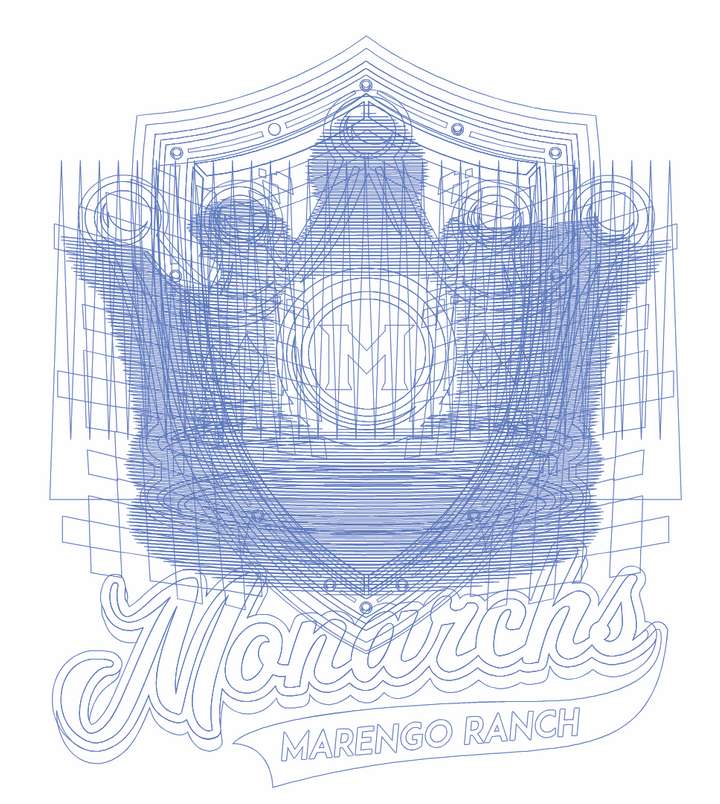
              0_1756897580985_a3caa914-aea2-4de6-811c-783005a39d0f-CleanShot 2025-09-03 at 07.05.07.png

              0_1756897604465_8e8ed8f8-6698-411e-ade7-9ba0eef58e66-CleanShot 2025-09-03 at 07.06.27.png

              🍎 macOS Tahoe 26.2, Mac mini (M1, 2020), Chip Apple M1, Memory 16 GB
              Cintiq 27QHD Display and LG Ultra HD Display

              VectorStylerV 1 Reply Last reply Reply Quote 1
              • VectorStylerV Offline
                VectorStyler @Boldline
                last edited by

                @Boldline Yes, when those horizontal curves intersect with others those points will show up.

                1 Reply Last reply Reply Quote 1
                • First post
                  Last post
