VectorStyler
    • Categories
    • Unread
    • Recent
    • Tags
    • Popular
    • Register
    • Login

    svg Export Problem/Bug?
    Scheduled Pinned Locked Moved Questions and Support
    6 Posts 2 Posters 5.2k Views 2 Watching
    Loading More Posts
    • Oldest to Newest
    • Newest to Oldest
    • Most Votes
    Reply
    • Reply as topic
    Log in to reply
    This topic has been deleted. Only users with topic management privileges can see it.
    • B Offline
      Buntstift
      last edited by

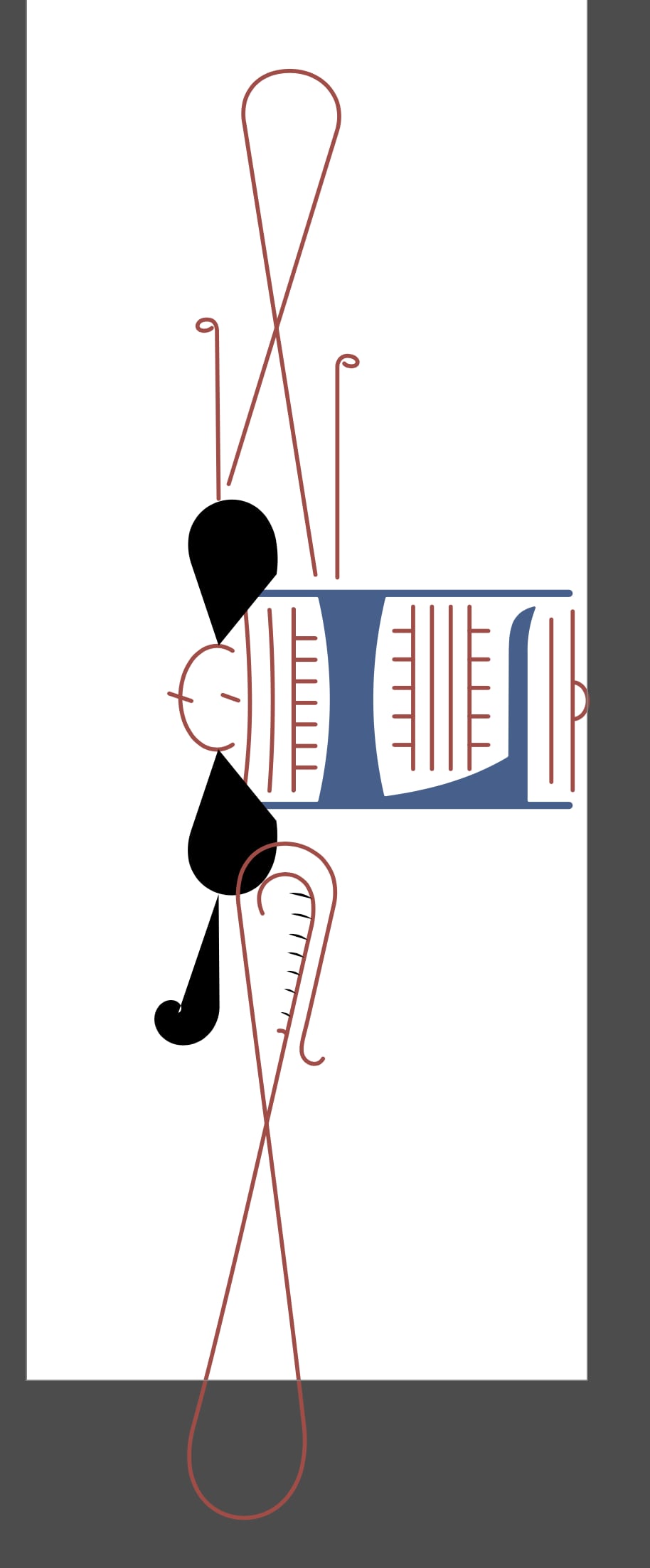
      Why is the svg displayed like this when opened in Amadine (and something similar happens in Vectornator):
      0_1689538382250_Vectorstyler.jpg

      0_1689538392342_Amadine.jpg

      VectorStylerV 1 Reply Last reply Reply Quote 0
      • VectorStylerV Offline
        VectorStyler @Buntstift
        last edited by

        @Buntstift Could be that it tries to expand the stroke incorrectly when exporting.
        Are those all solid stroke outlines? (no width profile, or alignment).

        Send me the vstyler file by email and I will try to find out if this is a bug that needs fixing.

        B 1 Reply Last reply Reply Quote 0
        • B Offline
          Buntstift @VectorStyler
          last edited by

          I have deleted the template from the file so that the total amount of data is smaller
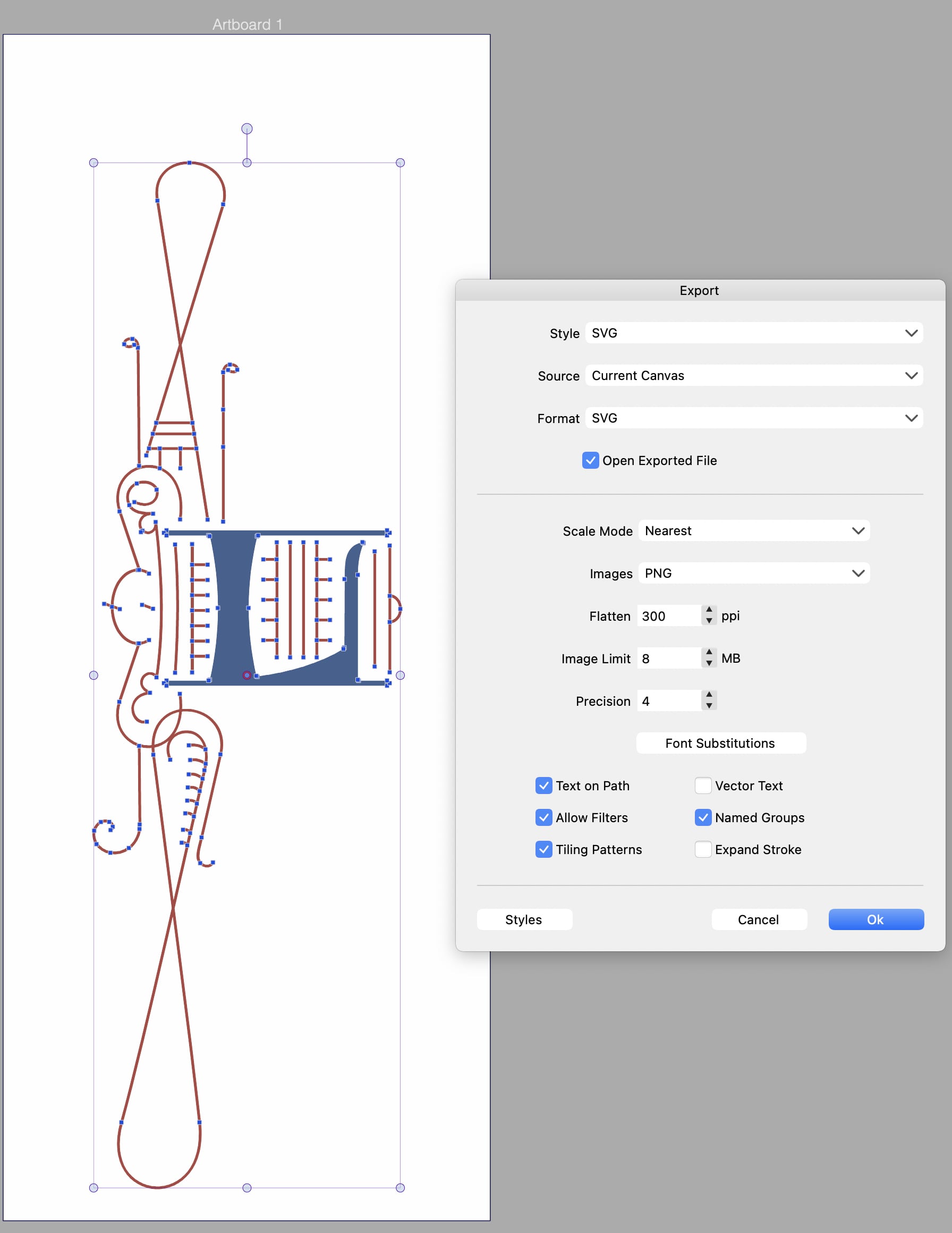
          (I find 2.3 MB surprisingly high for such a graphic). By the way, the export error also happens in Inkscape.
          The background of the preview is red. Does that mean anything?0_1689591138380_Bildschirmfoto 2023-07-17 um 12.51.21.png

          1 Reply Last reply Reply Quote 0
          • B Offline
            Buntstift
            last edited by

            0_1689591170564_Bildschirmfoto_withoutpicture.vstyler

            VectorStylerV 2 Replies Last reply Reply Quote 0
            • VectorStylerV Offline
              VectorStyler @Buntstift
              last edited by

              @Buntstift There is a bug here with SVG export (in VS), but it is easy to work around it.

              Make sure that all strokes have the same cap endings. In VS a stroke can have different caps at start and end, but this does not export into SVG correctly.

              1 Reply Last reply Reply Quote 0
              • VectorStylerV Offline
                VectorStyler @Buntstift
                last edited by

                @Buntstift The SVG export bug (for uneven cap endings) will be fixed in the next build.

                The file size is caused by some embedded color profiles (at least one large CMYK color profile).

                1 Reply Last reply Reply Quote 0
                • First post
                  Last post