VS project lost all type editing and lost history as well when reopened
-
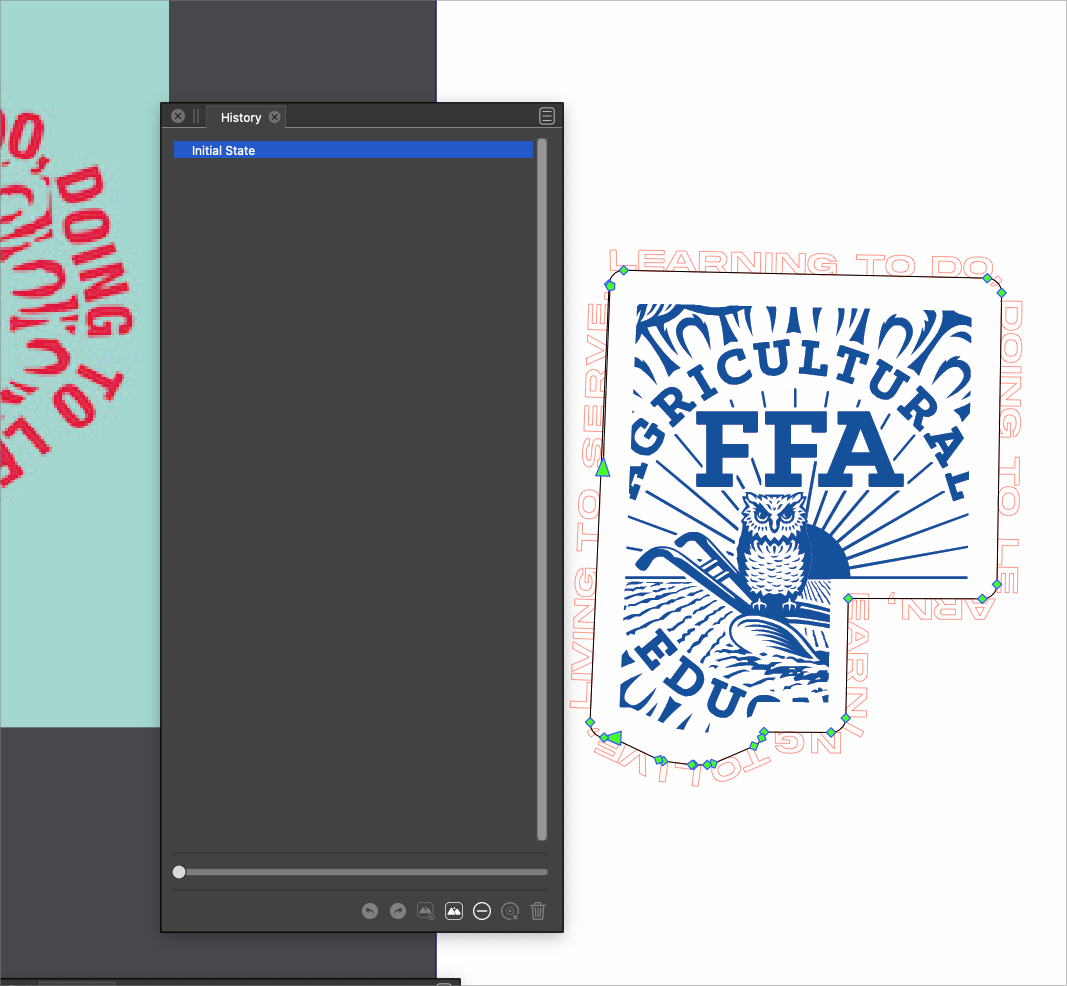
I had added type on a path around this shape and saved and closed the file. When I reopened it, the text was gone and all history was also missing completely in the history panel.
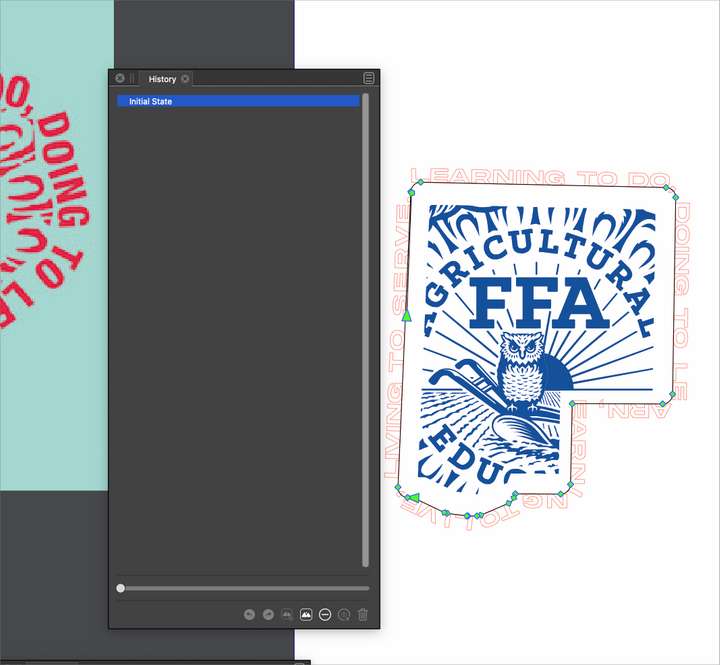
It might be related, but VS also quit on me when I was editing the type on a path much earlier on when I had clicked away from VS to find a different font in my font editor. I got the Apple crash report but not the VS crash report when i reopened VSUPDATE: When I took the screenshot for this problem after typing it out , I can now see the text remains but was turned from blue to white somehow. The history was still completely erased regardless and that is a problem. I'll send you the file @VectorStyler
🍎 macOS Tahoe 26.2, Mac mini (M1, 2020), Chip Apple M1, Memory 16 GB
Cintiq 27QHD Display and LG Ultra HD Display -
@Boldline Opened a bug on this one. Will be fixed ASAP.
-
@Boldline it looks like the "Store History" was not enabled for this file (it is off by default), so that is why the history was not saved.
As for the text, yes it is there, but it seems that the spot color replacement issue showed up here also.
Was this text pasted from somewhere? -
@VectorStyler thanks for checking on that. I will have to see why the history was off then. The logo clipped inside the middle shape was pasted from elsewhere but the text was all native in VS. That same logo changed in color itself on another project when I reopened it. In this one it changed the text.
This is probably related to issues with the same file before a few weeks ago. -
@Boldline said in VS project lost all type editing and lost history as well when reopened:
This is probably related to issues with the same file before a few weeks ago.
I think there is a bug somewhere when working with spot / global colors. I will try to find this out.

