Replace Colors feature is doubling instead of merging down colors
-
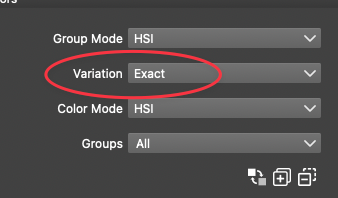
When using the "Replace Color" feature I am not getting the results I would expect. I am trying in this case to reduce the number of blacks in the design down to one. I set the variation to "exact" and then selected each of the many blacks in the design. I then used the merging arrow icon to make them all one.
Here is a video of this happening.

I'm ending up with twice as many blacks as I started with - plus other colors.
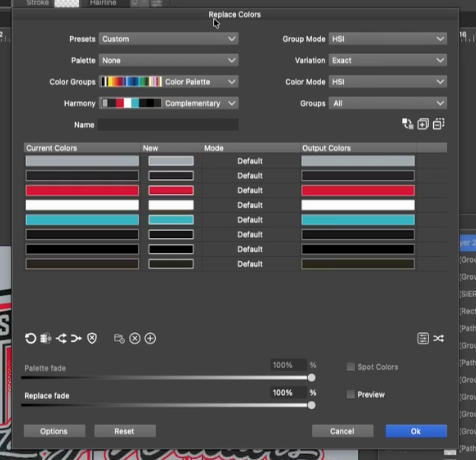
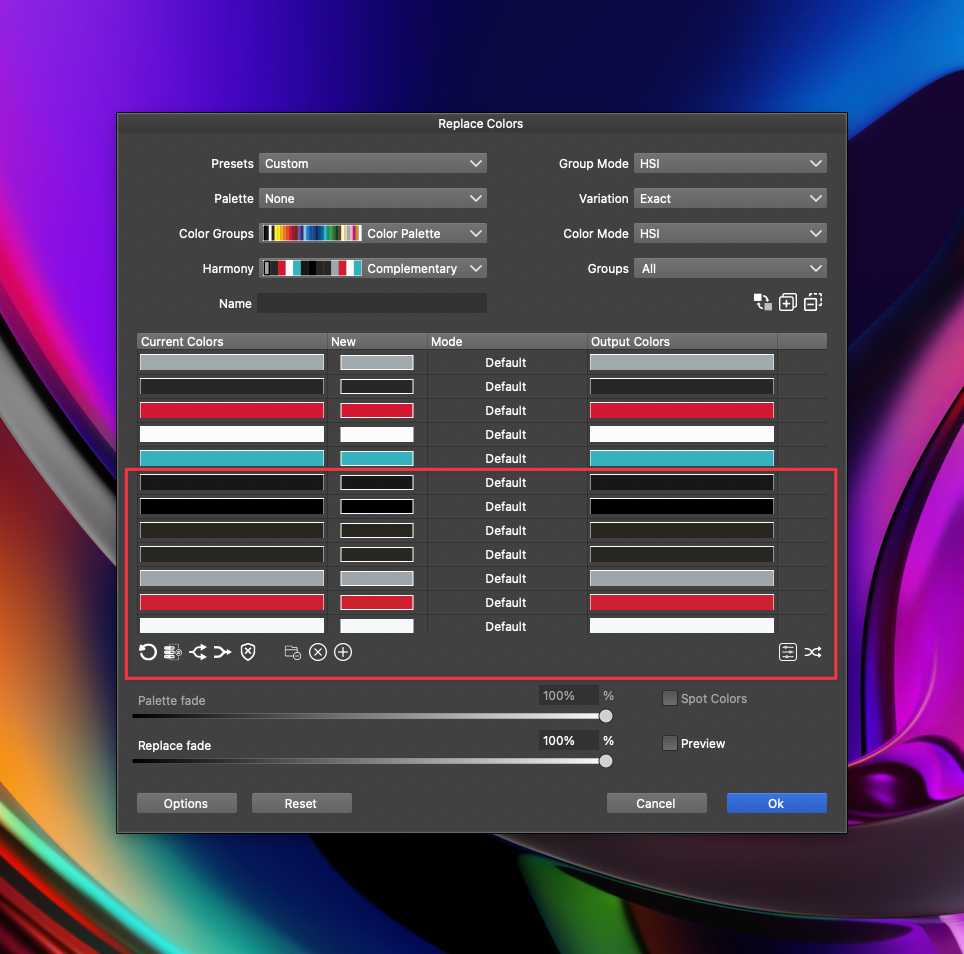
I am also noticing it is selecting colors from locked and non-visible layers (like the teal color this time) Is there a way to set it to only affect the layer(s) that are active and unlocked?
-
@Boldline Send me the file where you have these colors, I will try to replicate this issue.
-
@VectorStyler Thanks! just emailed you the file

