VectorStyler
    • Categories
    • Unread
    • Recent
    • Tags
    • Popular
    • Register
    • Login

    11- VectorStyler | Halftone Part 2 | How to Create Editable Halftone Text (Text Frame) | Non-Destructive

    Scheduled Pinned Locked Moved Tutorials
    1 Posts 1 Posters 5 Views 1 Watching
    Loading More Posts
    • Oldest to Newest
    • Newest to Oldest
    • Most Votes
    Reply
    • Reply as topic
    Log in to reply
    This topic has been deleted. Only users with topic management privileges can see it.
    • Clippy notesC Offline
      Clippy notes
      last edited by

      VectorStyler | Halftone Part 2 | How to Create Editable Halftone Text (Text Frame) | Non-Destructive
      https://youtu.be/5U5J4jtsVNo?si=o8-wbYnKZQldP4VM

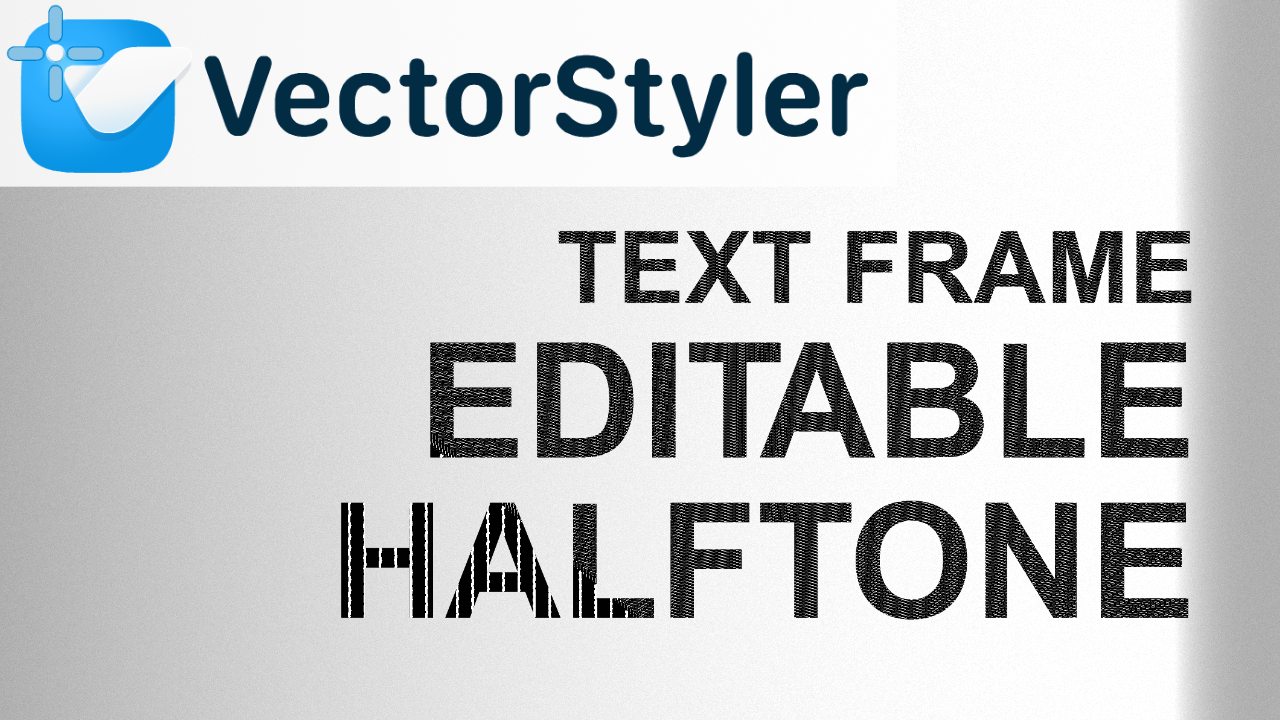
      17_editable_halftone_textframe_portada.png

      This video covers how to create an editable halftone text effect using a Text Frame in VectorStyler. Unlike other approaches, the Text Frame itself does not allow applying a halftone directly, so the effect must be added through the Effects panel instead.

      This workflow keeps the result fully non-destructive, allowing you to preserve the text while still achieving a flexible halftone effect. This video builds on the previous part and continues exploring different methods and limitations when working with halftone in VectorStyler.

      This is one way to do it, but I haven't yet found the way to achieve the full halftone panel effect.

      1 Reply Last reply Reply Quote 1
      • First post
        Last post