Add sub-categories to the repeater presets menu area?
-
Could we add sub-categories options to the repeater presets section? I would like to add other halftone and line and tirangle shape options for quick use but I can see the menu getting very long and cluttered without some way to better organize them
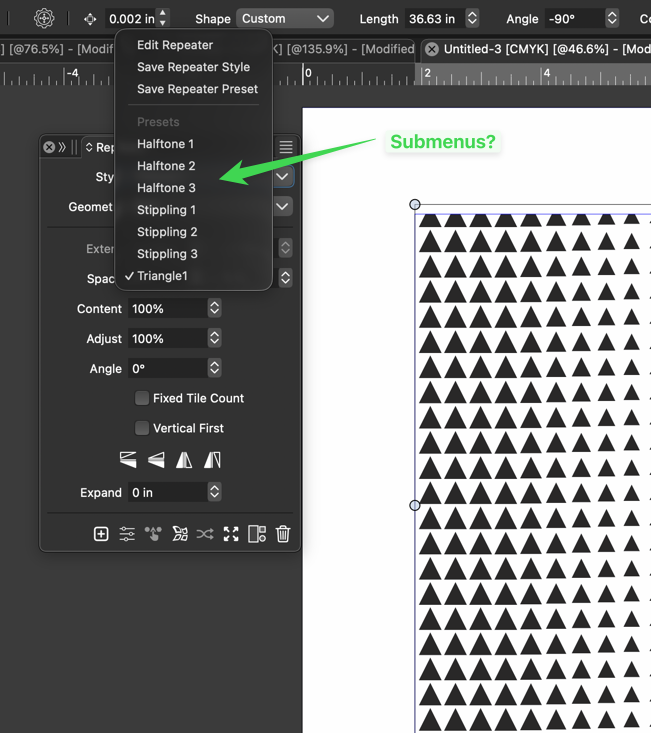
-
@Boldline In the Preset Manager it should be possible to organize presets into folders.
-
@VectorStyler said in Add sub-categories to the repeater presets menu area?:
@Boldline In the Preset Manager it should be possible to organize presets into folders.
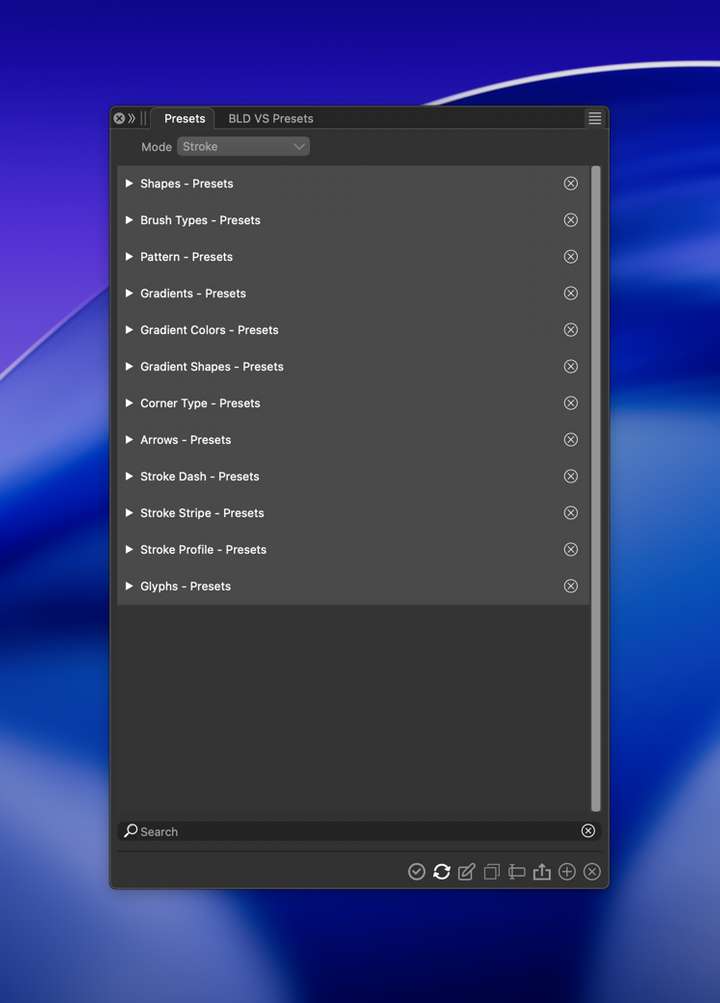
I understand that there is a universal presets panel with access to all the presets available on a program level.
I'm not seeing where the repeater presets are being saved, neither the default halftone and stippling options or the new one I called "triangle and had saved into the preset folder earlier today.
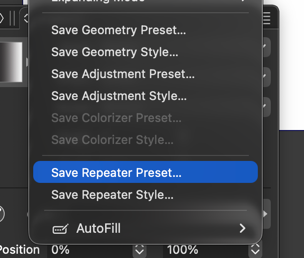
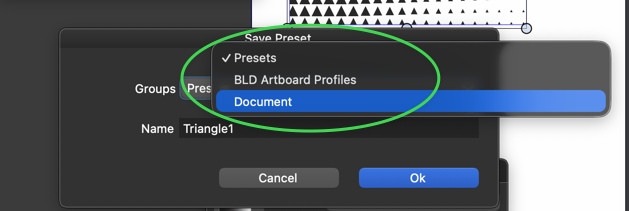
I saved my custom preset to the "Presets" folder and it shows up when I go to use a repeater preset:
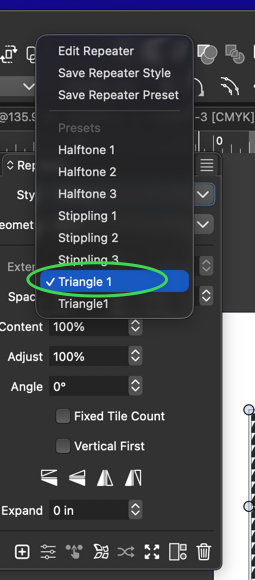
The problem is, I cannot find the them anywhere (they are not visible in the main preset panel), I don't have a way to delete one and there is no link option from the repeater extended menu to open a custom preset folder much less an option to save custom presets to that custom folder.
I'm thinking of it much like how we can open a custom color palette
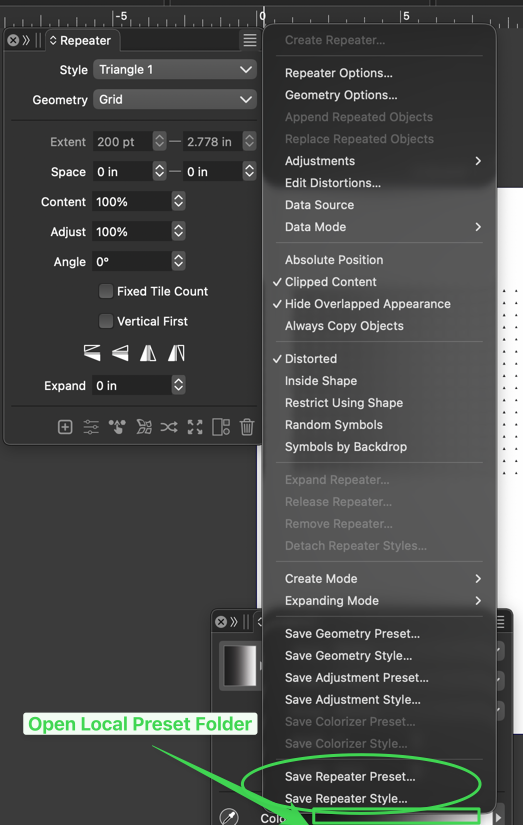
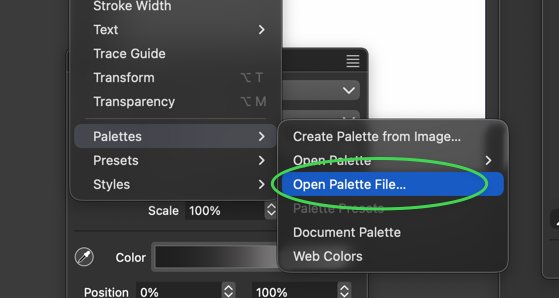
Hopefully I am making sense as to where the issues I am having are.
-
@Boldline This might be a bug (not listing all preset types). I will solve this.