XLS for features and ideas - Megathread
-
Edge Gradient: http://www.vectorqueue.com/imaxes/scurve.MP4...

-
@EricP: Yes, I did. Repeater is a great idea, but it can be much simpler. I'll suggest small ways to make it more intuitive.
-
@Daniel said in XLS for features and ideas - Megathread:
Edge Gradient: http://www.vectorqueue.com/imaxes/scurve.MP4...
a.k.a Diffusion Curves
-
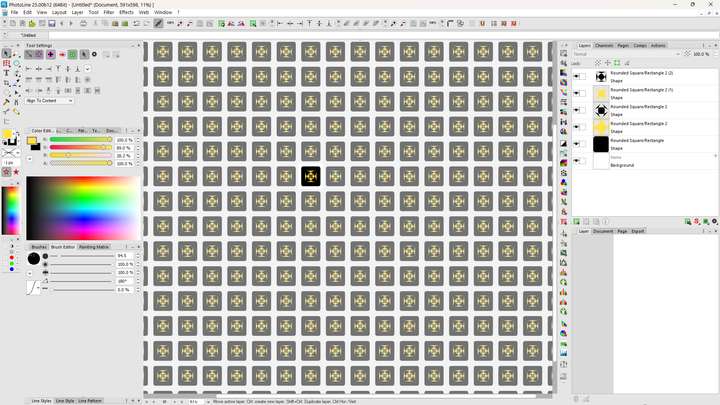
Pattern-mode: This is actually one of my favourite PL features. It allows you to turn your entire canvas into an instant repeating pattern. This means that you can quickly design a single tile and turn it into a pattern with a single click. You can also quickly hide the panels and see how the pattern looks:
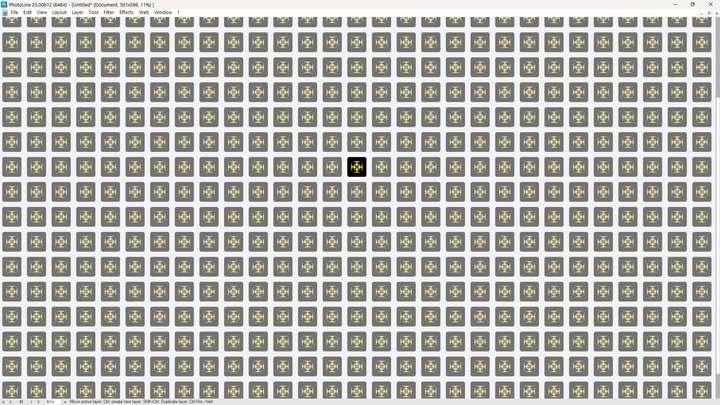
Like so!
It's brilliant. And it is editable live. It is also incredibly fast.
-

Layout view. This was once upon a time available in FreeHand. But now Scribus has revived it. It can either be a dedicated view like outline view or if you zoomout, you see the text density and weights. Brilliant stuff.
-
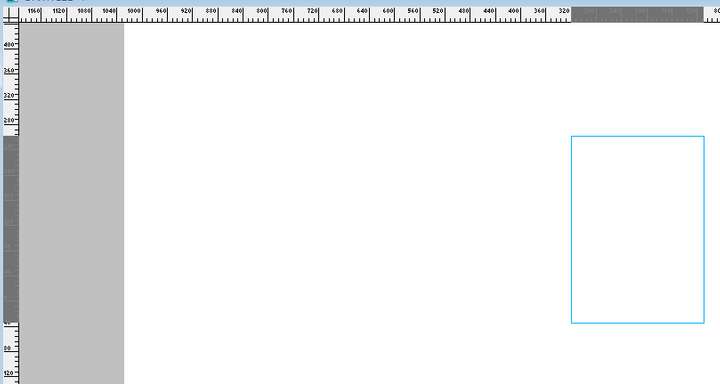
Ruler highlighting. This helps ensure that when you're moving objects, you can actually see the position without guessing. Available in many, including my beloved FH.
-
Guide Layer: This is yet another classic that both Xara and FreeHand got right. You can make a guide out of literally any object. Including texts, entire blends, and so on. You might ask: Well, what's the point of that? It allows you to very quickly generate complex layout grids. Here's how it works:
I start with a 6X3 Table. And then merge cells very quickly and get this:
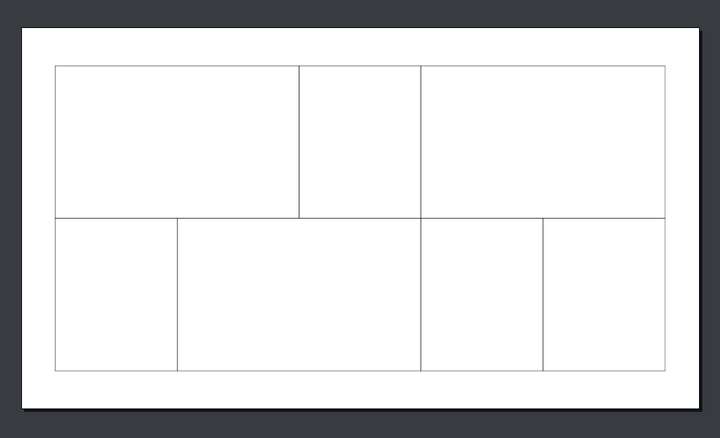
Next I move the Table into the guide layer.
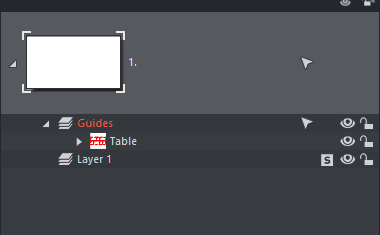
Voila. Now it's a grid/guide:
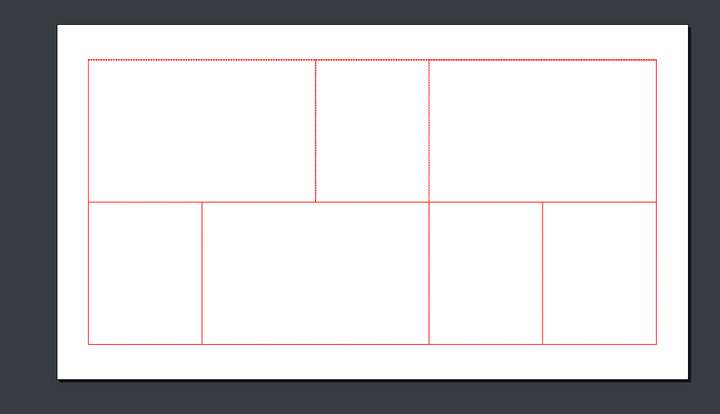
This is exceptionally useful.
-
-
@VectorStyler really? Never realised. Let me check.
-
@Daniel select the object and then: View -> Guides -> Make Guides
A question: how do those other programs handle if these lines, grids, are rotated? how does snapping of a curved shape works at corners of those rotated grids?