VectorStyler
    • Categories
    • Unread
    • Recent
    • Tags
    • Popular
    • Register
    • Login

    Just a Pattern

    Scheduled Pinned Locked Moved Tutorials
    58 Posts 8 Posters 61.1k Views 8 Watching
    Loading More Posts
    • Oldest to Newest
    • Newest to Oldest
    • Most Votes
    Reply
    • Reply as topic
    Log in to reply
    This topic has been deleted. Only users with topic management privileges can see it.
    • S Offline
      Subpath
      last edited by

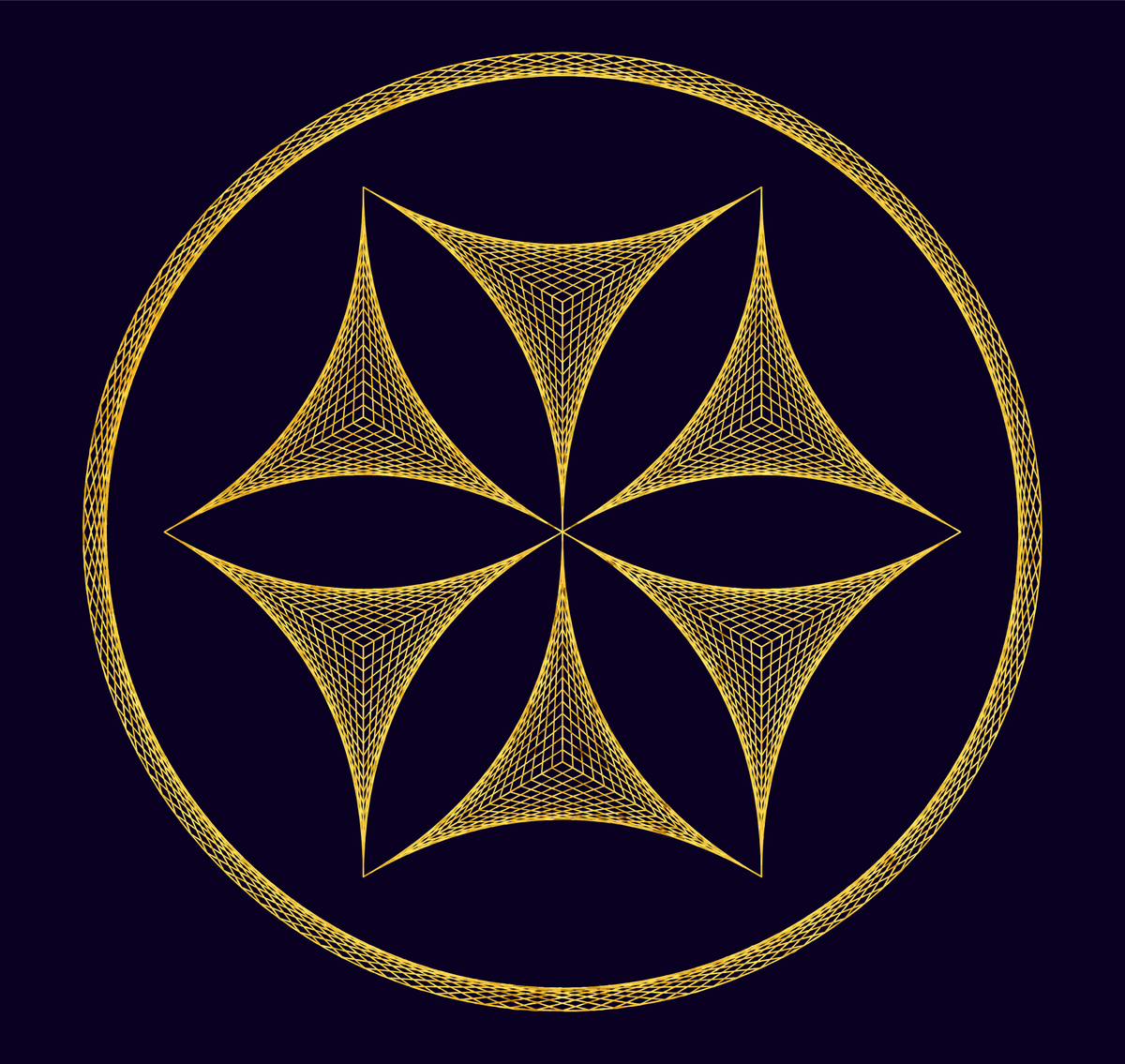
      Another Variation of it

      Linien-Hexa-circle-3-small.png

      Win 11
      CPU: AMD Ryzen 5 9600X, 6-core.
      GPU: Nvidia Geforce RTX 5070.

      M 1 Reply Last reply Reply Quote 2
      • M Offline
        monsterfox @Subpath
        last edited by

        @Subpath These graphics look quite unique. I’m curious: can VectorStyler create them at the moment?

        S 1 Reply Last reply Reply Quote 0
        • S Offline
          Subpath @monsterfox
          last edited by Subpath

          @monsterfox

          I think some of the Designs would be possible in Vectorstyler
          all you need is a straight Line, rotate it a bit and copy and repeate it

          But i think it is way easier to do it in Nodebox because one would have more Options
          when you could set single Points and connect those Points with a Line i dont think
          that Vectorstyler could set single points.

          To set single points and connect them its very easy in Nodebox. (Nodebox is free, PC and Mac
          in the mean time there is also a Version for Silicon based Macs )
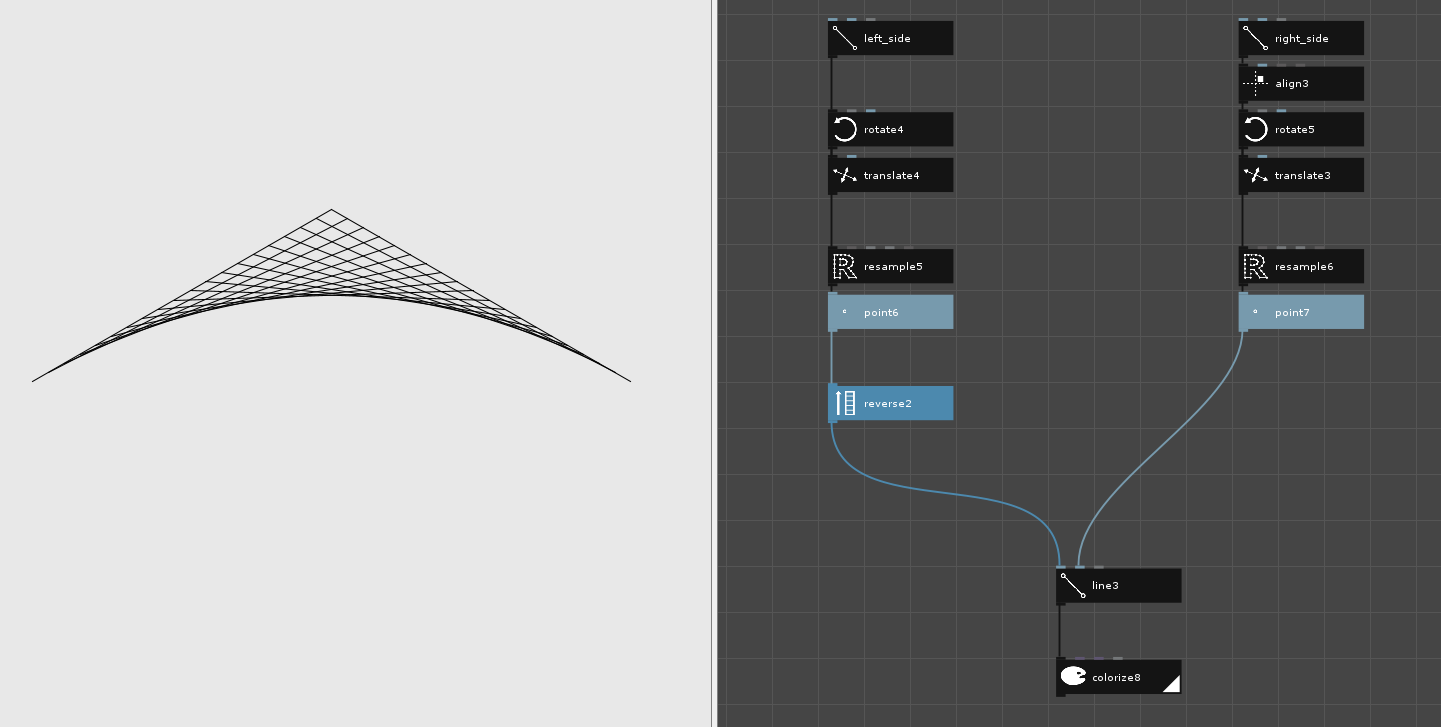
          All you need is a Path and a Point Node which say how much Points a Path should have.
          This way you could create all kind of Point Patterns and connect them.
          .
          .
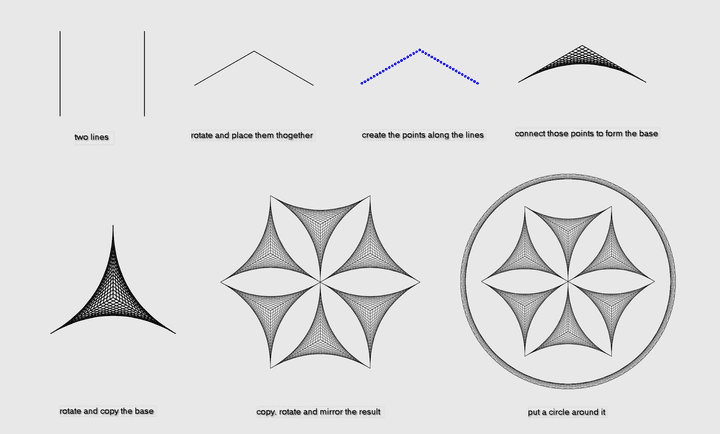
          Here how the base Structure is made
          base structure.png
          .
          .

          and here the whole Design
          artist-forum-small-1.png

          Win 11
          CPU: AMD Ryzen 5 9600X, 6-core.
          GPU: Nvidia Geforce RTX 5070.

          1 Reply Last reply Reply Quote 2
          • S Offline
            Subpath
            last edited by Subpath

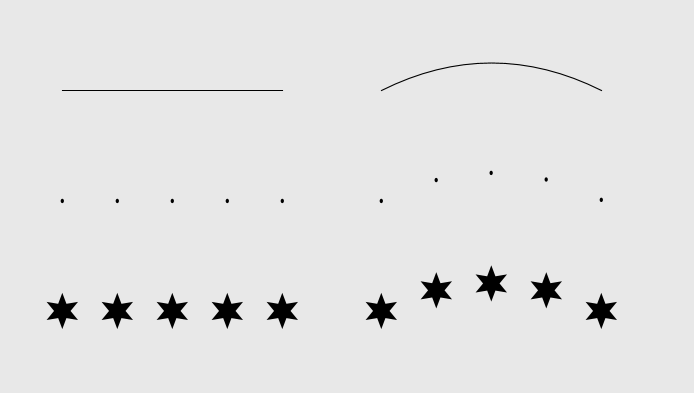
            Some additional notes regarding Points in NodeBox:

            Points serve not only to connect lines or paths.
            They can also be used to specify positions for shapes or designs.

            And since this all is Node-based in Nodebox, it is very easy to replace
            one shape with another or to modify the design.

            Not to forget that Nodebox is a pretty good compainion to Vectorstyler
            NB has .SVG and PDF Export and you could import .SVGs
            Points in NB.png

            Win 11
            CPU: AMD Ryzen 5 9600X, 6-core.
            GPU: Nvidia Geforce RTX 5070.

            M 1 Reply Last reply Reply Quote 1
            • M Offline
              monsterfox @Subpath
              last edited by

              @Subpath This is a node-based program, which I’m afraid won’t work for me. Just like creating materials in C4D, it requires connecting nodes. This kind of workflow isn’t my strong suit.

              S 1 Reply Last reply Reply Quote 1
              • S Offline
                Subpath @monsterfox
                last edited by

                @monsterfox

                No problem if it doesn't work for you or isn't a good fit.

                I only use it for specific tasks myself. Creating vector graphics using nodes certainly
                has its merits and its fun to use. I didn't find the basic principles hard to learn—and
                I’m really not the brightest bulb.

                Win 11
                CPU: AMD Ryzen 5 9600X, 6-core.
                GPU: Nvidia Geforce RTX 5070.

                1 Reply Last reply Reply Quote 0
                • S Offline
                  Subpath
                  last edited by

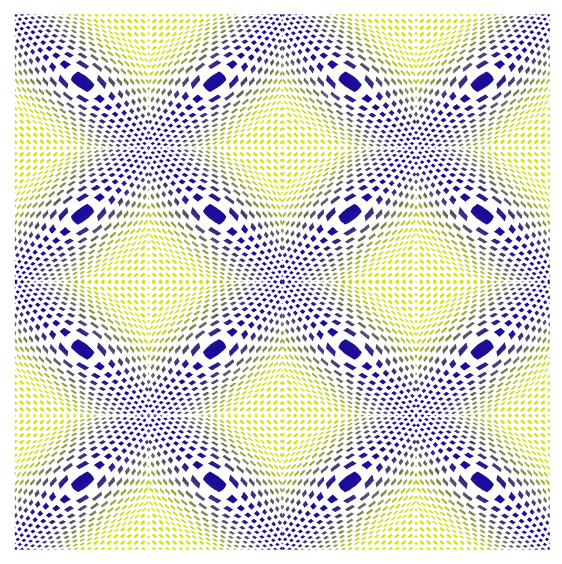
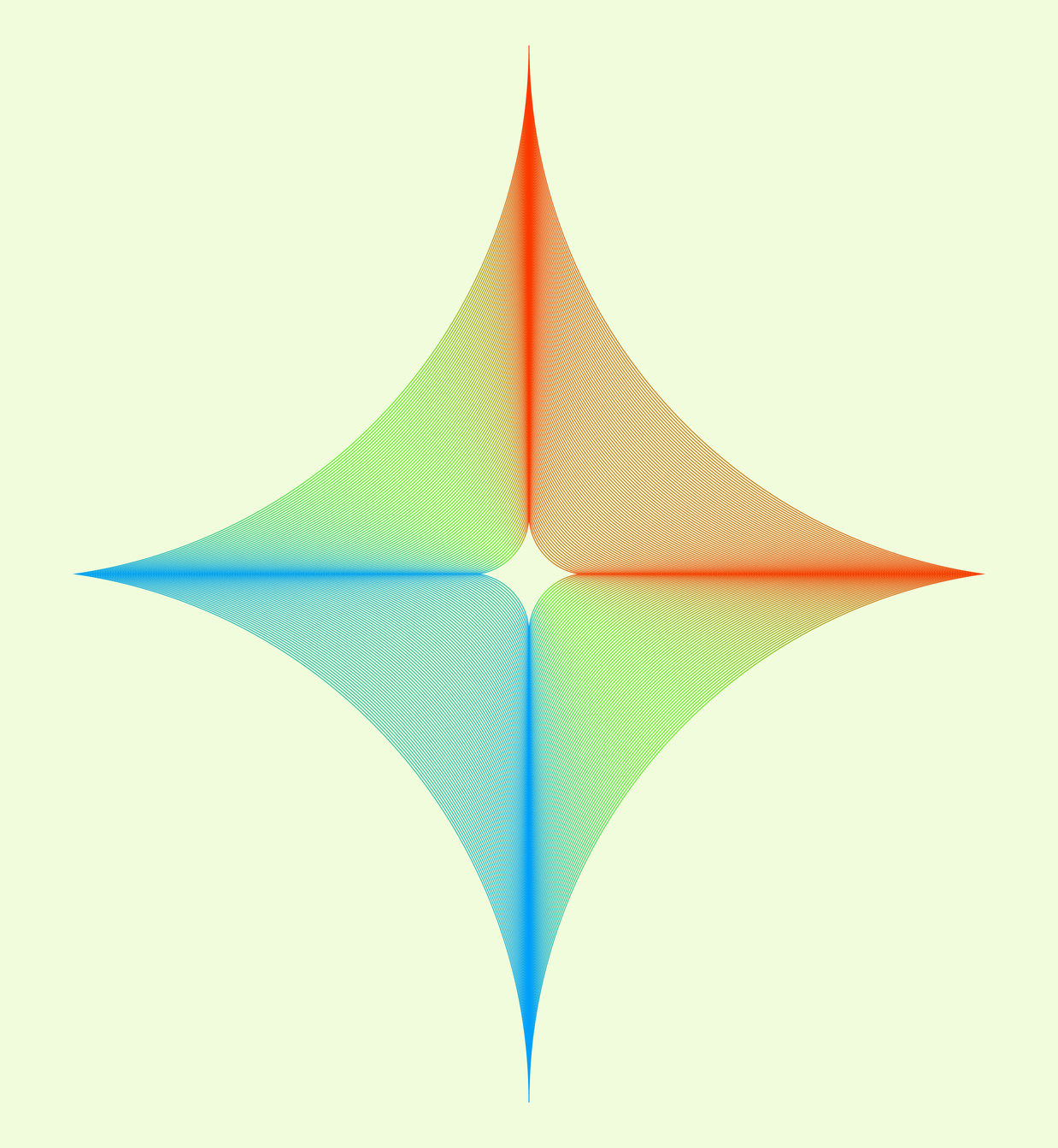
                  The design was created using Nodebox (which is free).
                  I tried to copy and scale it within VectorStyler, but I couldn't find
                  a way that produced a good result.

                  However, the coloring was done in VectorStyler—and this is where
                  the "Style Picker Group" feature really shines. The design consists of 80 objects;
                  I created a single stroke, applied a gradient along a path, and then duplicated
                  it until I had 80 copies.

                  Finally, I grouped the design elements and the strokes, and then applied the styles
                  to the whole set using the Style Picker.
                  Curved-Polygon-1-small.png

                  Win 11
                  CPU: AMD Ryzen 5 9600X, 6-core.
                  GPU: Nvidia Geforce RTX 5070.

                  L 1 Reply Last reply Reply Quote 3
                  • L Offline
                    Li Xiao @Subpath
                    last edited by

                    @Subpath said in Just a Pattern:

                    I tried to copy and scale it within VectorStyler, but I couldn't find
                    a way that produced a good result.

                    VectorStyler can actually create this. I'll take some time to record a video

                    S 1 Reply Last reply Reply Quote 2
                    • S Offline
                      Subpath @Li Xiao
                      last edited by Subpath

                      @Li-Xiao

                      No problem, just take your time.

                      I’m very interested to see how you solve this—
                      and I imagine other users are, too.

                      In my own attempts, VectorStyler always distorts the shapes being duplicated;
                      maintaining consistent spacing between them also proves to be an issue.

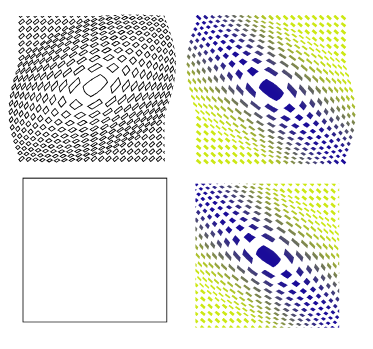
                      Here how the Result looks in Nodebox
                      curved-polygon_NB.png

                      Win 11
                      CPU: AMD Ryzen 5 9600X, 6-core.
                      GPU: Nvidia Geforce RTX 5070.

                      1 Reply Last reply Reply Quote 0
                      • L Offline
                        Li Xiao @Subpath
                        last edited by Li Xiao

                        @Subpath said in Just a Pattern:

                        curved-polygon_NB.png

                        This is quite easy, just use the Blend Tool
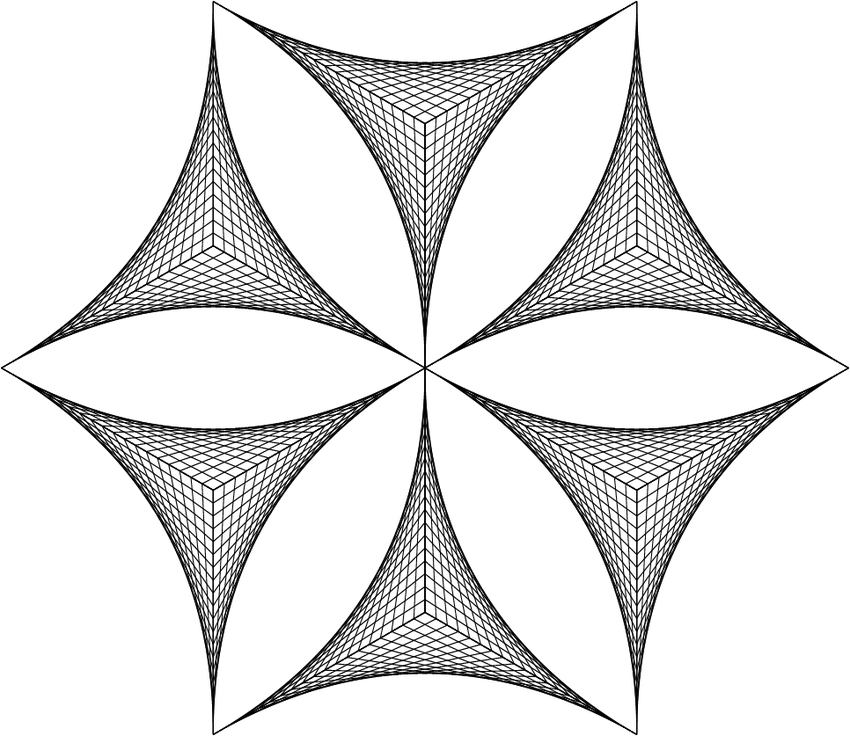
                        Linien-Hexa-3-3.png

                        This is the specific example I was referring to for the video I plan to record.

                        1 Reply Last reply Reply Quote 1
                        • First post
                          Last post