Offset Path issue with specific Silhouette and size offset combination
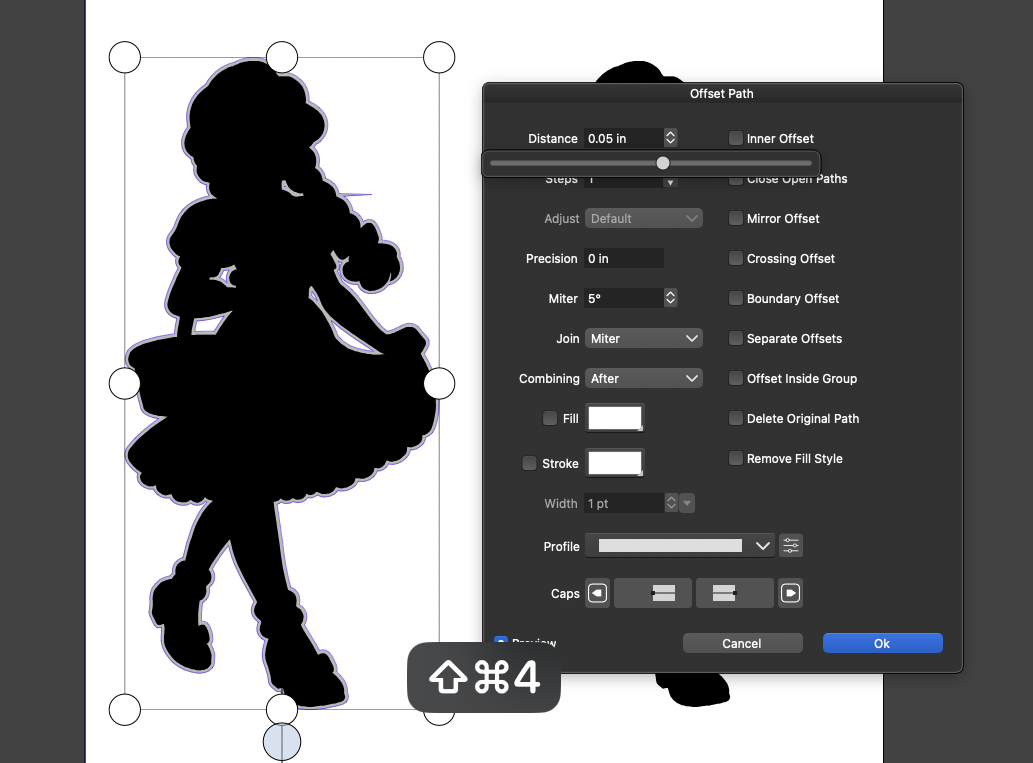
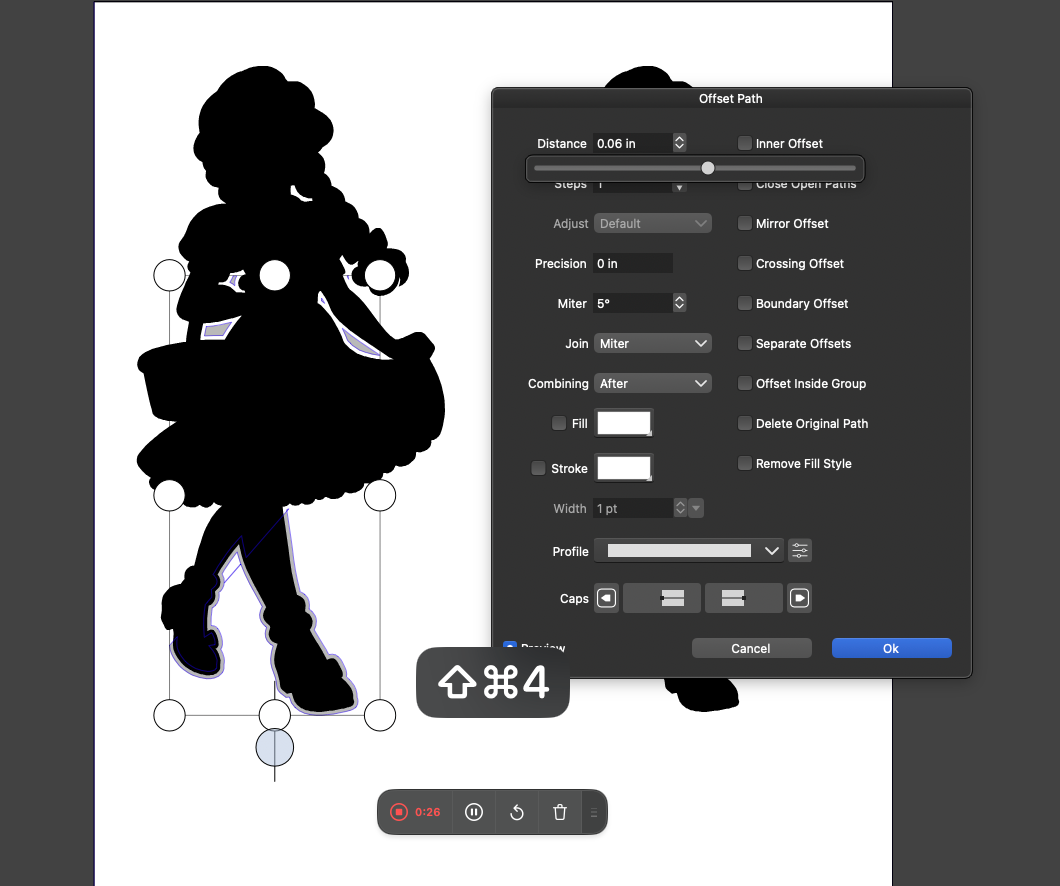
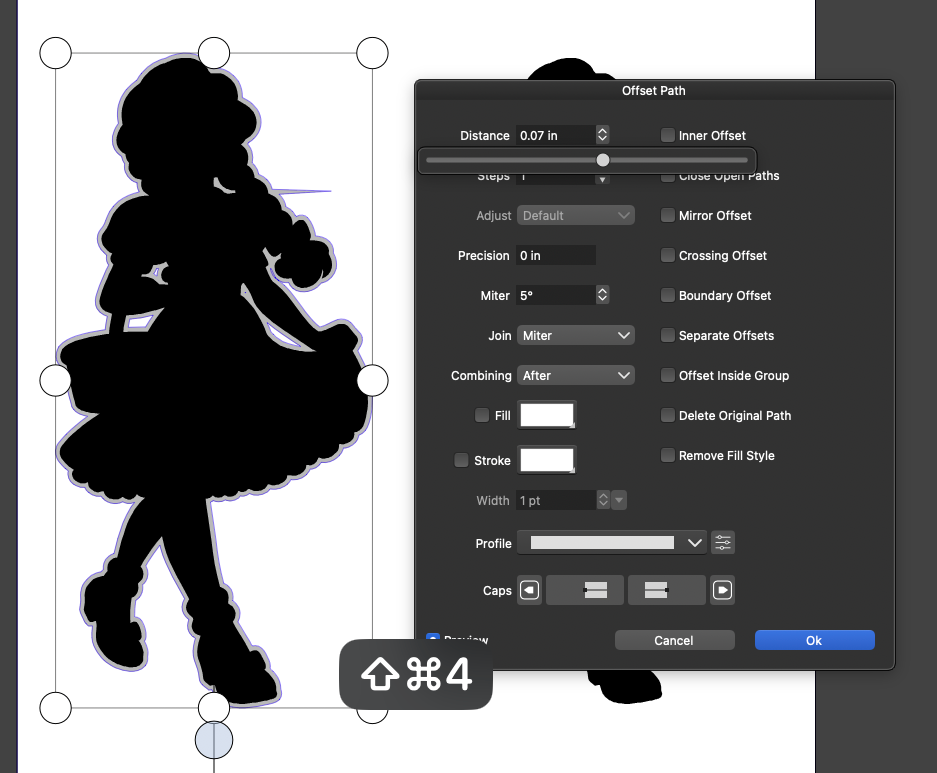
-
@Boldline I think the original shape is in not the file.
I opened a bug on this, send me the original shape if possible. Thanks! -
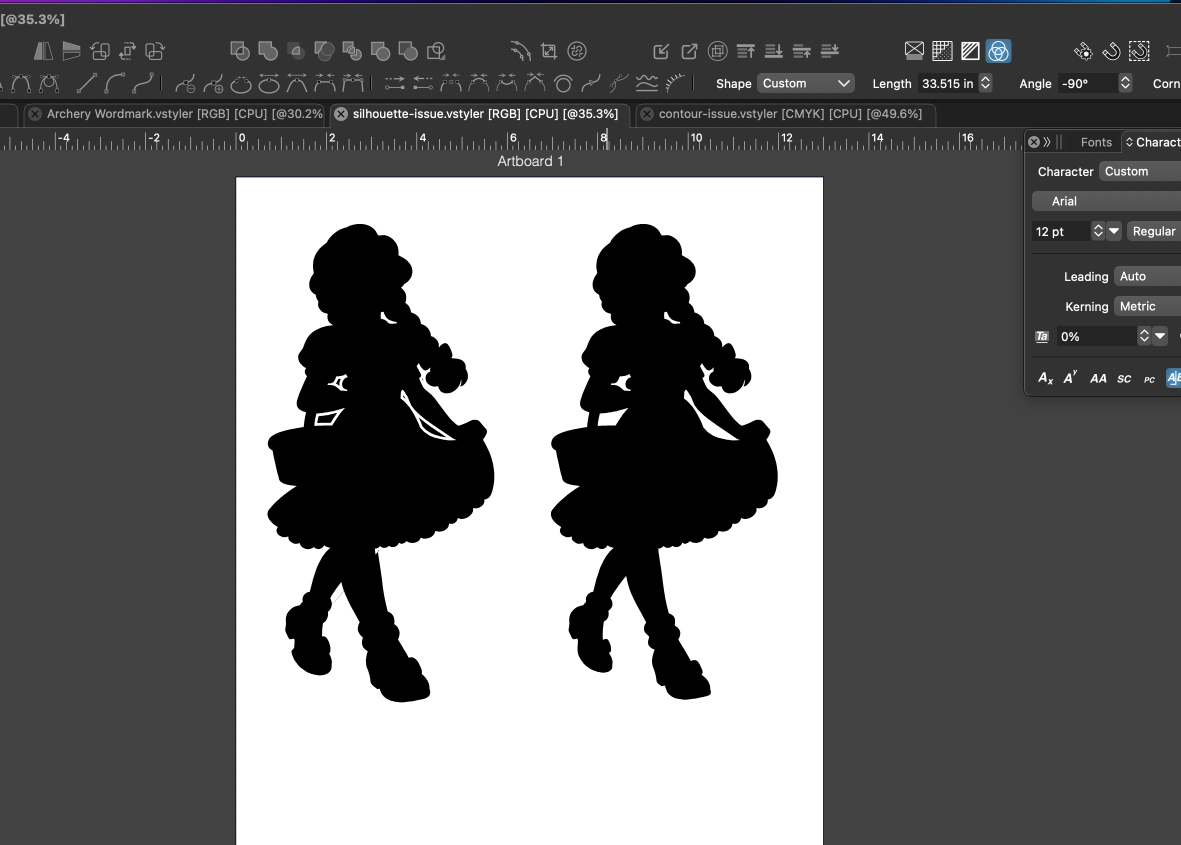
@VectorStyler i just now downloaded the VS file I had uploaded to this original post on a different computer and it loads correctly. What are you getting when you open the file?
🍎 macOS Tahoe 26.2, Mac mini (M1, 2020), Chip Apple M1, Memory 16 GB
Cintiq 27QHD Display and LG Ultra HD Display -
@Boldline Got it: I have to undo and then I get the original.
-
@Boldline Yes, for 0.06 offset I get an error here also. I will try to find a fix for this.
-
@VectorStyler I should have also clarified that I’ve version on left side has the issue active while the right side version was the original shape without an offset path
-
@Boldline
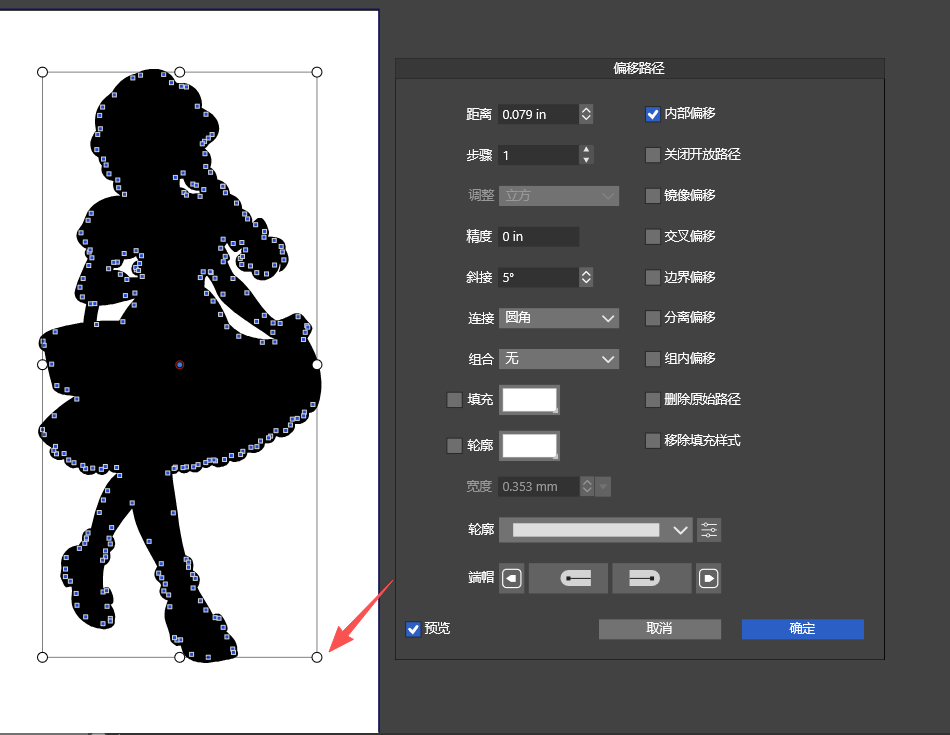
Why are these selected anchor points so large? I’ve looked everywhere and can’t find this setting. -
@monsterfox Settings -> Indicator Style -> Transform Selection Node can change this.
-
@VectorStyler
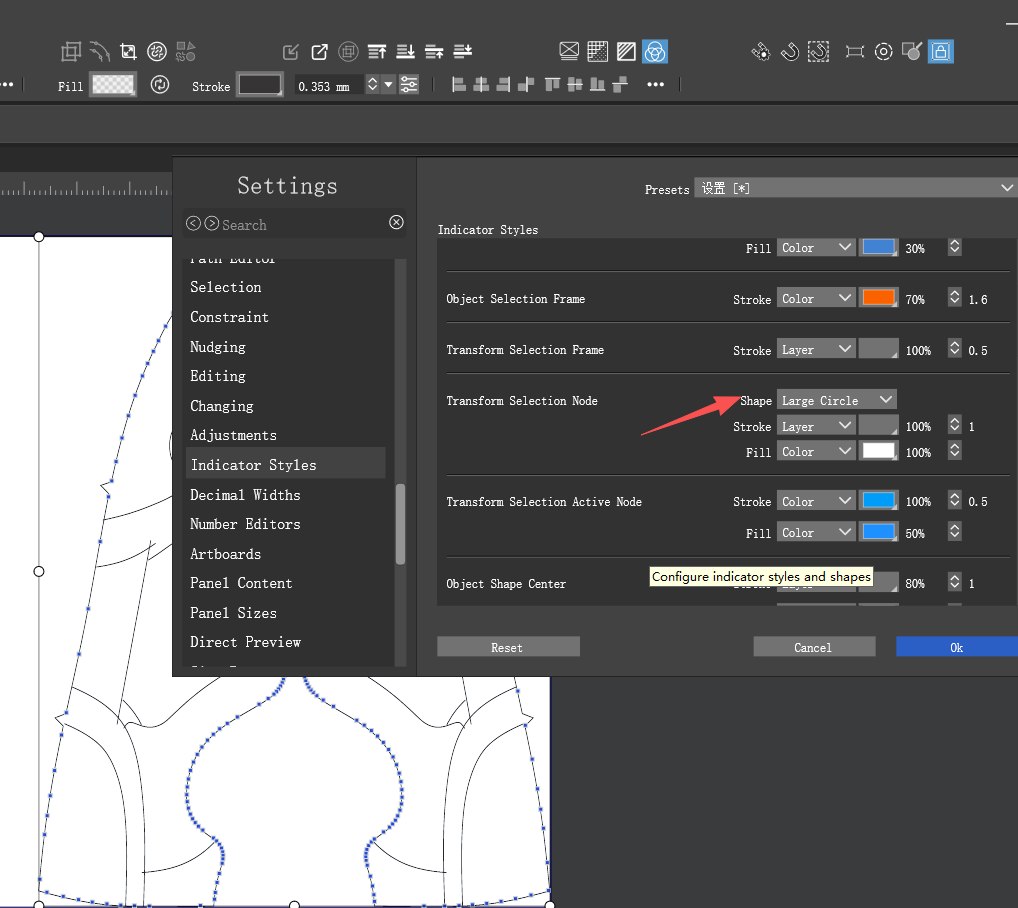
I already have the circle size set to maximum here, but it’s still 4–5 times smaller than his. -
@monsterfox Settings -> Path Editor -> Editor Node Scaling (but it will scale all node indicators)
-
@monsterfox I was playing around with sizing and settings. those were the unwanted result of some experimentation.