Bug List for Version 1.3


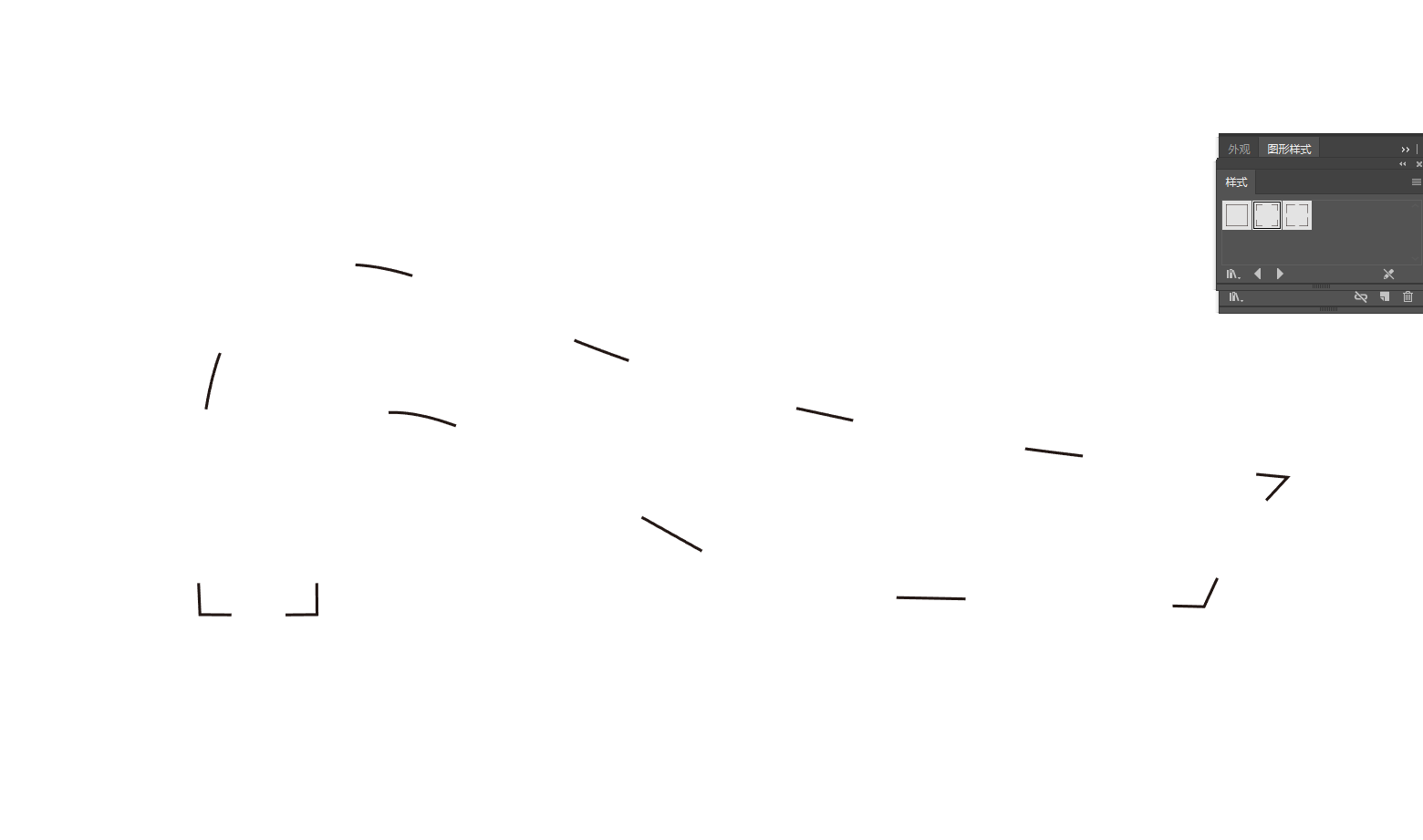
-
@VectorStyler https://youtu.be/TWGHJhvrEtw
23.vstyler
I’m not sure if it’s a file issue. I’ve tried other new files, and this tool and panel still don’t work. -
@VectorStyler https://youtu.be/wDyIBAdpCI8
3.vstylerThe dimensions obtained by clicking to select the shape are different from those by marquee‑selecting the entire graphic.
-
@monsterfox said in Bug List for Version 1.3:
The dimensions obtained by clicking to select the shape are different from those by marquee‑selecting the entire graphic.
I opened a bug on this.
-
@monsterfox said in Bug List for Version 1.3:
@VectorStyler https://youtu.be/TWGHJhvrEtw
23.vstyler
I’m not sure if it’s a file issue. I’ve tried other new files, and this tool and panel still don’t work.What tool is used in this case? I cannot see this from the video.
-
@monsterfox said in Bug List for Version 1.3:
@VectorStyler https://youtu.be/wDyIBAdpCI8
3.vstylerThe dimensions obtained by clicking to select the shape are different from those by marquee‑selecting the entire graphic.
I cannot replicate this.
What is shown in the transform panel if selecting all with Control+A ?
-
@VectorStyler
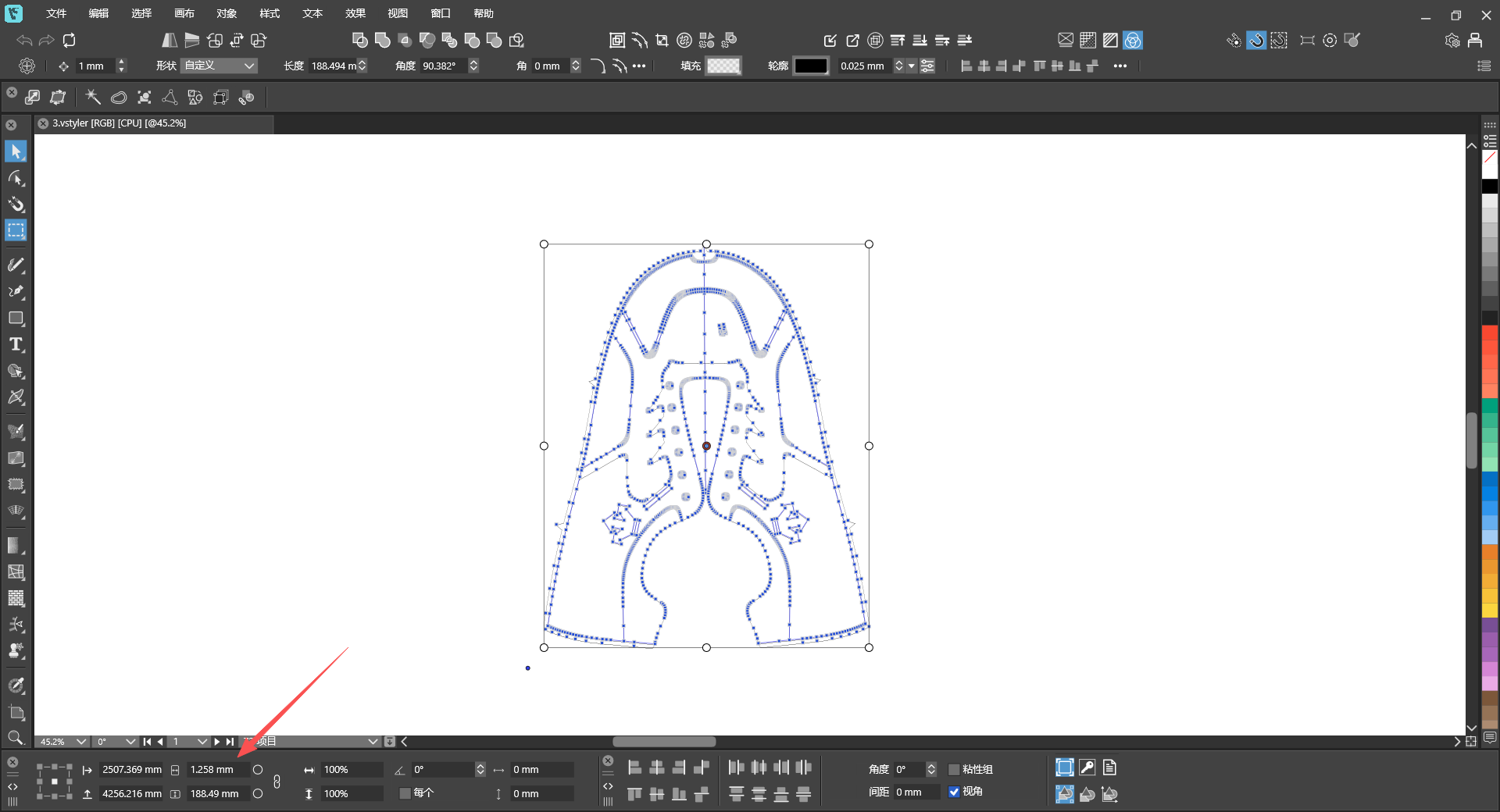
Control+ASelect all obtained dimensions -
What tool is used in this case? I cannot see this from the video.
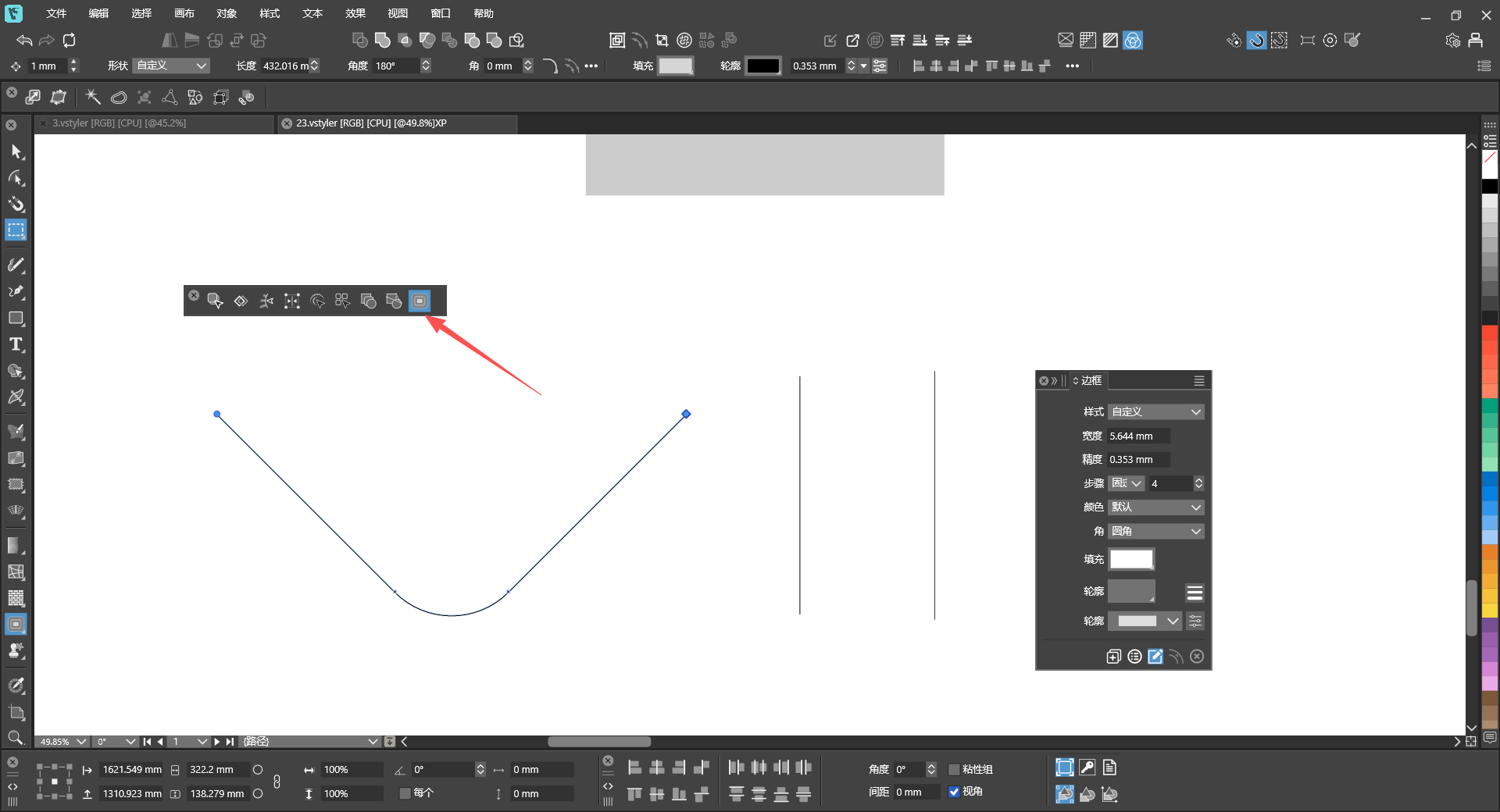
-
@VectorStyler https://youtu.be/T1P7AtA457c
混合.vstyler- Copy these two shapes to a new page, and the gray color will disappear.
- Scale down two identical shapes; one has Outline checked and the other does not, resulting in different final shapes.
- Hold Ctrl and left-click the shape, and two identical tools will appear on the top toolbar.
- This shape’s outline has a gradient fill, and with Rotate Outline enabled, the gradient colors do not rotate along with the shape.
-
@monsterfox The last attached file seems to be corrupted. Can you please send it again. Thanks!
-
@VectorStyler I’ve tried many times and cannot save this file. I can only copy it, and all saved files get corrupted. Please fix the second bug first — this issue is reproducible on your side. As for the first bug: the blend shows no effect immediately after blending, but it turns out the blend is applied when I reopen the file. Let’s leave this bug for now. The third and fourth bugs are two different issues with the same shape; I will try to send you the file later.
